If you’re juggling Google Ads, Microsoft Advertising, and Meta campaigns manually, you know how time-consuming this process can be. Switching between platforms, copying data into spreadsheets, and calculating cross-platform performance metrics is tedious and prone to human error. It’s especially frustrating when you’re trying to make data-driven decisions but spend more time organizing data than analyzing it.
The Manual Way (And Why It Breaks)
Most developers and marketers who manage multi-platform campaigns end up doing the same repetitive tasks: downloading CSV files from each platform, importing them into Excel, aligning column names, and manually calculating metrics like ROAS, CPA, and CTR. This process is not only slow but also error-prone. If one platform exports a different date format or uses inconsistent naming conventions, you’re left debugging spreadsheets late into the night. Even worse, hitting API rate limits or dealing with platform-specific quirks can block your workflow entirely.
The Python Approach
Here’s a simplified version of what a Python script might look like to merge and analyze campaign data:
import pandas as pd
from pathlib import Path

# Load data from multiple CSV sources
google_df = pd.read_csv('google_ads_data.csv')
meta_df = pd.read_csv('meta_ads_data.csv')

# Normalize column names
google_df = google_df.rename(columns={
    'Clicks': 'clicks',
    'Cost': 'cost',
    'Conversions': 'conversions'
})
meta_df = meta_df.rename(columns={
    'Clicks': 'clicks',
    'Spend': 'cost',
    'Conversions': 'conversions'
})

# Combine datasets
combined_df = pd.concat([google_df, meta_df], ignore_index=True)

# Add calculated metrics
combined_df['ctr'] = combined_df['clicks'] / combined_df['impressions'] * 100
combined_df['cpc'] = combined_df['cost'] / combined_df['clicks']
combined_df['roas'] = combined_df['revenue'] / combined_df['cost']

# Save result
combined_df.to_csv('unified_campaign_report.csv', index=False)
This code combines data from two platforms, standardizes column names, and calculates basic KPIs. It works for simple scenarios but falls short when dealing with multiple platforms, missing data, or inconsistent column names. You’d have to write similar logic for each platform, and error handling is minimal.
What the Full Tool Handles
The full PPC Campaign Performance Analyzer takes care of all the edge cases that make manual analysis a nightmare:
- Merges data from Google Ads, Microsoft Ads, and Meta with minimal setup
- Automatically detects and warns of missing or mismatched columns
- Normalizes date formats, currency, and column names across platforms
- Supports filtering by date range, campaign name, or status
- Provides output in JSON, CSV, and Markdown formats
- Includes a command-line interface for easy automation
- Handles large datasets without memory crashes or data loss
Running It
The tool is run from the command line like this:
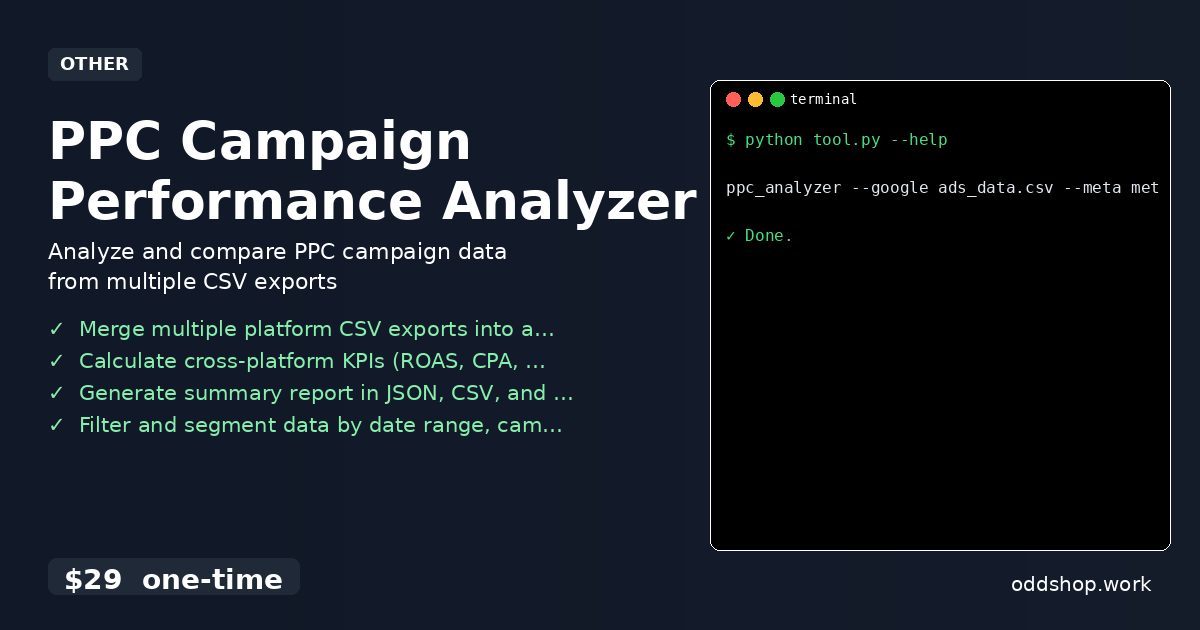
ppc_analyzer --google ads_data.csv --meta meta_data.csv --output report.json
You can specify one or more campaigns using flags like --microsoft, --output-format markdown, or --start-date 2024-01-01. The output is a structured file (JSON by default) that includes all key metrics and campaign insights, ready for dashboards or further analysis.
Results
You save hours each week that would otherwise be spent copying and calculating data. The tool generates a unified report in minutes, with all KPIs and insights ready for decision-making. Whether you’re an agency managing dozens of clients or a marketer tracking your own campaigns, this tool eliminates the manual overhead and reduces errors.
Get the Script
If you’ve ever found yourself copying data across platforms and manually computing the same metrics, you already know how much time this wastes. This tool is a polished, production-ready version of what you just saw in code. At just $29, you get a complete solution that works across Windows, Mac, and Linux.
Download PPC Campaign Performance Analyzer →
$29 one-time. No subscription. Works on Windows, Mac, and Linux.
Built by OddShop — Python automation tools for developers and businesses.