If you’re managing campaigns across Google Ads, Microsoft Advertising, and Meta, you know how tedious it is to manually compare performance data. Each platform has its own CSV export format, and even when you do get the data in one place, normalizing KPIs like ROAS and CPA across platforms is a time sink. It’s easy to miss trends or make incorrect conclusions when data is scattered across spreadsheets.
The Manual Way (And Why It Breaks)
Most marketers who manage multiple platforms end up copying and pasting data into Excel sheets, spending hours aligning columns and calculating metrics by hand. Some try to use the APIs directly, but hit rate limits and deal with inconsistent field names across platforms. You quickly realize that even a simple task like comparing campaign performance by date range becomes a headache with 3+ data sources.
The Python Approach
Here’s how you might automate a portion of that work with Python:
import pandas as pd

# Load data from each platform
google_df = pd.read_csv('google_ads_data.csv')
meta_df = pd.read_csv('meta_ads_data.csv')

# Normalize column names
google_df.rename(columns={'Clicks': 'clicks', 'Cost': 'cost'}, inplace=True)
meta_df.rename(columns={'impressions': 'impressions', 'spend': 'cost'}, inplace=True)

# Merge on common column, e.g., campaign name or date
merged_df = pd.merge(google_df, meta_df, on='campaign_name', how='outer', suffixes=('_google', '_meta'))

# Calculate key metrics
merged_df['roas'] = merged_df['conversion_value'] / merged_df['cost']
merged_df['cpa'] = merged_df['cost'] / merged_df['conversions']

# Save report
merged_df.to_csv('unified_campaign_report.csv')
This code demonstrates merging and calculating metrics from two platforms. However, it assumes consistent column names, doesn’t handle missing data or platform-specific formats, and lacks error handling. Scaling this to include Microsoft Ads or more complex filtering would quickly become unwieldy.
What the Full Tool Handles
The full PPC Campaign Performance Analyzer solves those limitations by:
- Automatically detecting and normalizing columns from each platform
- Handling missing or mismatched column names
- Supporting multiple input formats and data types
- Providing a clean CLI interface with output options in JSON, CSV, and Markdown
- Detecting data anomalies and alerting on missing required fields
- Allowing filtering by date range, campaign name, or status
Running It
To use the tool, run a command like:
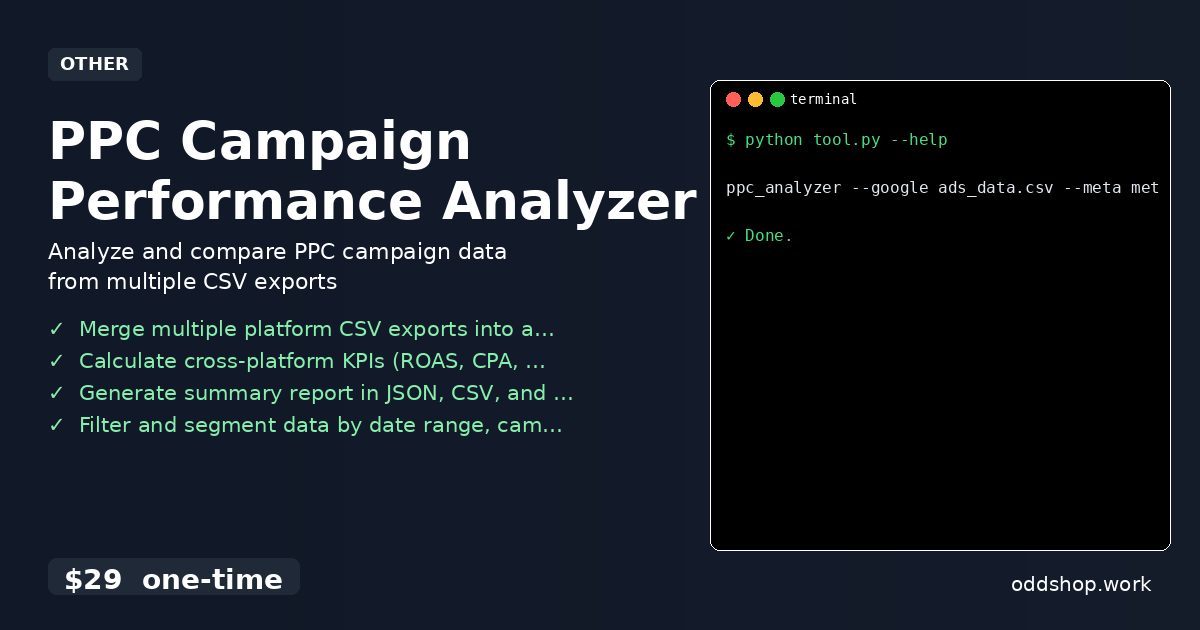
ppc_analyzer --google ads_data.csv --meta meta_data.csv --output report.json
You can also provide Microsoft Ads data with --microsoft. The tool accepts multiple inputs and outputs a unified report in your chosen format. Optional flags like --start-date and --end-date help filter data, and --status lets you focus on active campaigns.
Results
The tool delivers a single, clean performance report in seconds — no more hours spent on spreadsheets. You get a JSON, CSV, or Markdown file that includes aggregated metrics across platforms. It saves you from having to manually restructure data or guess why your numbers don’t add up.
Get the Script
If you want to skip the build and get a polished version of this automation, try the PPC Campaign Performance Analyzer. It handles all the edge cases and formats so you can focus on insights, not data prep.
Download PPC Campaign Performance Analyzer →
$29 one-time. No subscription. Works on Windows, Mac, and Linux.
Built by OddShop — Python automation tools for developers and businesses.