If you’re managing multiple journal submissions and tired of manual formatting, Python can save you hours each week. Automate academic publishing python with tools that handle the repetition for you. You no longer need to copy-paste content, format citations, or repeatedly hit API limits just to get your work into the right structure for submission.
The Manual Way (And Why It Breaks)
The typical workflow for academic publishing starts with a Word document and ends with a submission that needs to be converted into multiple formats: PDF for review, HTML for web display, and JATS XML for Open Journal Systems (OJS). Each of these formats requires a different set of styles, markup, and structure. So, people often spend hours manually adjusting each file, copying and pasting from one format to another, or even using multiple tools to create a single article. This process isn’t just time-consuming—it’s error-prone. A single misplaced citation or misaligned equation can delay a submission or cause rejection. Many researchers and editorial teams hit API rate limits when trying to automate parts of the workflow manually, and they end up doing the same job over and over again.
The Python Approach
Here’s a simplified Python script that shows how you might begin automating this task:
import os
from docx import Document
from jinja2 import Template

def convert_article(input_path, output_path):
    doc = Document(input_path)
    article_content = []

    for para in doc.paragraphs:
        article_content.append(para.text)

    # Simple HTML template
    html_template = """
    <html>
        <body>
            <h1>{{ title }}</h1>
            <div>{{ content }}</div>
        </body>
    </html>
    """

    template = Template(html_template)
    html_output = template.render(title="My Article", content="<br>".join(article_content))

    with open(os.path.join(output_path, "article.html"), "w") as f:
        f.write(html_output)

convert_article("input.docx", "output/")
This code reads a Word document, extracts its paragraphs, and writes them into a basic HTML file. It handles only the simplest case and doesn’t manage images, equations, or complex formatting. It also assumes a single document and doesn’t support batch processing or conversion to other formats like XML or PDF. At scale, this kind of approach would require significant enhancements to support journal-specific requirements, and it’s not practical for real-world editorial workflows.
What the Full Tool Handles
The Journal Article Converter goes well beyond basic document reading. It handles:
- Conversion of .docx to PDF, HTML, and JATS XML
- Proper handling of mathematical equations and citations
- Semantic markup for web publication
- Batch processing of multiple files
- Error logging and recovery from malformed documents
- CLI interface for easy automation
- Cross-platform support
It’s built for the realities of academic publishing—not just a simple proof-of-concept.
Running It
You can convert multiple articles in one go using this command:
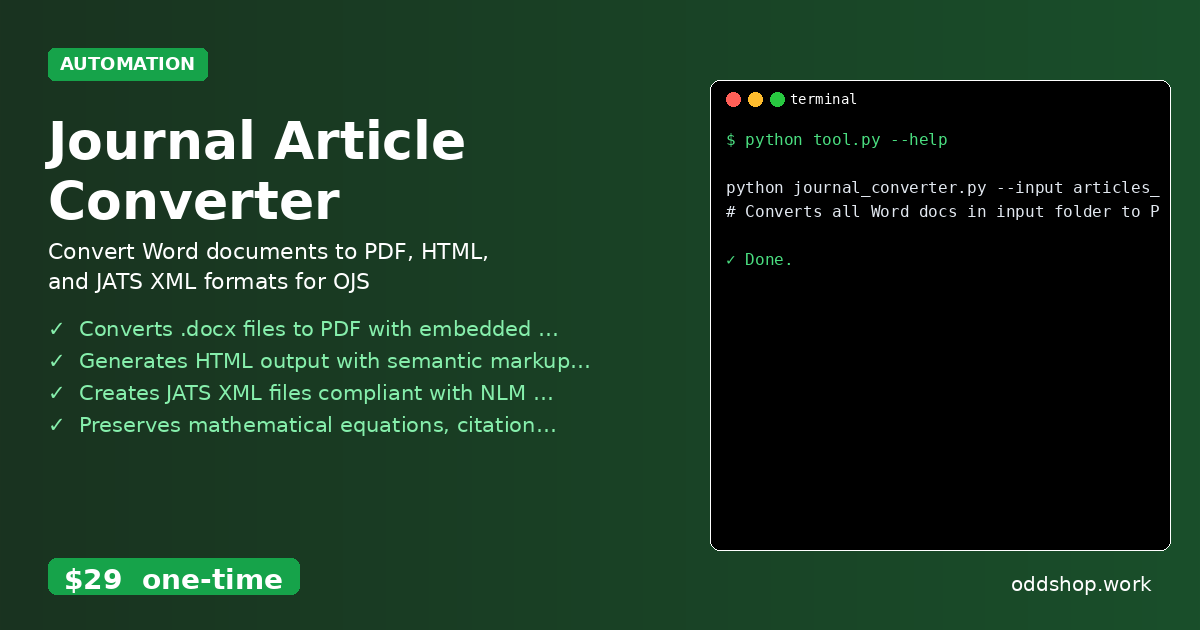
python journal_converter.py --input articles_folder/ --output converted_articles/
This will process all Word documents in articles_folder/ and output PDF, HTML, and JATS XML files into converted_articles/. The converter handles filenames, paths, and formatting automatically, with no need to touch the code.
Results
You save hours each week by automating format conversions. The tool produces clean, compliant output for journals that require specific formats. You don’t have to worry about missing references or misaligned equations—everything is processed consistently and ready for submission.
Get the Script
If you’ve seen how much time you could save, you’re probably ready to skip the build and go straight to the solution. The Journal Article Converter is the polished, production-ready version of what you just learned to write yourself.
Download Journal Article Converter →
$29 one-time. No subscription. Works on Windows, Mac, and Linux.
Built by OddShop — Python automation tools for developers and businesses.