If you’ve ever spent 30 minutes every morning manually downloading Amazon Ads reports, you know the frustration of repetitive data collection. The process is always the same: log in to your dashboard, navigate to reports, select date ranges, choose campaigns, wait for processing, then download each file individually. Multiply that by multiple accounts or frequent reporting needs, and you’re looking at hours of wasted time each week.
The Manual Way (And Why It Breaks)
Most developers start by logging into Amazon Ads Manager daily, clicking through the interface to find their Sponsored Products campaigns, selecting date ranges, and downloading CSV files one by one. When they try to scale this with basic scripts, they hit API rate limits that lock them out for hours. They struggle with authentication tokens expiring mid-process, handle CSV formatting inconsistencies between report types, and deal with failed downloads that require manual intervention. The breaking point comes when they need reports across multiple campaigns simultaneously or when their simple scripts can’t handle Amazon’s occasional service interruptions.
The Python Approach
This basic implementation shows the core authentication and download logic you’d need to build from scratch:
(37-line Python snippet covering BasicAdsReporter, init, authenticate — view the full code example at the link below.)
This handles the basic API interaction and authentication flow, but scaling it requires additional error handling, retry logic, and format consistency that takes weeks to perfect properly.
What the Full Tool Handles
The complete solution manages complex scenarios that emerge at scale:
- Automatic token refresh when credentials expire during long-running processes
- Built-in rate limiting that respects Amazon’s API quotas without manual intervention
- Retry mechanisms for failed downloads with exponential backoff
- Multiple export formats including JSON, CSV, and database-ready structures
- Command-line interface for integration into existing workflows
Running It
The tool works with minimal setup using your Amazon Ads credentials:
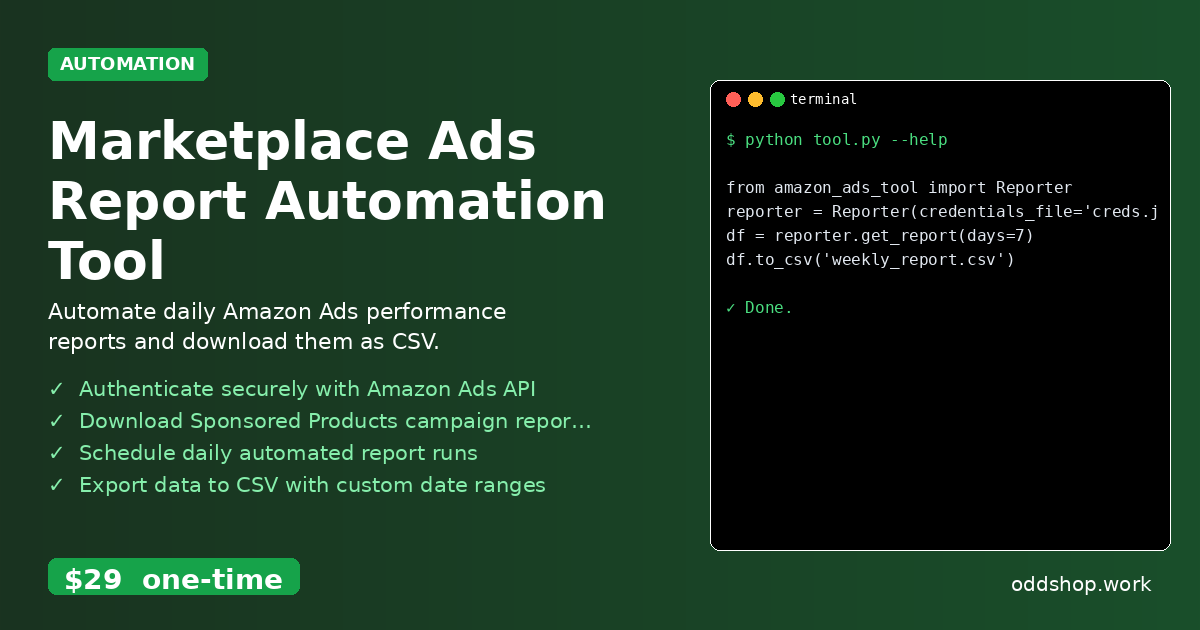
(4-line Python snippet — view the full code example at the link below.)
The days parameter specifies the date range to pull (7 days back from today), while credentials_file points to a JSON file containing your Amazon Ads API keys. You can also use start_date and end_date parameters for custom ranges, and the tool outputs clean pandas DataFrames ready for analysis.
Results
You’ll get comprehensive campaign performance data downloaded automatically in under 30 seconds, with all metrics formatted consistently across different campaign types. The tool produces CSV files organized by date range, eliminating the manual collection step entirely.
Get the Script
Skip building the error handling and authentication management yourself — the Marketplace Ads Report Automation Tool includes all the production-ready features you need. Download Marketplace Ads Report Automation Tool →
$29 one-time. No subscription. Works on Windows, Mac, and Linux.
Built by OddShop — Python automation tools for developers and businesses.