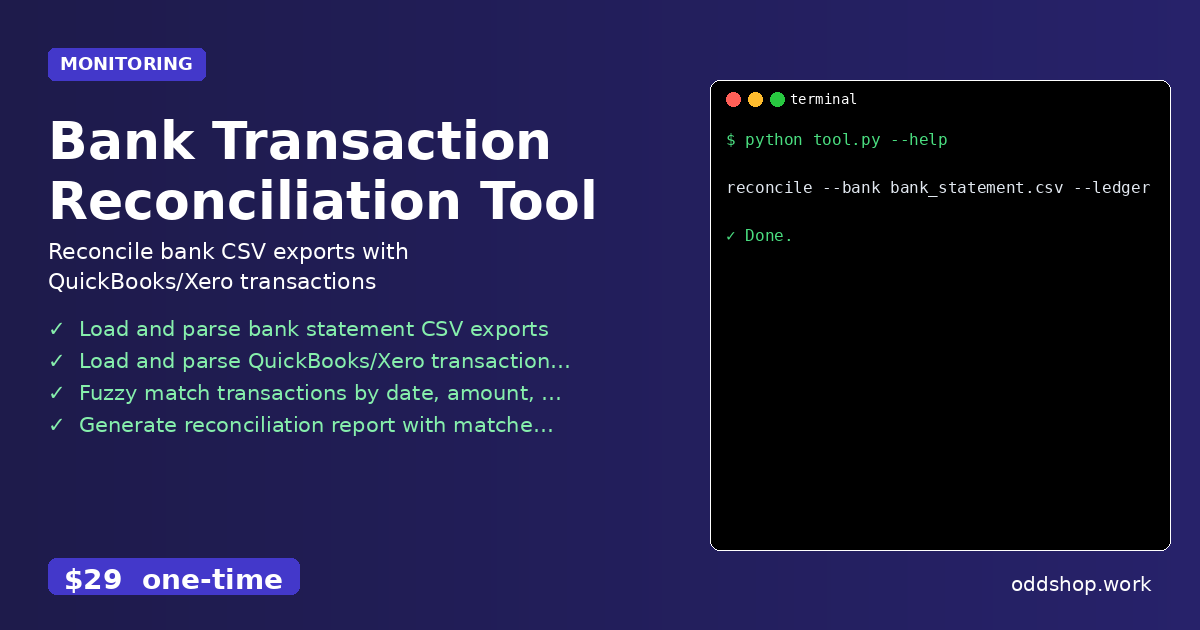
Manual bank reconciliation can take hours every month—learn how to automate this tedious task with Python. Every business owner knows the frustration of matching transactions across bank statements and accounting software. It’s a repetitive, error-prone process that eats up valuable time. If you’ve ever spent an afternoon cross-referencing rows in Excel, you know exactly what we’re talking about.
The Manual Way (And Why It Breaks)
Most people handle reconciliation manually by copying and pasting data between spreadsheets, or by exporting CSV files and using Excel’s “find and replace” or “conditional formatting” features. For small businesses, this might be manageable—but as the volume of transactions grows, so do the chances for mistakes. And with no built-in way to compare date, amount, and description fields across datasets, even the smallest discrepancy can go unnoticed.
Additionally, if you’re using accounting software like QuickBooks or Xero, you often have to export data separately and then match it with your bank statements by hand. This usually involves countless clicks, dragging, and dropping, with little help from software to validate matches. Manual reconciliation not only takes hours but also increases the risk of financial errors that can lead to audit issues down the road.
The Python Approach
Here’s a simplified version of how you could start automating this process in Python. This example compares two CSV files: one from a bank statement and one from an accounting system.
import csv
from difflib import SequenceMatcher

def load_transactions(filepath):
    transactions = []
    with open(filepath, newline='', encoding='utf-8') as f:
        reader = csv.DictReader(f)
        for row in reader:
            transactions.append({
                'date': row['Date'],
                'amount': float(row['Amount']),
                'description': row['Description']
            })
    return transactions

def fuzzy_match(t1, t2):
    return SequenceMatcher(None, t1['description'], t2['description']).ratio() > 0.8

def reconcile(bank_txns, ledger_txns):
    matched = []
    unmatched = []
    for b in bank_txns:
        found = False
        for l in ledger_txns:
            if (b['date'] == l['date'] and
                abs(b['amount'] - l['amount']) < 1.0 and
                fuzzy_match(b, l)):
                matched.append((b, l))
                found = True
                break
        if not found:
            unmatched.append(b)
    return matched, unmatched

bank = load_transactions('bank_statement.csv')
ledger = load_transactions('quickbooks_export.csv')
matched, unmatched = reconcile(bank, ledger)

print(f"Matched: {len(matched)}, Unmatched: {len(unmatched)}")
This script reads two CSV files, normalizes transaction data, and uses fuzzy matching to compare descriptions. It then pairs matched entries and lists unmatched ones. While this works for simple cases, it doesn’t handle edge cases like time zones, missing fields, or multiple matching transactions—problems it would take hours to debug and solve manually.
What the Full Tool Handles
The Bank Transaction Reconciliation Tool handles all of the complexities that make manual or basic automation scripts fall short.
- Supports multiple input formats (CSV, Excel) from QuickBooks, Xero, and bank exports.
- Handles time zone differences and date formatting inconsistencies.
- Includes a CLI interface for easy batch processing.
- Outputs clean, formatted reconciliation reports with matched and unmatched items.
- Offers export options for further review or integration with accounting tools.
Running It
Once installed, the tool can be used from the command line like this:
reconcile --bank bank_statement.csv --ledger quickbooks_export.csv --output report.csv
You can specify the bank file with --bank, the accounting export with --ledger, and where to save the report with --output. The tool processes both files, checks for matches, and generates a clear report you can review.
Results
After running the script, you’ll have a CSV report showing matched and unmatched transactions. It saves you hours of manual work and gives you a clear audit trail of what was reconciled and what needs attention. No more sifting through spreadsheets or hoping your fuzzy logic caught everything.
Get the Script
If you want to skip the build and get something that works reliably, the full tool is available for $29. It’s the polished version of what you just read—ready for real-world use.
Download Bank Transaction Reconciliation Tool →
$29 one-time. No subscription. Works on Windows, Mac, and Linux.
Built by OddShop — Python automation tools for developers and businesses.