Every eBay seller knows how tedious it is to manually leave feedback for dozens of buyers after each sale. The process is slow, error-prone, and eats up valuable time that could be spent growing your business. If you’re doing this by hand, you’re probably copying and pasting, clicking through forms, or using spreadsheets — all of which are inefficient and unreliable.
The Manual Way (And Why It Breaks)
Without automation, sellers often fall back on manual processes that quickly become unwieldy. They’ll open each order in their eBay account, find the buyer, type out generic feedback, and click submit. For sellers with high volume, this can mean spending hours just on feedback. There are also risks: typos, missed orders, or accidentally submitting duplicate feedback. Some sellers try to batch this in spreadsheets, but that doesn’t scale beyond a dozen orders. And if you’re hitting eBay’s API limits or trying to automate it yourself through scripts, the complexity quickly grows — especially when handling errors, rate limits, and keeping logs.
The Python Approach
Here’s how you might tackle this with a basic Python script:
import csv
import time
import requests

# Dummy API endpoint — real usage would use eBay's Sell Fulfillment API
API_URL = "https://api.ebay.com/buy/feedback"

# Read CSV and submit feedback
with open('orders.csv', newline='') as csvfile:
    reader = csv.DictReader(csvfile)
    for row in reader:
        order_id = row['order_id']
        buyer = row['buyer_username']
        item = row['item_title']
        feedback_text = f"Thanks for buying {item}, {buyer}! Great experience."

        payload = {
            'order_id': order_id,
            'feedback': feedback_text
        }

        # Simulated API call
        response = requests.post(API_URL, json=payload, headers={'Authorization': 'Bearer TOKEN'})

        if response.status_code == 200:
            print(f"Feedback submitted for {buyer}")
        else:
            print(f"Failed for {buyer}: {response.status_code}")

        time.sleep(1)  # Respect rate limits
This code reads a CSV file, builds a feedback message, and sends it to an endpoint. It’s a simple start, but it lacks error handling, logging, or support for bulk submission. It won’t scale well with many orders, and without a proper API token setup, it doesn’t connect to eBay directly.
What the Full Tool Handles
The Ecommerce Feedback Automation Tool improves on basic scripts in several key ways:
- Error handling — It logs failed submissions and provides retry logic
- Rate limit awareness — Automatically adjusts delays to prevent API throttling
- Flexible input — Accepts CSV, Excel, or JSON formats
- Customizable templates — Supports variables like buyer name, item title, and order ID
- CLI interface — Simple command-line usage with clear flags
- Audit logs — Generates a detailed log file after each run
Running It
Using the full tool is simple:
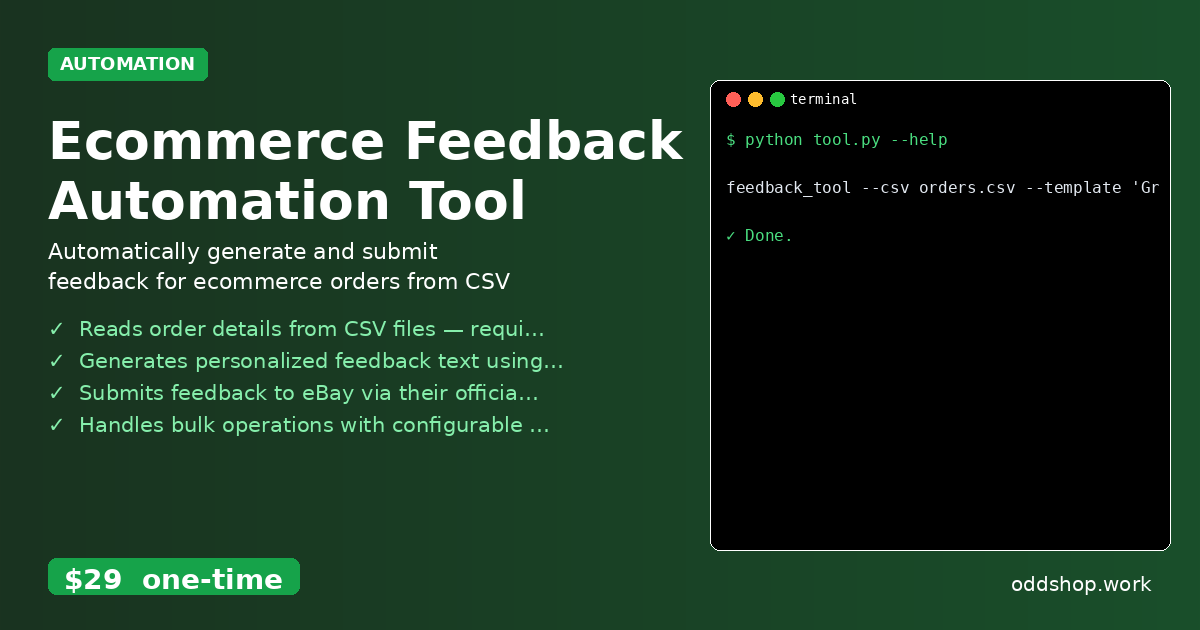
feedback_tool --csv orders.csv --template 'Great buyer, fast payment!' --token YOUR_EBAY_TOKEN
The --csv flag tells it where to find your orders, the --template sets the feedback message (you can use placeholders like {buyer} or {item}), and --token is your eBay API key. The tool will process the file, submit feedback for each buyer, and generate a log file for review.
Results
After running the script, you save hours of manual work. The tool processes all your orders and produces a results log, showing which submissions succeeded or failed. It eliminates the chance of missing an order or making a typo — leaving you more time to focus on selling.
Get the Script
If you want to automate this without the setup, skip the build and use the full tool. It’s a polished solution that handles all the edge cases you’d encounter when building from scratch.
Download Ecommerce Feedback Automation Tool →
$29 one-time. No subscription. Works on Windows, Mac, and Linux.
Built by OddShop — Python automation tools for developers and businesses.