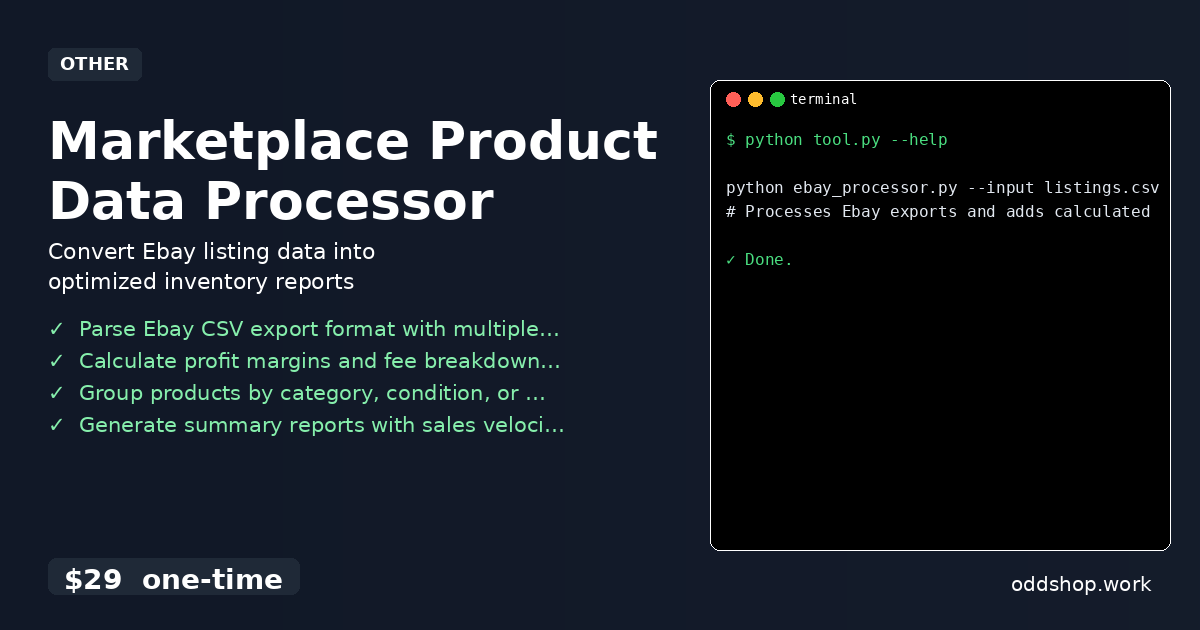
If you’re manually creating Ebay inventory reports every week, this Python automation will save you countless hours. You’re probably copying data from Ebay’s seller hub, pasting it into spreadsheets, calculating margins by hand, and repeating the process. That’s not just time-consuming — it’s error-prone and drains your energy from tasks that should be automated.
The Manual Way (And Why It Breaks)
Most sellers who want inventory reports end up manually downloading CSV files from Ebay, then using Excel or Google Sheets to process the data. This often means copying and pasting rows, using formulas to compute profit margins and fees, and double-checking numbers — a process that can take hours for even a modest inventory. If you’re running multiple listings, or if you’re trying to track sales velocity and price trends, the work multiplies quickly. You might hit rate limits trying to fetch data directly from Ebay’s APIs, or your spreadsheets might break when new columns are added.
What’s worse, these manual steps make it easy to overlook discrepancies. Small errors compound over time, and it becomes harder to spot trends or make quick, data-driven decisions. You can’t rely on outdated reports, and you’re stuck doing the same routine week after week — a perfect recipe for burnout.
The Python Approach
Here’s a simplified version of how you could approach this with Python. It reads in a typical Ebay CSV export and calculates a few key metrics:
import csv

def process_ebay_inventory(input_file, output_file):
    with open(input_file, 'r') as infile, open(output_file, 'w', newline='') as outfile:
        reader = csv.DictReader(infile)
        fieldnames = reader.fieldnames + ['Profit_Margin', 'Net_Profit']
        writer = csv.DictWriter(outfile, fieldnames=fieldnames)

        writer.writeheader()
        for row in reader:
            try:
                price = float(row['Price'])
                cost = float(row['Item Cost'])
                fee = float(row['Final Value Fee']) if row['Final Value Fee'] else 0
                net = price - cost - fee
                margin = (net / price) * 100 if price > 0 else 0
                row['Net_Profit'] = round(net, 2)
                row['Profit_Margin'] = round(margin, 2)
                writer.writerow(row)
            except (ValueError, KeyError):
                # Skip invalid or missing data
                continue

# Usage
process_ebay_inventory('listings.csv', 'report.csv')
This script reads in a CSV of listings, calculates net profit and profit margin, and writes a new file with those values included. It’s simple, but it assumes clean data and doesn’t handle edge cases like missing fees or invalid values well. For larger datasets or regular use, it would need more robust error handling.
What the Full Tool Handles
The Marketplace Product Data Processor handles what this snippet doesn’t:
- Processes multiple Ebay export formats with flexible column mapping
- Automatically detects and handles missing or malformed data
- Offers support for multiple fee structures and custom calculations
- Includes a clean CLI interface with flags for output options
- Produces structured, ready-to-use CSV reports with summary metrics
- Applies consistent formatting and validations across all rows
Running It
Once you’ve downloaded the tool, you can run it like this:
python ebay_processor.py --input listings.csv --output report.csv --fees
# Processes Ebay exports and adds calculated profit margins
The --input flag provides the path to your Ebay CSV export. The --output specifies where the cleaned report will go. The --fees flag enables calculation of final value fees in the profit margin computations. You can also choose to group items by category, condition, or price range for better business insights.
Results
You get a clean, standardized CSV with profit margins, fees, and other calculated values. No more messy spreadsheets or hours of manual work. The tool produces all the data you need to understand your inventory performance — from item-level profitability to sales velocity, all in one clean report.
Get the Script
If this approach feels like the right direction but you don’t want to build it yourself, the Marketplace Product Data Processor is your solution. It’s a polished, no-nonsense tool that automates the whole workflow in seconds.
Download Marketplace Product Data Processor →
$29 one-time. No subscription. Works on Windows, Mac, and Linux.
Built by OddShop — Python automation tools for developers and businesses.