Stop manually exporting, cleaning, and analyzing Ebay product data — Python can automate your entire inventory workflow in minutes. If you’re managing a growing eBay business, you’ve likely spent hours copying and pasting listings, reformatting spreadsheets, and calculating margins by hand. Every time you want to check pricing trends or see which items sell fastest, you’re repeating the same tedious steps — and that’s time you could spend scaling your business.
The Manual Way (And Why It Breaks)
Most eBay sellers who aren’t using automation tools will manually export product data from their eBay account, usually in CSV format. Then they’re off to the races: open each file, clean the data, check for duplicates, and manually compute profit margins and fees. You might use Excel or Google Sheets to do the math, but even that becomes a bottleneck when you’re dealing with hundreds of listings.
There’s also the risk of human error — missing a fee, misaligning columns, or accidentally overwriting data. If you’re hitting eBay’s API limits or using third-party tools that require manual input, the whole process becomes even more fragile and slow. This cycle of repetition can quickly become a drag on productivity and profitability.
The Python Approach
Here’s a simplified version of what a Python script might look like to process eBay CSV data and compute margins:
import csv
import sys

def process_ebay_data(input_file, output_file):
    with open(input_file, mode='r', encoding='utf-8') as infile:
        reader = csv.DictReader(infile)
        results = []

        for row in reader:
            price = float(row['Price'])
            cost = float(row['Cost'])
            fees = float(row['Fees'])
            profit = price - cost - fees
            margin = (profit / price) * 100 if price > 0 else 0

            results.append({
                'Title': row['Title'],
                'Price': price,
                'Cost': cost,
                'Fees': fees,
                'Profit': profit,
                'Margin': margin
            })

    with open(output_file, mode='w', newline='', encoding='utf-8') as outfile:
        fieldnames = ['Title', 'Price', 'Cost', 'Fees', 'Profit', 'Margin']
        writer = csv.DictWriter(outfile, fieldnames=fieldnames)
        writer.writeheader()
        writer.writerows(results)

if __name__ == "__main__":
    process_ebay_data(sys.argv[1], sys.argv[2])
This script reads an eBay CSV, computes profit and margin, and writes the results to a new file. It works for basic cases but lacks error handling or support for multiple input formats. It doesn’t account for malformed rows, missing columns, or varying eBay export structures, which can cause crashes or incorrect data.
What the Full Tool Handles
The Marketplace Product Data Processor solves those issues head-on:
- Handles multiple eBay export column variations
- Gracefully manages missing or malformed data
- Supports both listing and sales history exports
- Adds summary statistics like average margin and revenue per category
- Provides a clean, standardized CSV output for reporting
- Includes optional fee calculation based on eBay’s pricing model
Instead of writing custom logic for each edge case, it’s a ready-to-use tool that handles common eBay workflows out of the box.
Running It
You can process your eBay data like this:
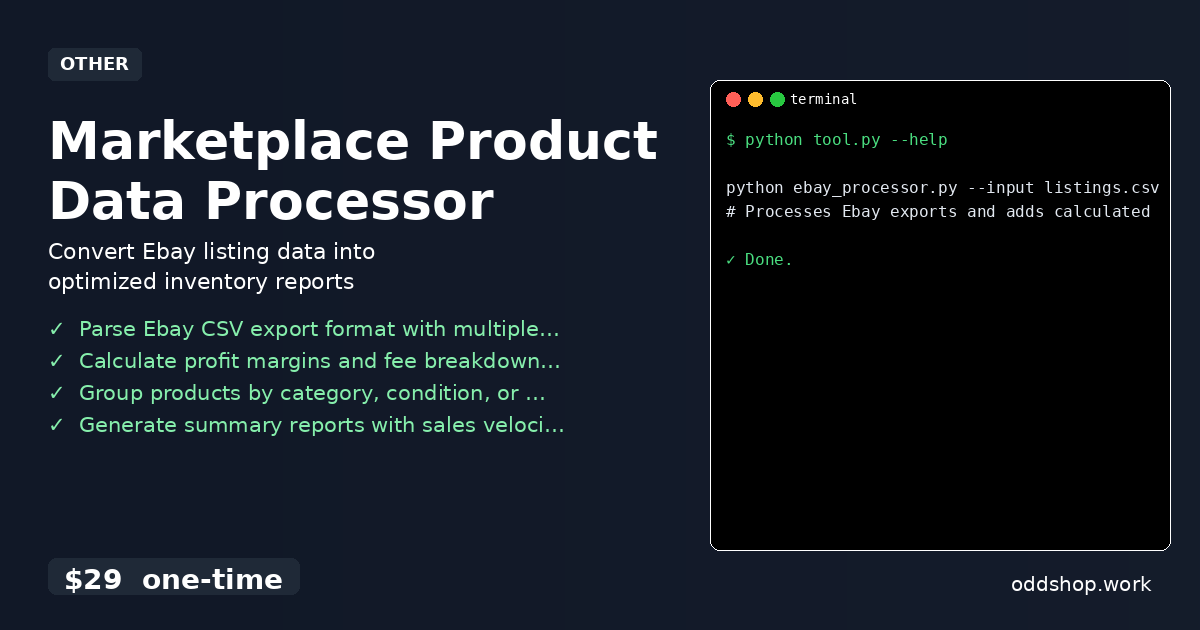
python ebay_processor.py --input listings.csv --output report.csv --fees
# Processes Ebay exports and adds calculated profit margins
This command takes an input CSV of eBay listings, computes all relevant metrics, and outputs a cleaned version with profit margins and fee details. You can also run it without the --fees flag if you prefer to calculate those manually.
Results
The result is a single, clean CSV with all your items organized and analyzed — no more juggling spreadsheets or spending hours on calculations. It saves you hours each week and gives you clearer insights into which items are profitable, how quickly they sell, and where to adjust pricing or strategy.
Get the Script
If you don’t want to build it yourself, or if you’re managing more than a few hundred items, skip the trial and get the full tool. It’s a polished version of what you just saw, designed for real-world eBay sellers.
Download Marketplace Product Data Processor →
$29 one-time. No subscription. Works on Windows, Mac, and Linux.
Built by OddShop — Python automation tools for developers and businesses.