If you’ve ever spent hours manually scheduling Instagram posts only to realize you missed the optimal posting time, you know the frustration. Managing multiple accounts with consistent content becomes impossible when you’re doing everything by hand. The manual approach doesn’t scale beyond a few posts per week.
The Manual Way (And Why It Breaks)
Social media managers typically upload posts one by one through Instagram’s web interface, copying captions from spreadsheets and hoping the images look good. They create complex Google Sheets to track posting times, manually convert UTC to local time zones, and often miss optimal engagement windows because they can’t predict when their audience is most active. When managing multiple accounts, this process consumes entire workdays. The constant context switching between spreadsheet editing, image resizing, caption checking, and platform uploading creates bottlenecks that make consistent posting nearly impossible.
The Python Approach
Here’s the core logic for reading CSV data and creating basic scheduling:
import pandas as pd
from datetime import datetime, timedelta
import pytz

def read_post_schedule(csv_file):
    # Read posts from CSV file
    df = pd.read_csv(csv_file)

    # Define optimal posting hours (based on research)
    optimal_hours = [9, 13, 18]  # 9am, 1pm, 6pm

    scheduled_posts = []
    start_date = datetime.now()

    for index, row in df.iterrows():
        # Find next optimal time slot
        target_hour = optimal_hours[index % len(optimal_hours)]
        post_time = start_date + timedelta(days=index//3)
        post_time = post_time.replace(hour=target_hour, minute=0, second=0)

        # Convert to user timezone
        est = pytz.timezone('US/Eastern')
        post_time_est = post_time.astimezone(est)

        scheduled_posts.append({
            'content': row['caption'],
            'image_path': row['image_path'],
            'hashtags': row['hashtags'],
            'scheduled_time': post_time_est.isoformat(),
            'filename': f"post_{index+1}.jpg"
        })

    return scheduled_posts
This code handles basic CSV reading and time calculation, but breaks down when dealing with image validation, timezone edge cases, or API rate limits at scale.
What the Full Tool Handles
The complete solution includes features that make production-ready scheduling possible:
- Image format validation and automatic resizing to Instagram specifications
- Advanced timezone conversion handling DST transitions correctly
- AI caption generation that maintains brand voice consistency
- Batch processing with retry logic for failed uploads
- Multiple output formats (JSON, iCal, Excel) for different scheduling platforms
- Engagement analytics to optimize future posting times automatically
Running It
Execute the scheduler with your CSV file:
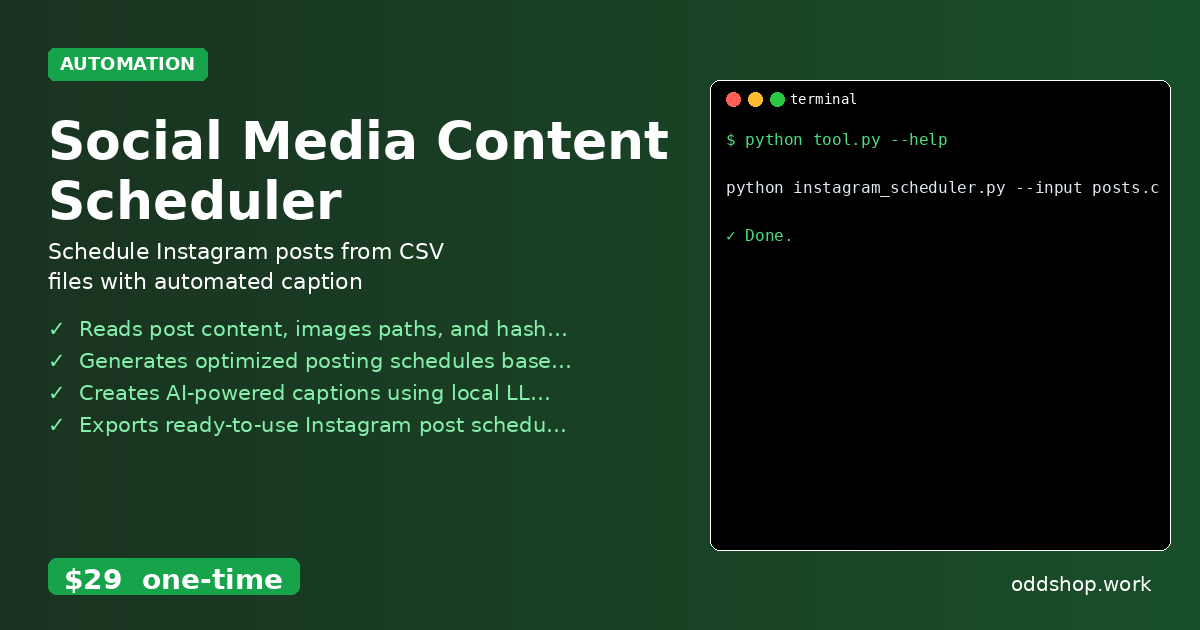
python instagram_scheduler.py --input posts.csv --output schedule.json --timezone EST
The --input flag specifies your CSV containing captions, image paths, and hashtags. The --output flag creates the final schedule file. The --timezone flag ensures all times match your local zone. Your output file contains timestamped posts ready for any scheduling platform.
Results
You’ll generate a complete JSON schedule with optimized posting times, validated image paths, and AI-enhanced captions. The process transforms weeks of manual scheduling into minutes of automated setup.
Get the Script
Skip building error handling and timezone logic yourself — the Social Media Content Scheduler includes all the production-ready features you need.
Download Social Media Content Scheduler →
$29 one-time. No subscription. Works on Windows, Mac, and Linux.
Built by OddShop — Python automation tools for developers and businesses.