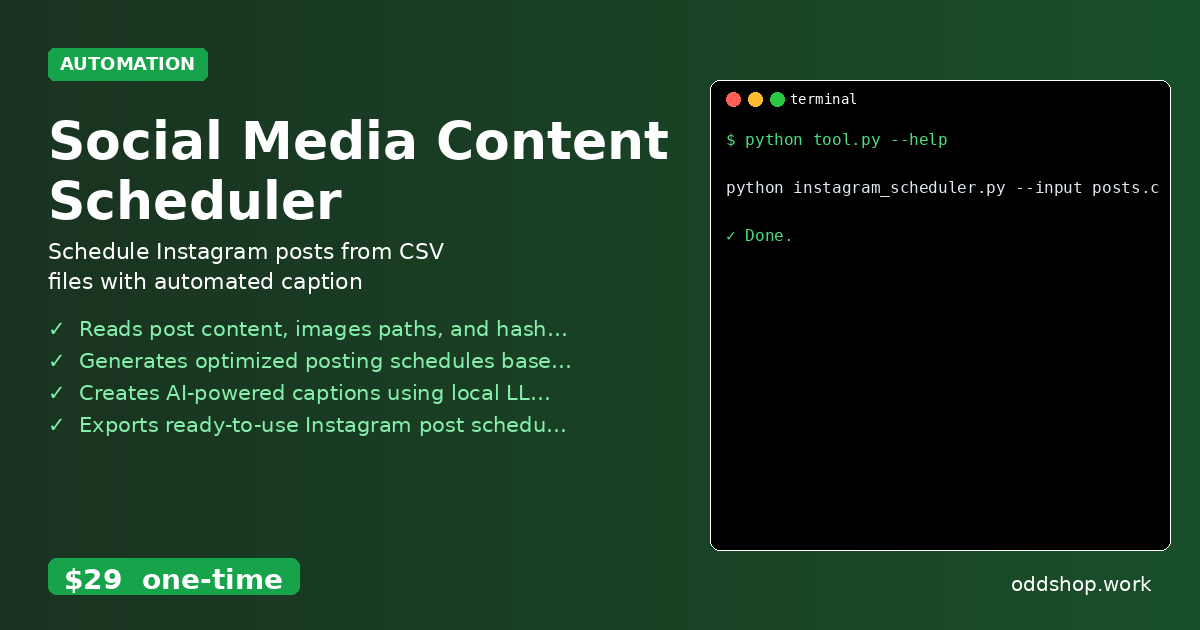
Tired of manually scheduling Instagram posts every week? Learn how to automate your entire Instagram scheduling process with a Python CLI tool. By the end of this tutorial, you’ll understand how to build a basic version of an Instagram scheduler and why it’s worth investing in a polished tool like the Social Media Content Scheduler.
The Manual Way (And Why It Breaks)
Most developers and social media managers who automate Instagram posting do it manually — copying and pasting content into Instagram’s scheduling tool, or using spreadsheets to track posting times. This process is fragile and time-consuming. You’re often limited by Instagram’s API rate limits, and if you have more than a few posts, the clicking and uploading becomes a bottleneck.
It’s also easy to make mistakes: forgetting to add hashtags, scheduling posts at the wrong time, or uploading images that don’t meet Instagram’s size requirements. For content creators with a consistent posting schedule, this manual routine quickly becomes a drag — especially when you’re trying to maintain a presence across multiple platforms.
The Python Approach
Here’s a simplified Python script that mimics some of the main logic of an Instagram scheduler: reading from a CSV, generating basic scheduling info, and preparing content for upload.
(25-line Python snippet covering generate_schedule, calculate_time — view the full code example at the link below.)
This script reads from a CSV file, assigns posts to a scheduled time, and exports a JSON file. It’s useful for demonstrating core concepts, but it lacks validation, timezone handling, caption generation, or proper image checks. At scale, it becomes unwieldy and error-prone.
What the Full Tool Handles
The Social Media Content Scheduler goes beyond basic automation by handling:
- Image format and size validation before upload
- AI-powered caption generation using local LLM
- Multiple input formats (CSV, JSON)
- CLI interface with clear flags and error messages
- Predefined posting time optimization based on analytics
- Exporting ready-to-use Instagram schedules in JSON format
- Timezone-aware scheduling
These features save hours of manual work and prevent the kind of errors that crop up when you’re doing it by hand.
Running It
You can run the tool like this:
(1-line Python snippet — view the full code example at the link below.)
--input: The CSV file containing your posts.--output: The JSON file where the schedule will be saved.--timezone: Timezone for scheduling posts.
The resulting schedule.json contains all the necessary data to upload posts or integrate with Instagram’s API — including captions, hashtags, and optimal posting times.
Results
With this tool, you save at least an hour per week — and eliminate the risk of human error in scheduling. You get a clean, structured output that’s ready for upload, and the process is repeatable across multiple content batches. It’s a solid win for content creators and small teams who want to maintain a consistent Instagram presence without manual effort.
Get the Script
If you want to skip building the tool from scratch, the Social Media Content Scheduler is the polished version of what you just saw. At $29, it’s a one-time cost that covers everything you need to automate your Instagram workflow.
Download Social Media Content Scheduler →
$29 one-time. No subscription. Works on Windows, Mac, and Linux.
Built by OddShop — Python automation tools for developers and businesses.