You’re spending hours manually cleaning job board data every week, and it’s time to automate that tedious process. Whether you’re scraping listings from Amazon, LinkedIn, or Indeed, the raw data you get is rarely ready for analysis. Duplicates, inconsistent date formats, and messy HTML descriptions make your datasets unusable. If you’re doing this by hand, it’s time to stop.
The Manual Way (And Why It Breaks)
Without automation, analysts often resort to copy-pasting data into spreadsheets, manually removing duplicates, or cleaning HTML by hand. This method is slow, error-prone, and breaks down when dealing with hundreds of job listings. You might hit API limits, get stuck on malformed HTML tags, or lose track of data inconsistencies like “San Francisco, CA” vs. “San Francisco, California”. It’s a time sink that could be spent analyzing trends instead of wrestling with data.
The Python Approach
Here’s a simplified Python snippet to show how you might approach cleaning job data manually:
import csv
import re
from datetime import datetime

def clean_job_data(input_file, output_file):
    seen = set()
    cleaned = []

    with open(input_file, 'r') as f:
        reader = csv.DictReader(f)
        for row in reader:
            # Deduplicate by title and job ID
            key = (row['job_id'], row['title'])
            if key in seen:
                continue
            seen.add(key)

            # Normalize date
            try:
                row['date'] = datetime.strptime(row['date'], '%m/%d/%Y').isoformat()
            except:
                row['date'] = None

            # Clean description
            row['description'] = re.sub(r'<.*?>', '', row['description'])
            row['description'] = re.sub(r'\s+', ' ', row['description']).strip()

            # Parse location
            loc = row['location'].split(',')
            row['city'] = loc[0].strip()
            row['state'] = loc[1].strip() if len(loc) > 1 else ''

            cleaned.append(row)

    with open(output_file, 'w') as f:
        writer = csv.DictWriter(f, fieldnames=cleaned[0].keys())
        writer.writeheader()
        writer.writerows(cleaned)

clean_job_data('messy_listings.csv', 'clean_listings.csv')
This code deduplicates rows, standardizes dates, and cleans HTML from the description field. It also tries to split location into city and state. However, it doesn’t handle all edge cases — like different date formats, malformed locations, or broken input files — which is why you’d want a better tool.
What the Full Tool Handles
While the snippet works for basic use cases, the Marketplace Job Listings Data Cleaner solves real-world issues:
- Handles multiple date formats (MM/DD/YYYY, DD-MM-YYYY, etc.)
- Properly sanitizes HTML from multiple sources
- Parses inconsistent location data (city, state, country)
- Detects and handles missing or malformed fields
- Provides a clean CLI interface for automation
- Supports both CSV and JSON output formats
Running It
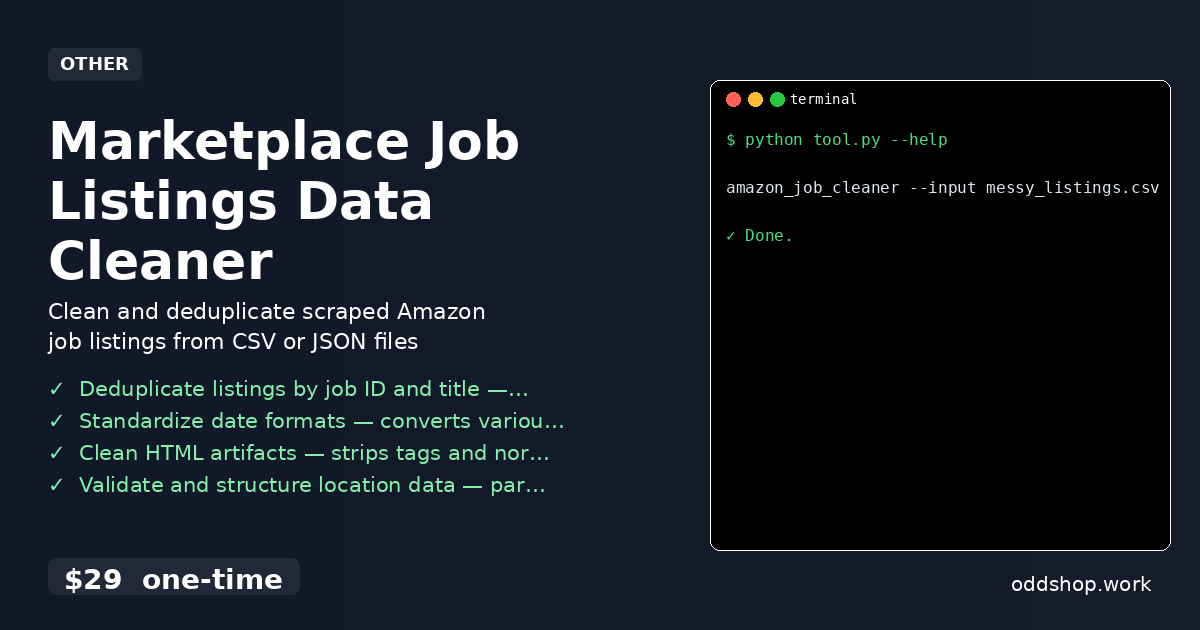
Here’s how to use the tool from the command line:
amazon_job_cleaner --input messy_listings.csv --output clean_listings.json
This command tells the tool to read a messy input CSV and write a clean JSON file. The tool also accepts --format to choose between CSV and JSON. It gracefully handles files with missing or malformed data, ensuring consistent output even when input quality varies.
Results
You get a clean, structured dataset in seconds — not hours. The output is ready for analysis, with no duplicates, normalized dates, and properly formatted locations. Whether you’re tracking job market trends or planning hiring strategies, this tool saves you from the grind of manual cleanup.
Get the Script
If you’re tired of building the same cleaning logic over and over, this tool is the polished version of what you just read. Skip the manual work and automate your job board data workflow with Python.
Download Marketplace Job Listings Data Cleaner →
$29 one-time. No subscription. Works on Windows, Mac, and Linux.
Built by OddShop — Python automation tools for developers and businesses.