If you’ve ever struggled to convert dozens of Word journal articles to compliant JATS XML for OJS, you know how time-consuming this process can be. Manually converting each article, ensuring formatting is preserved, and validating XML compliance takes hours — if not days — of repetitive work. For academic publishers, researchers, or journal editors, this becomes a bottleneck in their publishing workflow.
The Manual Way (And Why It Breaks)
Most developers or editors handling journal articles fall back to manual methods: opening each Word file, exporting to PDF, copying and pasting content into XML templates, and painstakingly checking citation and equation formatting. This is error-prone, especially when dealing with thousands of documents. Some teams use spreadsheets to track article metadata or rely on third-party tools that limit batch processing or fail to maintain compliance with NLM standards for JATS XML. The result is inconsistent output, wasted time, and a high risk of human error.
The Python Approach
Here’s a simplified script that demonstrates how you might automate parts of this workflow using Python and python-docx for Word parsing:
import os
from docx import Document
import xml.etree.ElementTree as ET

def convert_docx_to_jats(docx_path, output_dir):
    doc = Document(docx_path)
    root = ET.Element("article")
    title = ET.SubElement(root, "title")
    title.text = "Converted Article Title"

    # Add paragraphs to body
    body = ET.SubElement(root, "body")
    for para in doc.paragraphs:
        p = ET.SubElement(body, "p")
        p.text = para.text

    # Save XML to file
    tree = ET.ElementTree(root)
    output_path = os.path.join(output_dir, os.path.basename(docx_path).replace('.docx', '.xml'))
    tree.write(output_path, encoding="utf-8", xml_declaration=True)
This code reads a Word document, extracts paragraphs, and builds a simple XML structure. However, it lacks handling for mathematical equations, citations, multi-level structures, or compliance with JATS standards. It’s a starting point, but far from production-ready for journal workflows.
What the Full Tool Handles
The Journal Article Converter goes beyond simple automation by:
- Handling complex Word formatting, including tables, figures, and equations
- Preserving bibliographic references and citation styles
- Generating properly structured JATS XML with metadata, article types, and DOIs
- Supporting batch processing with a clean CLI interface
- Providing multiple output formats (PDF, HTML, JATS XML) in one run
- Gracefully handling malformed or corrupted .docx files
Running It
To use the tool, you simply run:
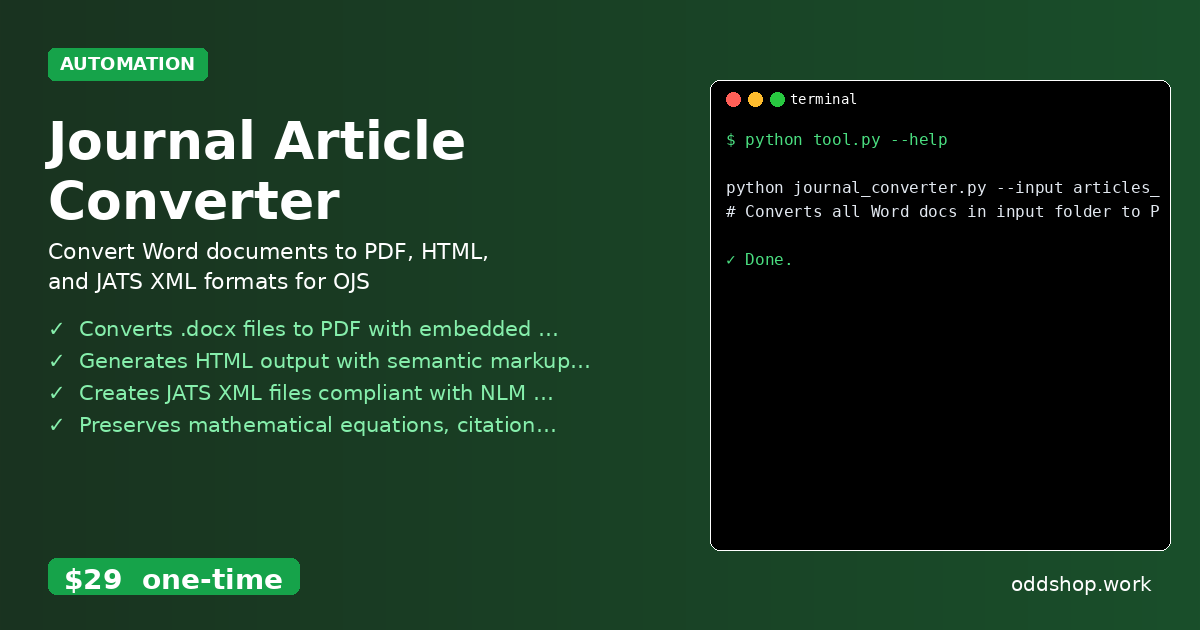
python journal_converter.py --input articles_folder/ --output converted_articles/
This command processes all .docx files in the articles_folder and outputs PDF, HTML, and JATS XML files into converted_articles/. The tool handles folder traversal, file naming, and format conversion automatically.
Results
This automation saves hours per article, eliminates manual typing errors, and ensures consistent output. You get a full set of compliant files ready for import into OJS or other scholarly publishing platforms.
Get the Script
If you’re tired of building the automation yourself, the Journal Article Converter is the polished, production-ready solution. It saves you the time and effort of writing and testing your own script.
Download Journal Article Converter →
$29 one-time. No subscription. Works on Windows, Mac, and Linux.
Built by OddShop — Python automation tools for developers and businesses.