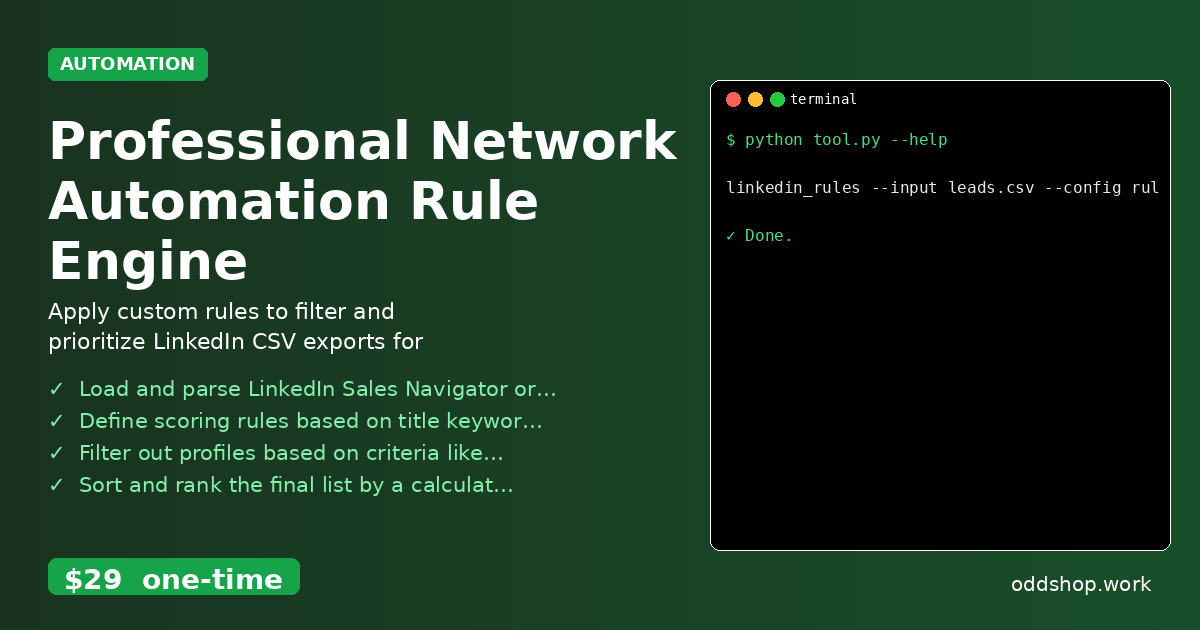
Manual lead scoring is time-consuming and error-prone—automate it with Python instead. Sales teams often spend hours manually reviewing LinkedIn profiles, applying subjective scoring rules, and ranking prospects. This process is not only inefficient but also inconsistent across team members.
The Manual Way (And Why It Breaks)
Most sales teams rely on spreadsheets or LinkedIn’s native tools for lead prioritization. They copy-paste profile information, manually assign scores, and filter by criteria like company size, job title, or location. This method breaks down quickly when dealing with large datasets. Teams hit LinkedIn’s API rate limits, exhaust manual effort, and often miss opportunities due to inconsistent scoring. Additionally, spreadsheets get outdated, data gets lost, and human bias creeps in.
The Python Approach
Here’s a simplified Python script that mimics what a lead prioritization tool might do:
import csv

# Sample scoring rules
rules = {
    "title_keywords": ["manager", "director", "vp", "cto"],
    "company_size": 1000,
    "location": ["San Francisco", "New York", "Austin"]
}

# Load leads from CSV
leads = []
with open('leads.csv', 'r') as f:
    reader = csv.DictReader(f)
    for row in reader:
        leads.append(row)

# Score each lead
scores = []
for lead in leads:
    score = 0
    if any(keyword in lead['title'].lower() for keyword in rules["title_keywords"]):
        score += 20
    if lead['company_size'] and int(lead['company_size']) >= rules["company_size"]:
        score += 30
    if lead['location'] in rules["location"]:
        score += 10
    lead['score'] = score
    scores.append(lead)

# Sort by score
sorted_leads = sorted(scores, key=lambda x: x['score'], reverse=True)

# Write to new CSV
with open('prioritized_leads.csv', 'w', newline='') as f:
    writer = csv.DictWriter(f, fieldnames=sorted_leads[0].keys())
    writer.writeheader()
    writer.writerows(sorted_leads)
This code loads a CSV of leads, applies simple scoring rules based on title, company size, and location, and sorts the results. It’s a basic version of what you’d build to automate lead prioritization. However, at scale, it lacks error handling, supports only one input format, and doesn’t provide a clean CLI interface.
What the Full Tool Handles
The Professional Network Automation Rule Engine improves the DIY approach by handling:
- Multiple input formats (LinkedIn CSV exports)
- Robust error handling and edge-case scenarios
- A clean command-line interface with flag-based configuration
- Support for complex, user-defined rules in JSON format
- Exporting results to a clean, sorted CSV with prioritized leads
Running It
You can run the tool with a simple command:
linkedin_rules --input leads.csv --config rules.json --output prioritized_leads.csv
The tool expects a configuration file (rules.json) that defines how to score and filter leads. It processes the input file, applies your rules, and outputs a clean, sorted CSV file ready for outreach.
Results
You save hours of manual work, reduce human bias, and get a consistent, prioritized list of leads. The tool produces a clean CSV file with scores and rankings—ready for outreach or further analysis.
Get the Script
If building this yourself isn’t your jam, skip the setup and use the polished version. The Professional Network Automation Rule Engine handles all this and more, with a simple CLI and zero learning curve.
Download Professional Network Automation Rule Engine →
$29 one-time. No subscription. Works on Windows, Mac, and Linux.
Built by OddShop — Python automation tools for developers and businesses.