Tired of switching between design tools and manually adjusting product templates for every new order? If you’re running a print-on-demand business or managing a merch design pipeline, you know how time-consuming and error-prone this process can be. Every t-shirt, mug, or hoodie requires a new image, and every image needs to be repositioned, resized, and exported—often dozens of times per week.
The Manual Way (And Why It Breaks)
Without automation, designers and developers rely on manual Photoshop or Illustrator workflows. They copy and paste elements, tweak dimensions, and export designs one by one. This is slow, tedious, and highly prone to human error. When working with hundreds of custom orders, even minor misalignments or incorrect sizing can lead to rework, late deliveries, and dissatisfied customers.
Spreadsheets are another common workaround, but they break down quickly when dealing with visual elements. You end up spending hours on visual layout adjustments, trying to keep track of product variations, and exporting dozens of SVG or PNG files manually.
Then there are API limits—especially when integrating with platforms like Shopify or Printful. Every manual upload or batch action counts toward your quota, and you end up hitting caps just to get work done.
The Python Approach
Here’s a simplified version of what a basic merchandise automation script might look like:
from xml.etree import ElementTree as ET

# Load SVG template
tree = ET.parse('template.svg')
root = tree.getroot()

# Add a text element
text = ET.SubElement(root, 'text')
text.set('x', '100')
text.set('y', '150')
text.set('font-size', '24')
text.text = 'Hello World'

# Add an image
image = ET.SubElement(root, 'image')
image.set('xlink:href', 'logo.png')
image.set('x', '50')
image.set('y', '50')
image.set('width', '200')

# Save output file
tree.write('output.svg', encoding='utf-8', xml_declaration=True)
This code inserts a text and image into an SVG template. It works fine for basic tasks, but it lacks layer control, error handling, and proper formatting. You’d quickly run into issues like missing namespaces, unclean exports, or incorrect scaling when dealing with real-world design files.
What the Full Tool Handles
The Product Customizer SVG Exporter solves these issues with:
- Clean, minified SVG output without unnecessary metadata
- Built-in image and text positioning, scaling, and alignment
- Layer management for reordering elements
- Support for multiple image formats (PNG, JPG)
- Batch processing for generating multiple design variants
- Proper error handling for invalid inputs or missing files
Running It
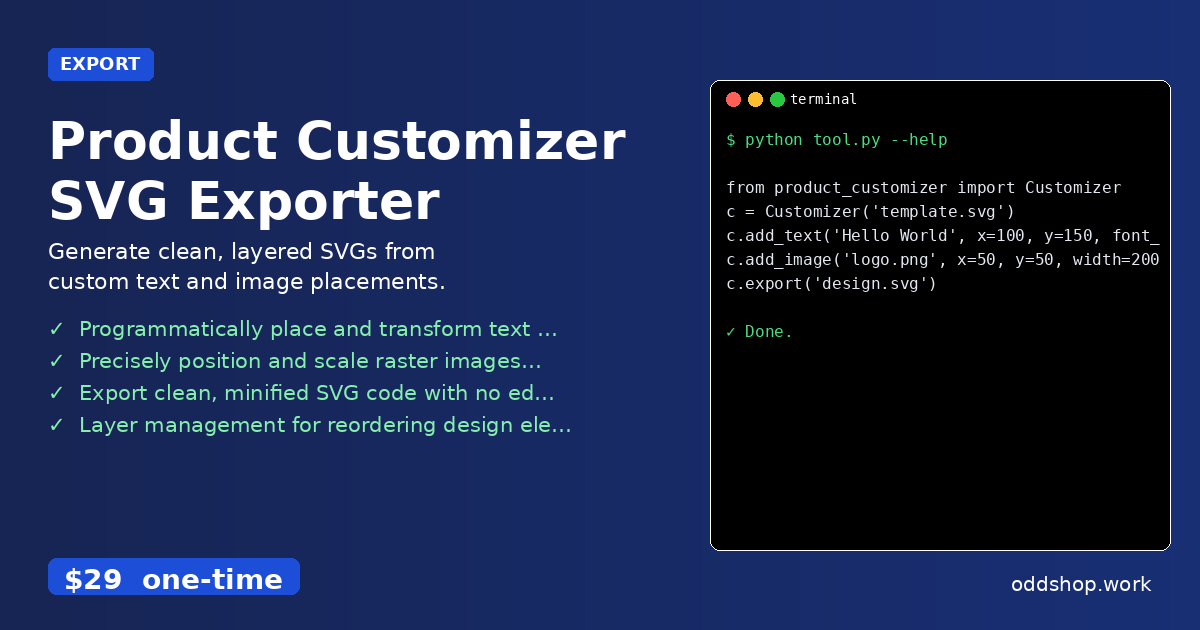
Here’s how you’d use the actual tool:
from product_customizer import Customizer

c = Customizer('template.svg')
c.add_text('Hello World', x=100, y=150, font_size=24)
c.add_image('logo.png', x=50, y=50, width=200)
c.export('design.svg')
You pass a base SVG file, add elements with precise coordinates, and export clean output. The tool handles font rendering, scaling, and layering behind the scenes.
Results
You get production-ready SVG files with consistent quality and layout—automated. Time savings are significant: what used to take hours now happens in minutes. Each run generates a clean, correctly formatted design file that can be directly uploaded to your print-on-demand platform without manual tweaks.
Get the Script
If you’ve read this far, you know that building this from scratch isn’t just time-consuming—it’s a recurring maintenance headache. The Product Customizer SVG Exporter is the polished, tested version of what you just saw.
Download Product Customizer SVG Exporter →
$29 one-time. No subscription. Works on Windows, Mac, and Linux.
Built by OddShop — Python automation tools for developers and businesses.