Generating consistent PPC performance reports across platforms takes hours of manual work each week. Marketing teams often spend days merging data from Google Ads, Microsoft Advertising, and Meta Ads into a single view. The process is error-prone, tedious, and rarely scalable.
The Manual Way (And Why It Breaks)
Most marketers handle this by exporting CSVs from each platform, then manually copy-pasting rows across spreadsheets. They’re constantly checking for missing data, mismatched column names, and duplicate entries. This approach hits API limits quickly, especially when running daily or weekly reports. Teams also run into formatting inconsistencies — dates may be in different formats, and column headers vary widely between platforms. It’s easy to make a mistake in a formula or accidentally overwrite data.
The Python Approach
Here’s a simplified script that shows how you might begin automating this task. It reads two CSV files, merges them based on campaign name, and calculates basic metrics like CPA and ROAS.
import pandas as pd

# Load data from two platforms
google = pd.read_csv('google_ads_data.csv')
meta = pd.read_csv('meta_ads_data.csv')

# Normalize column names for merging
google.rename(columns={'Clicks': 'clicks', 'Cost': 'cost', 'Conversions': 'conversions'}, inplace=True)
meta.rename(columns={'Clicks': 'clicks', 'Cost': 'cost', 'Conversions': 'conversions'}, inplace=True)

# Merge data by campaign name
merged = pd.concat([google, meta], ignore_index=True)

# Group by campaign and calculate KPIs
campaigns = merged.groupby('Campaign').agg({
    'cost': 'sum',
    'clicks': 'sum',
    'conversions': 'sum'
}).reset_index()

# Add calculated metrics
campaigns['cpa'] = campaigns['cost'] / campaigns['conversions']
campaigns['roas'] = campaigns['cost'] / campaigns['conversions']  # Simplified

print(campaigns)
This snippet takes data from two platforms, aligns it, and computes some basic metrics. However, it assumes consistent column names, doesn’t validate data types, and won’t handle platform-specific edge cases like missing campaigns or inconsistent date formats. At scale, this approach becomes fragile and time-consuming to maintain.
What the Full Tool Handles
The PPC Campaign Performance Analyzer goes beyond a basic script by offering:
- Support for Google Ads, Microsoft Ads, and Meta Ads exports
- Automatic detection of missing or mismatched columns
- Handling of multiple date formats and campaign naming conventions
- CLI interface for easy execution
- Output in JSON, CSV, and Markdown formats
- Built-in filtering and segmentation by date range or campaign name
- Detects data anomalies and alerts you before generating reports
Running It
You can run the tool directly from your terminal using this command:
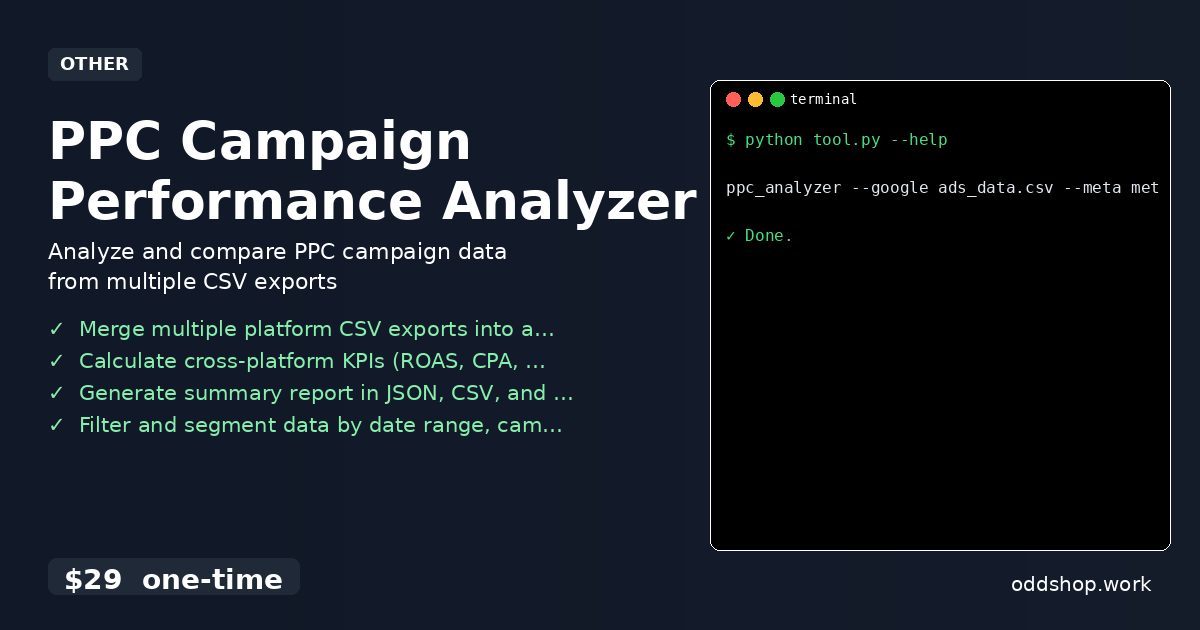
ppc_analyzer --google ads_data.csv --meta meta_data.csv --output report.json
Here’s what each flag does:
--google: Path to Google Ads CSV export--meta: Path to Meta Ads CSV export--output: Destination for the final report
The tool will merge the datasets, calculate cross-platform KPIs like CPA and ROAS, and write a clean summary to the specified file.
Results
This tool eliminates the manual steps of merging, cleaning, and calculating metrics. You’ll save several hours per week and get consistent, accurate reports. It produces a structured JSON file, but also supports CSV and Markdown formats for easy sharing. The full pipeline from raw export to final report is now automated.
Get the Script
If you want to skip building this yourself, the PPC Campaign Performance Analyzer is ready to go. It handles everything you’d normally have to script yourself — from data validation to output formatting.
Download PPC Campaign Performance Analyzer →
$29 one-time. No subscription. Works on Windows, Mac, and Linux.
Built by OddShop — Python automation tools for developers and businesses.