Stop manually creating product mockups for your print-on-demand business — let Python do it for you. You’re probably spending hours copying designs into templates, adjusting text positions, and re-uploading files. That’s not just time wasted — it’s a bottleneck that slows your entire workflow.
The Manual Way (And Why It Breaks)
Developers often try to automate mockup creation by stitching SVGs together in code, or worse, by manually placing elements through graphic design tools. This process gets tedious fast — especially when you’re generating dozens of variants for different products, fonts, or colors. You end up using spreadsheets to track design changes, or hitting API limits from repeatedly uploading files. The manual approach also introduces inconsistencies, and if you ever want to scale beyond a few designs, it becomes a nightmare.
The Python Approach
Here’s a simplified version of how you might approach this in Python. This is a minimal working example that mimics what a library like Product Customizer SVG Exporter would handle under the hood:
from xml.etree.ElementTree import Element, SubElement, tostring
from xml.dom import minidom

def create_mockup(template_path, text_content, image_path, output_path):
    # Load SVG template
    with open(template_path, 'r') as f:
        svg_data = f.read()

    # Parse SVG
    root = ElementTree.fromstring(svg_data)

    # Add text
    text_elem = SubElement(root, 'text')
    text_elem.text = text_content
    text_elem.set('x', '100')
    text_elem.set('y', '150')
    text_elem.set('font-size', '24')

    # Add image
    image_elem = SubElement(root, 'image')
    image_elem.set('href', image_path)
    image_elem.set('x', '50')
    image_elem.set('y', '50')
    image_elem.set('width', '200')

    # Write to file
    rough = tostring(root, encoding='unicode')
    reparsed = minidom.parseString(rough)
    with open(output_path, 'w') as f:
        f.write(reparsed.toprettyxml(indent="  "))
This code creates a simple mockup by inserting text and an image into an SVG template. It works for basic use cases, but doesn’t support layer management, scaling raster images, or exporting clean, minified SVGs without unnecessary metadata.
What the Full Tool Handles
The Product Customizer SVG Exporter solves all the issues the manual approach creates:
- Handles proper SVG structure and metadata cleanup
- Supports multiple image formats (PNG, JPG)
- Offers precise control over text rendering and image positioning
- Includes layer management for visual hierarchy
- Provides batch processing to generate multiple mockups
- Offers a clean CLI interface for scripting
- Exports minified SVGs, perfect for production workflows
Running It
Here’s how you’d use the actual tool:
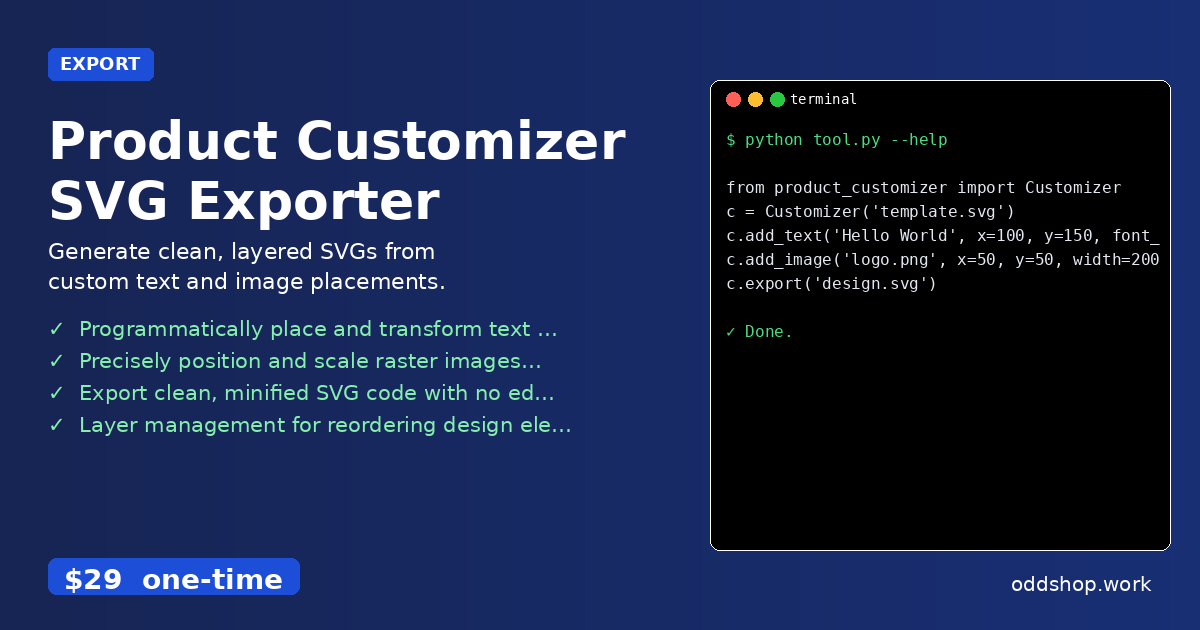
from product_customizer import Customizer

c = Customizer('template.svg')
c.add_text('Hello World', x=100, y=150, font_size=24)
c.add_image('logo.png', x=50, y=50, width=200)
c.export('design.svg')
You can specify positioning, scaling, and even apply transformations like rotation or opacity. The tool handles all the SVG structure under the hood, so your output is clean and production-ready.
Results
You’re now generating mockups in seconds, not hours. Each run produces a clean, properly structured SVG file ready for upload or print. You can quickly batch-create hundreds of variants with different text, images, or color schemes — all from a script.
Get the Script
If you’ve been building this logic yourself, you’re already halfway there. The Product Customizer SVG Exporter is the polished, production-ready version. At $29 one-time, it’s a small investment for the time and effort you’ll save.
Download Product Customizer SVG Exporter →
$29 one-time. No subscription. Works on Windows, Mac, and Linux.
Built by OddShop — Python automation tools for developers and businesses.