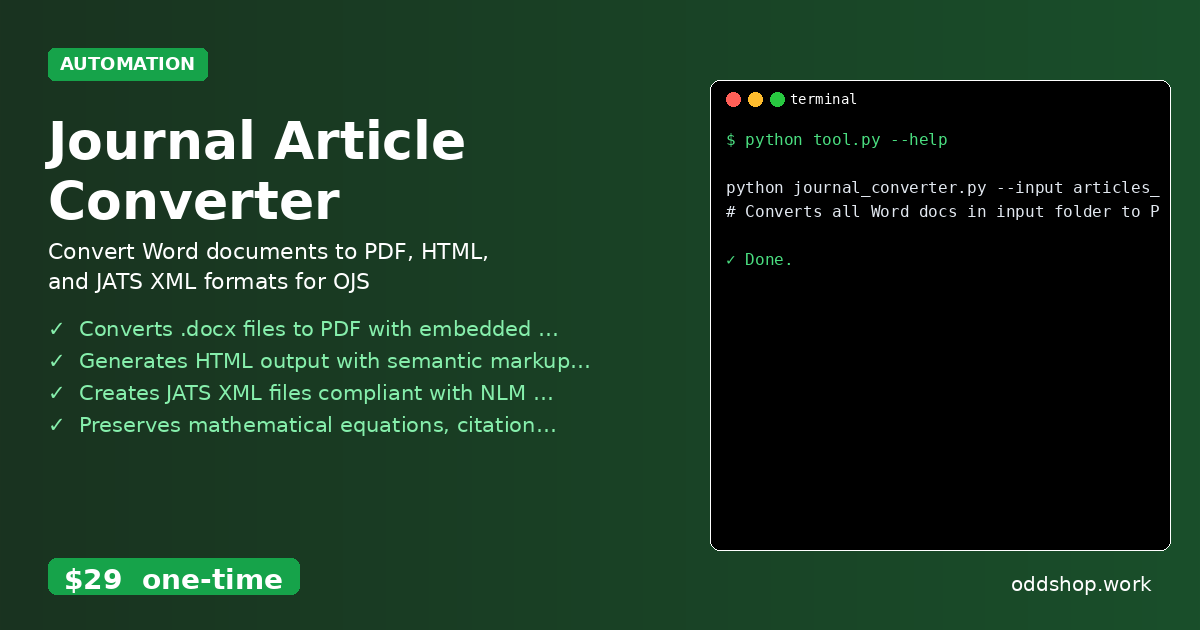
If you’re working with dozens of research papers and manually converting each one to different formats, this Python solution will change everything. Academic workflows often require transforming Word documents into PDFs, HTML, and JATS XML for submission to Open Journal Systems — a tedious task that eats up hours of your time.
The Manual Way (And Why It Breaks)
Most developers dealing with scholarly publishing resort to manual labor: copy-pasting content into new documents, clicking through menus to export each file, or using spreadsheets to track metadata. Some try to automate via APIs, but hit limits or find the tools lack the formatting control needed for journal compliance. Others spend hours adjusting font styles, equation rendering, and reference lists to match publisher requirements. It’s error-prone, time-consuming, and completely unsustainable when processing hundreds of documents.
The Python Approach
Here’s how you might begin automating this with Python — a simplified version that gives you a taste of the process:
import os
from docx import Document
from pathlib import Path

def convert_docx_to_html(input_path, output_path):
    doc = Document(input_path)
    html_content = ""
    for para in doc.paragraphs:
        html_content += f"<p>{para.text}</p>\n"
    with open(output_path, 'w') as f:
        f.write(html_content)

# Loop through all .docx files in a folder
input_folder = "articles_folder"
output_folder = "converted_articles"
Path(output_folder).mkdir(exist_ok=True)

for file in os.listdir(input_folder):
    if file.endswith(".docx"):
        input_path = os.path.join(input_folder, file)
        output_path = os.path.join(output_folder, file.replace(".docx", ".html"))
        convert_docx_to_html(input_path, output_path)
This small script loops through a folder of Word documents and converts them to basic HTML. It does not handle complex formatting, embedded equations, or proper citation structures — tasks that quickly become unwieldy without dedicated libraries or frameworks.
What the Full Tool Handles
The Journal Article Converter builds on this concept but handles much more:
- Preserves mathematical equations and semantic markup
- Supports multiple output formats (PDF, HTML, JATS XML)
- Handles batch processing with a clean command-line interface
- Provides robust error handling and logging
- Works with local
.docxfiles and avoids API rate limits
Running It
You can process all your articles with a single command:
python journal_converter.py --input articles_folder/ --output converted_articles/
# Converts all Word docs in input folder to PDF, HTML, and JATS XML
This command scans the input directory for .docx files and generates compliant outputs in the output directory. The tool supports additional flags for customizing the process, such as specifying output formats or applying stylesheets.
Results
You save hours of manual labor and reduce the risk of formatting errors. Each article gets converted into PDF, HTML, and JATS XML — all ready for import into Open Journal Systems. The process is repeatable and scalable, whether you’re handling ten or thousands of papers.
Get the Script
If you want to skip building this yourself, the Journal Article Converter handles everything cleanly and reliably. At $29 one-time, it’s a small investment for the automation you just saw.
Download Journal Article Converter →
$29 one-time. No subscription. Works on Windows, Mac, and Linux.
Built by OddShop — Python automation tools for developers and businesses.