If you’ve been manually posting feedback for eBay buyers for hours every week, it’s time to automate that workflow with Python. The process of clicking through each order, typing out feedback, and hitting submit is not only tedious but also prone to errors. For sellers managing dozens of transactions a day, this becomes a serious time sink.
The Manual Way (And Why It Breaks)
Most eBay sellers who handle high volumes of orders fall into the trap of using spreadsheets or manually clicking through each buyer’s profile. They copy-paste feedback text, select the rating, and click submit — often one by one, sometimes in batches. This method quickly breaks down when dealing with more than 50 orders or when you’re on a tight schedule. eBay’s API rate limits come into play, and you risk hitting the limit if you’re not careful. Additionally, human error creeps in — maybe you accidentally give a negative rating or forget to include a buyer’s name. It’s not sustainable, and it’s avoidable.
The Python Approach
Here’s how you might begin automating this with a simple Python script:
import csv
import requests

API_URL = "https://api.ebay.com/ws/api.dll"
API_KEY = "YOUR_EBAY_TOKEN"

def post_feedback(order_id, buyer, rating=1, comment="Thank you for your purchase!"):
    headers = {
        "X-EBAY-API-CALL-NAME": "LeaveFeedback",
        "X-EBAY-API-APP-ID": API_KEY,
        "X-EBAY-API-SITEID": "0"
    }
    data = {
        "OrderID": order_id,
        "CommentType": "Feedback",
        "CommentText": comment,
        "FeedbackRating": rating
    }
    response = requests.post(API_URL, headers=headers, data=data)
    return response.status_code

orders = []
with open("orders.csv", "r") as f:
    reader = csv.DictReader(f)
    for row in reader:
        orders.append(row)

for order in orders:
    post_feedback(order["OrderID"], order["BuyerName"])
This example reads order data from a CSV and sends feedback to eBay via their Trading API. It’s a basic approach that gets you started, but it doesn’t handle file parsing, logging, or filtering. It also doesn’t account for API errors, retries, or missing data — all of which are critical in production use.
What the Full Tool Handles
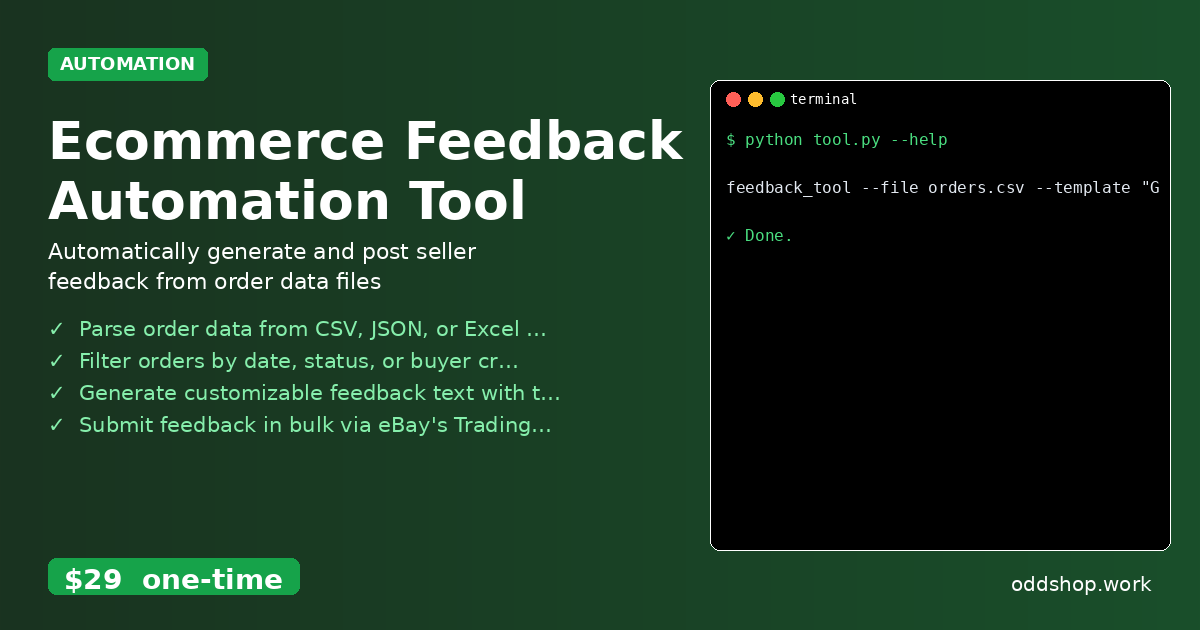
The Ecommerce Feedback Automation Tool goes beyond the simple snippet by including:
- Support for multiple input formats: CSV, JSON, and Excel
- Filtering options by date, status, or buyer name
- Customizable feedback templates with variables
- Bulk submission with error logging
- A clean command-line interface
- Output logging and exportable results
Running It
You can run the tool with a simple command:
feedback_tool --file orders.csv --template "Great buyer, thanks!" --api-key YOUR_EBAY_TOKEN
This command specifies the input file, the feedback template (which can include buyer name or other variables), and your eBay API token. The tool logs the results to a file for review, and it handles errors gracefully by skipping failed submissions and recording them.
Results
This automation saves hours per week for sellers, especially those with high transaction volumes. It generates a log file of all submitted feedback, so you can verify that everything went through. The tool removes the guesswork and human error from the feedback process, allowing you to focus on selling.
Get the Script
If you’d rather skip the build and get something polished and tested, take a look at the Ecommerce Feedback Automation Tool. It’s a one-time payment of $29 and supports Windows, Mac, and Linux.
Download Ecommerce Feedback Automation Tool →
$29 one-time. No subscription. Works on Windows, Mac, and Linux.
Built by OddShop — Python automation tools for developers and businesses.