If you’ve ever tried to export more than 250 Shopify products at once, you know the pain. The admin interface caps exports at 250 items, forcing you to make multiple requests and manually merge files. When you need all your product data for SEO work or migration projects, this limitation becomes a serious bottleneck.
The Manual Way (And Why It Breaks)
Most developers resort to clicking through Shopify’s admin export feature in batches, downloading CSV files for each 250-product chunk. You end up with multiple files that need manual merging in Excel or Google Sheets. For stores with thousands of products, this process takes hours and introduces human error. The REST API has rate limits that pause your requests every few calls, making automated scripts unreliable without proper backoff handling. Many developers abandon the manual approach after their first attempt hits these walls.
The Python Approach
Here’s the core logic for fetching products programmatically using the Shopify Admin API:
import requests
import csv
import time

def fetch_products_batch(shop_name, access_token, since_id=0):
    """Fetch a batch of products starting from since_id"""
    url = f"https://{shop_name}.myshopify.com/admin/api/2024-01/products.json"
    params = {
        'limit': 250,
        'since_id': since_id,
        'status': 'active'
    }
    headers = {
        'X-Shopify-Access-Token': access_token,
        'Content-Type': 'application/json'
    }

    response = requests.get(url, params=params, headers=headers)
    response.raise_for_status()
    return response.json()

def save_to_csv(products, filename):
    """Save products to CSV file"""
    with open(filename, 'w', newline='', encoding='utf-8') as csvfile:
        fieldnames = ['id', 'title', 'handle', 'product_type', 'vendor', 'created_at']
        writer = csv.DictWriter(csvfile, fieldnames=fieldnames)
        writer.writeheader()
        for product in products:
            row = {
                'id': product['id'],
                'title': product['title'],
                'handle': product['handle'],
                'product_type': product['product_type'],
                'vendor': product['vendor'],
                'created_at': product['created_at']
            }
            writer.writerow(row)
This basic script handles the API request and CSV writing, but breaks down at scale when you hit rate limits, network timeouts, or malformed JSON responses. Error handling and retry logic add significant complexity beyond this minimal example.
What the Full Tool Handles
The complete solution manages everything the basic script can’t handle reliably:
- Automatic rate limiting and exponential backoff for API requests
- Multiple export formats (CSV, JSON, XML) with configurable fields
- Resume capability when exports fail partway through
- Memory-efficient streaming for large catalogs
- Authentication validation and secure token handling
- Progress tracking and estimated completion times
Running It
Once you have your Shopify API credentials, the export command looks like this:
metagen --shop mystore --token abc123 --output products.csv --fields id,title,description,metafields
The --fields parameter lets you specify exactly which product attributes to include. The tool automatically handles pagination, rate limiting, and file assembly. Your completed CSV appears in the specified output location with all products consolidated into a single file.
Results
You get a complete product export in minutes instead of hours, with all metafields and custom data preserved in clean, import-ready format. The resulting file works directly with other automation tools and contains exactly the fields you need.
Get the Script
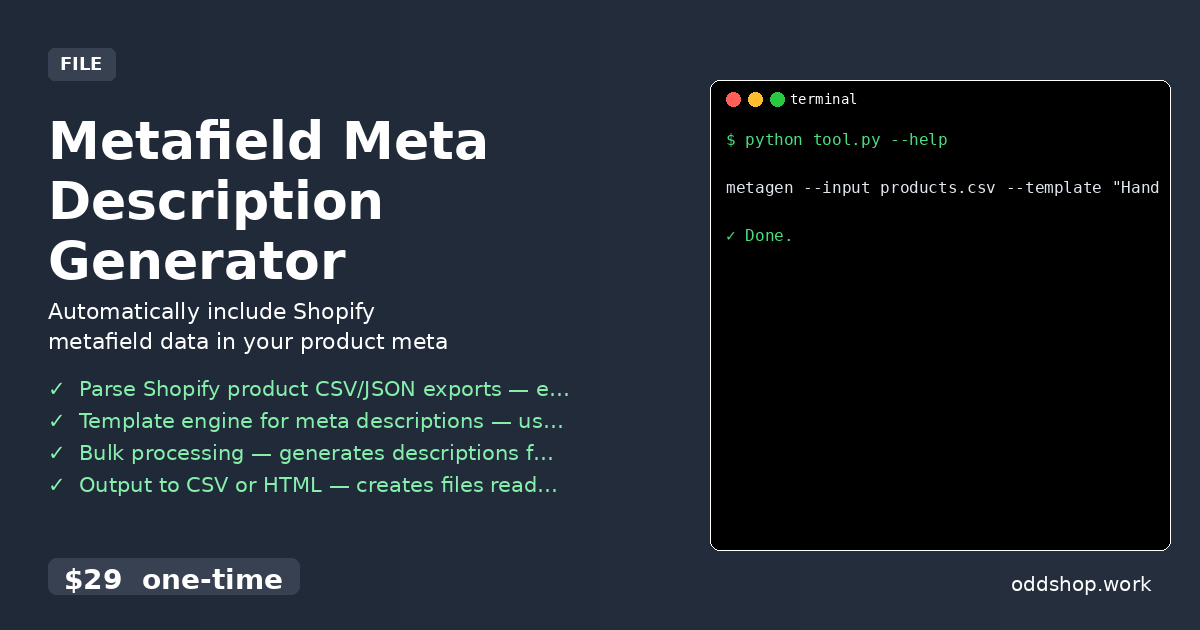
Skip building the error handling and rate limit management yourself — the Metafield Meta Description Generator includes the complete export functionality plus the template engine for processing your product data.
Download Metafield Meta Description Generator →
$29 one-time. No subscription. Works on Windows, Mac, and Linux.
Built by OddShop — Python automation tools for developers and businesses.