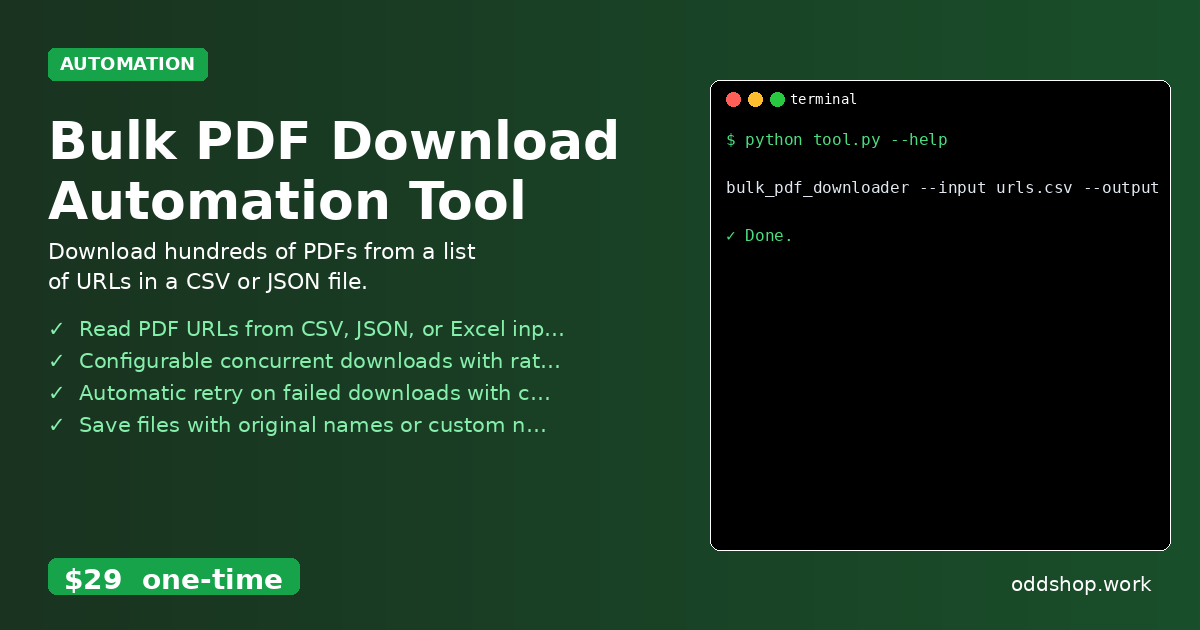
bulk pdf download is a common but tedious task for developers and data analysts who need to collect many documents programmatically. Manually clicking through hundreds of links or downloading files one by one wastes time and introduces human error. A better approach is to automate this bulk pdf download process using Python, especially when working with large datasets or needing to archive documents.
The Manual Way (And Why It Breaks)
Manually downloading PDFs from a list of URLs is not only slow but also error-prone. When you need to grab dozens or even hundreds of files, clicking through each link, saving to a specific folder, and checking for duplicates becomes extremely inefficient. It’s a process that can easily derail productivity, especially when some links are broken or take time to respond. For those doing large-scale document collection, a python pdf automation solution is essential. The manual method also makes it hard to maintain a consistent naming convention or log download results, which are important for auditing and further processing.
The Python Approach
A simple Python script can automate most of this work. Here’s how you could begin writing a basic bulk pdf download script using common libraries:
import requests
import csv
from pathlib import Path
from urllib.parse import urlparse

# Read URLs from a CSV file
urls = []
with open('urls.csv', 'r') as file:
    reader = csv.reader(file)
    for row in reader:
        urls.append(row[0])

# Define output directory
output_dir = Path("./pdfs")
output_dir.mkdir(exist_ok=True)

# Download each PDF
for url in urls:
    try:
        response = requests.get(url)
        filename = Path(urlparse(url).path).name
        if not filename.endswith('.pdf'):
            filename += '.pdf'
        file_path = output_dir / filename
        with open(file_path, 'wb') as f:
            f.write(response.content)
        print(f"Downloaded: {filename}")
    except Exception as e:
        print(f"Failed to download {url}: {e}")
This script reads a list of URLs from a CSV file, downloads each one, and saves it in a designated folder. It handles basic failures but lacks features like concurrent downloads, retry logic, or structured logging. For real-world automation tasks, especially when dealing with unreliable links, a more advanced python document downloader is necessary.
What the Full Tool Handles
The Bulk PDF Download Automation Tool is built to avoid the limitations of basic scripts. It handles:
- Reading PDF URLs from CSV, JSON, or Excel input files
- Configurable concurrent downloads with rate limiting to prevent overwhelming servers
- Automatic retry on failed downloads with custom attempts
- Saving files with original names or custom naming patterns
- Logging all download results and errors to a detailed report
- Efficient bulk pdf download across multiple file formats and structures
Using this tool makes it much easier to manage large-scale document retrieval with a clean interface and comprehensive reporting.
Running It
You can run the tool directly from the terminal using this command:
bulk_pdf_downloader --input urls.csv --output-dir ./pdfs --threads 5
The --input flag specifies the data source file, --output-dir sets the folder location, and --threads controls how many downloads happen at once. The tool will generate a log file in the output directory summarizing all downloads and any errors encountered.
Get the Script
If you prefer not to build your own automation solution, skip the development step and use the ready-made tool. It’s designed for developers who need reliable, fast bulk pdf download without reinventing the wheel.
Download Bulk PDF Download Automation Tool →
$29 one-time. No subscription. Works on Windows, Mac, and Linux.
Built by OddShop — Python automation tools for developers and businesses.