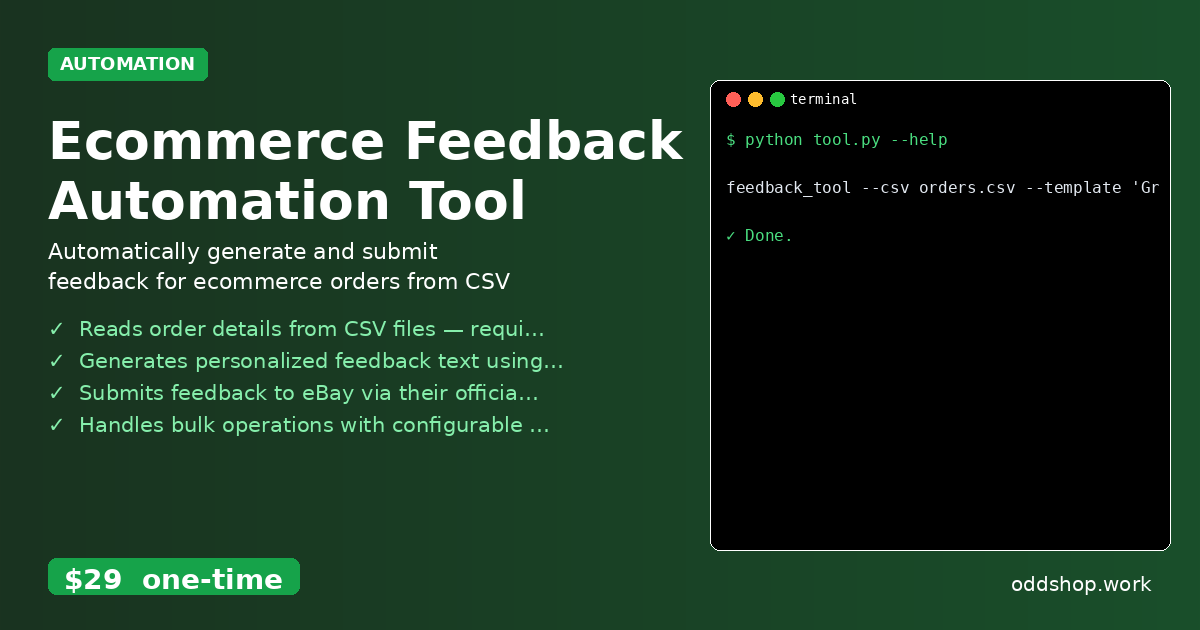
If you’re managing multiple eBay orders daily and tired of manual entry, this Python approach handles everything in bulk.
Most eBay sellers who manage a high volume of transactions quickly realize that manually leaving feedback for each buyer is not just time-consuming — it’s also prone to errors. The process often involves copying order IDs, navigating to individual listings, and writing feedback by hand. With thousands of orders to process monthly, the task becomes a bottleneck that eats into productivity and margins.
The Manual Way (And Why It Breaks)
Without automation, sellers typically rely on spreadsheets or a browser-based manual workflow. They paste order data into a template, open eBay in a browser, find the correct order, and type out feedback before submitting. This method fails rapidly under pressure — especially when dealing with hundreds of orders in a single day. eBay’s API rate limits make automated submission via script more practical, but many users don’t know how to implement this safely. Without proper delay handling or error management, API calls can get throttled or fail silently, resulting in missed feedback entries or even account penalties.
The Python Approach
Here’s a simplified example of how one might bulk process eBay feedback using Python and the Sell Fulfillment API:
import csv
import time
import requests

# Load orders from CSV
orders = []
with open('orders.csv', newline='') as csvfile:
    reader = csv.DictReader(csvfile)
    for row in reader:
        orders.append(row)

# Feedback template
template = "Great buyer, fast payment!"

# eBay API setup
token = "YOUR_EBAY_TOKEN"
url = "https://api.ebay.com/buy/fulfillment/v1/feedback"

headers = {
    "Authorization": f"Bearer {token}",
    "Content-Type": "application/json"
}

# Submit feedback for each order
for order in orders:
    payload = {
        "orderId": order["order_id"],
        "feedbackText": template,
        "feedbackType": "POSITIVE"
    }

    response = requests.post(url, headers=headers, json=payload)
    if response.status_code == 200:
        print(f"Feedback sent for {order['buyer_username']}")
    else:
        print(f"Failed for {order['buyer_username']}: {response.text}")

    time.sleep(0.5)  # Respect rate limits
This script reads order data from a CSV file, formats feedback using a template, and sends it to eBay’s API. At scale, however, it lacks error logging, retries, or support for multiple feedback types. It also assumes all inputs are clean and doesn’t handle cases like duplicate feedback or invalid IDs, which could crash or corrupt your workflow.
What the Full Tool Handles
Compared to this basic script, the Ecommerce Feedback Automation Tool includes:
- Proper error handling and retries for failed submissions
- Support for multiple feedback types (positive, neutral, negative)
- Configurable delays and rate limit adherence
- Logging output to a local file for auditing and troubleshooting
- CLI interface for easy execution and customization
- CSV or JSON input formats
- Support for custom feedback templates via command-line arguments
Running It
To run the tool, prepare a CSV file like this:
order_id,buyer_username,item_title
1234567890,alice_buyer,Wireless Headphones
9876543210,bob_seller,Bluetooth Speaker
Then execute:
feedback_tool --csv orders.csv --template 'Great buyer, fast payment!' --token YOUR_EBAY_TOKEN
The tool will process all orders, log results, and print a summary of successes and failures to the terminal. It respects eBay’s API limits and continues through errors without stopping.
Results
You save hours each week by automating repetitive feedback tasks. The tool generates a detailed log file, tracks which entries were submitted, and flags any issues for manual review. Once set up, it becomes a reliable part of your eBay workflow.
Get the Script
If you don’t want to build and test this yourself, the Ecommerce Feedback Automation Tool is ready to go — and it’s polished, reliable, and designed for real-world use.
Download Ecommerce Feedback Automation Tool →
$29 one-time. No subscription. Works on Windows, Mac, and Linux.
Built by OddShop — Python automation tools for developers and businesses.