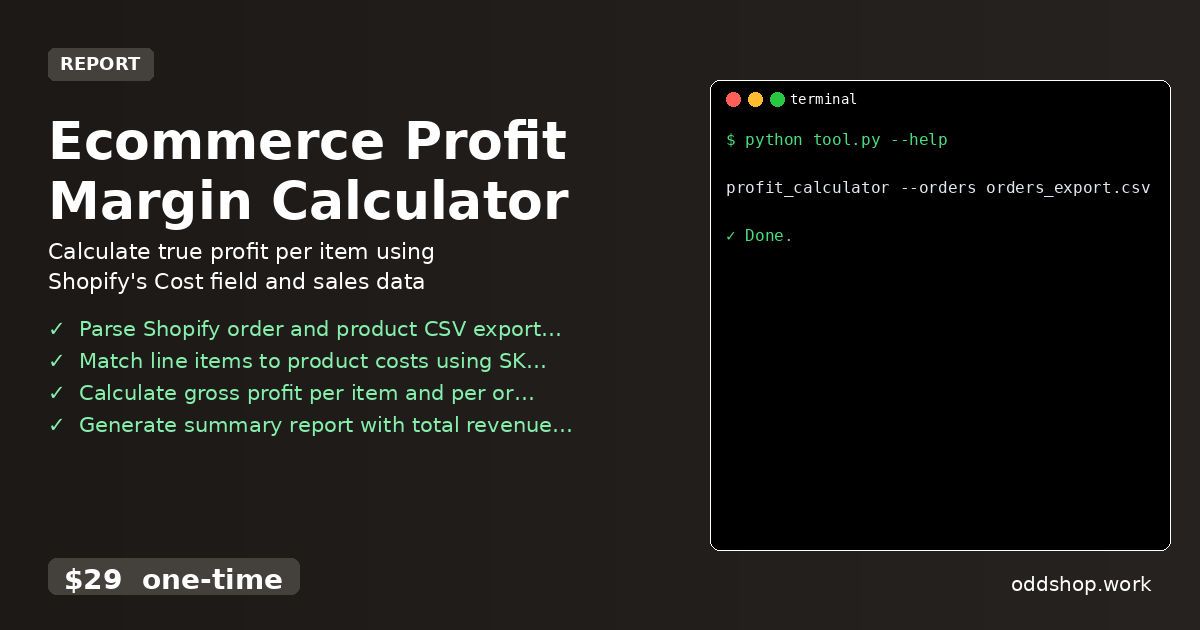
If you’re running a Shopify store but can’t figure out your real profit margins, this Python solution will change everything. Manual tracking is time-consuming and error-prone, especially when dealing with dozens of SKUs and variants. You’re probably copying data between spreadsheets or using Shopify’s limited reporting tools, which don’t give you the full picture.
The Manual Way (And Why It Breaks)
Most business owners trying to calculate Shopify profit margins fall back on spreadsheets. You export orders and products, then manually match SKUs, copy costs, and compute profits row by row. This process is slow and prone to mistakes, especially as your store scales. If you’re hitting API limits or relying on third-party tools, the time spent managing data compounds. Even worse, you often miss edge cases like refunds, discounts, or cost variations across variants—leaving gaps in your profitability understanding.
The Python Approach
Here’s a simplified Python script that mimics what a full tool does, focusing on core logic to match orders with product costs and compute margins.
import csv
from collections import defaultdict

def load_products(filename):
    products = {}
    with open(filename, 'r') as f:
        reader = csv.DictReader(f)
        for row in reader:
            sku = row['SKU']
            cost = float(row['Cost'])
            products[sku] = cost
    return products

def calculate_profit(orders_file, products_file):
    products = load_products(products_file)
    total_revenue = 0
    total_cost = 0

    with open(orders_file, 'r') as f:
        reader = csv.DictReader(f)
        for row in reader:
            sku = row['SKU']
            price = float(row['Price'])
            quantity = int(row['Quantity'])
            cost = products.get(sku, 0)
            revenue = price * quantity
            cost_total = cost * quantity
            total_revenue += revenue
            total_cost += cost_total

    profit = total_revenue - total_cost
    margin = (profit / total_revenue) * 100 if total_revenue else 0

    print(f"Total Revenue: ${total_revenue:.2f}")
    print(f"Total Cost: ${total_cost:.2f}")
    print(f"Profit: ${profit:.2f}")
    print(f"Margin: {margin:.2f}%")
This snippet loads product costs and matches order items via SKU, calculating gross profit and margin. It works for basic use cases but lacks support for variant IDs, refunds, or CSVs with different formats. You’d need to add error handling, multiple input validation, and reporting features manually.
What the Full Tool Handles
The Ecommerce Profit Margin Calculator handles what you’d normally spend hours building yourself:
- Parses both orders and product exports from Shopify
- Matches line items using SKU or variant ID, even if missing from the order
- Handles refunds, partial returns, and discount adjustments
- Supports both CSV and JSON exports
- Includes CLI interface for easy automation
- Outputs clean, structured CSV or JSON reports
- Gracefully handles missing or malformed data
Running It
You run the tool from the command line like this:
profit_calculator --orders orders_export.csv --products products_export.csv --output profit_report.csv
The --orders and --products flags point to your exported data files. The --output flag allows you to specify where to save the computed results. The tool will produce a summary report including total revenue, cost, profit, and margin percentages.
Results
You get a full profit summary in seconds—no more manual spreadsheets or time-consuming data entry. The output is clean and ready for analysis, whether you’re looking at monthly trends or individual product performance. This approach saves hours of work every month and gives you accurate insights into your store’s real profitability.
Get the Script
If you’ve ever spent more than an hour copying data or trying to build a custom script, you’re ready for the full tool. Skip the build and get a polished, tested solution that handles everything you need in one clean command.
Download Ecommerce Profit Margin Calculator →
$29 one-time. No subscription. Works on Windows, Mac, and Linux.
Built by OddShop — Python automation tools for developers and businesses.