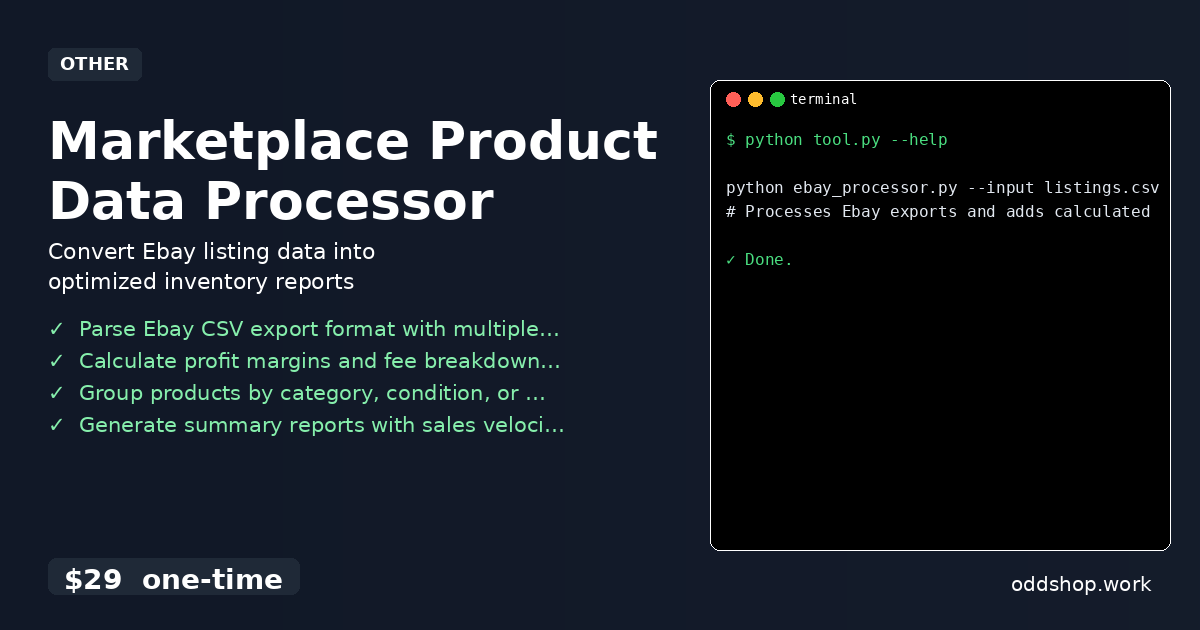
If you’re spending hours each week cleaning Ebay CSV exports manually, this Python solution will change everything. Manually sifting through listings, copying data into spreadsheets, and calculating profit margins is not only time-consuming but also error-prone. When you’re managing hundreds of products, the repetitive task of data entry becomes a bottleneck for your business operations.
The Manual Way (And Why It Breaks)
Most developers who work with Ebay data fall back on spreadsheets or manual copy-paste methods. They download CSV exports, open them in Excel, and use formulas to calculate fees or profit margins. Some try automating with VBA or macros, but these approaches quickly break when dealing with varying data formats or large datasets. You hit API limits, lose data integrity, and waste hours repeating the same process every week.
The Python Approach
Here’s a simplified version of what a Python script might do to clean and process Ebay data:
import csv
import sys

def clean_ebay_data(input_file, output_file):
    with open(input_file, 'r', encoding='utf-8') as infile:
        reader = csv.DictReader(infile)
        cleaned_data = []

        for row in reader:
            price = float(row['Price'])
            shipping = float(row['Shipping']) if row['Shipping'] else 0.0
            ebay_fee = price * 0.12  # Assume 12% eBay fee
            total_cost = price + shipping + ebay_fee
            profit = price - total_cost

            cleaned_row = {
                'Title': row['Title'],
                'Price': price,
                'Shipping': shipping,
                'EBay_Fee': ebay_fee,
                'Total_Cost': total_cost,
                'Profit': profit,
                'Condition': row['Condition']
            }
            cleaned_data.append(cleaned_row)

    with open(output_file, 'w', newline='', encoding='utf-8') as outfile:
        fieldnames = cleaned_data[0].keys()
        writer = csv.DictWriter(outfile, fieldnames=fieldnames)
        writer.writeheader()
        writer.writerows(cleaned_data)

if __name__ == '__main__':
    if len(sys.argv) != 3:
        print("Usage: python ebay_cleaner.py <input.csv> <output.csv>")
        sys.exit(1)

    input_f = sys.argv[1]
    output_f = sys.argv[2]
    clean_ebay_data(input_f, output_f)
This script reads a CSV input of Ebay listings, computes total costs and profit margins, and writes the results to a new CSV. It works well for small datasets but lacks proper error handling, fails on malformed rows, and does not support advanced operations like grouping or exporting to multiple formats.
What the Full Tool Handles
The Marketplace Product Data Processor solves these limitations by:
- Supporting multiple Ebay export formats with smart column mapping
- Handling missing or malformed data gracefully
- Providing rich export options (CSV, Excel, JSON)
- Including CLI arguments for flexible processing
- Computing detailed fee structures and profit breakdowns
- Offering filtering and grouping by condition, category, or price point
Running It
You can run the tool with:
python ebay_processor.py --input listings.csv --output report.csv --fees
# Processes Ebay exports and adds calculated profit margins
It accepts input and output files, processes all listings, and generates a cleaned report with fee breakdowns and profit margins. The tool supports additional flags to tailor the output to your needs.
Results
This approach saves hours each week by automating repetitive tasks. The result is a clean, structured CSV file that’s ready for analysis or inventory tracking. It eliminates human error and delivers consistent, actionable data.
Get the Script
If you’re ready to skip the build and focus on business insights, the Marketplace Product Data Processor is your solution. At $29 one-time, it’s a polished version of what you just saw — with support for real-world workflows.
Download Marketplace Product Data Processor →
$29 one-time. No subscription. Works on Windows, Mac, and Linux.
Built by OddShop — Python automation tools for developers and businesses.