If you’ve ever spent hours manually fixing eBay product titles and SKU formatting, you know how tedious this process can be. The repetitive task of cleaning up data exported from various platforms wastes valuable time and increases the risk of errors. For sellers who manage dozens or hundreds of listings, this manual labor becomes a bottleneck that slows down operations.
The Manual Way (And Why It Breaks)
Most eBay sellers who export their inventory data end up doing it by hand. They open spreadsheets, copy-paste titles and SKUs into a new file, and painstakingly correct formatting issues. Or they try to automate it using basic Excel formulas or scripts that only handle a few edge cases. Often, they hit API limits trying to update listings programmatically or run into inconsistent data formats from different platforms. The result is wasted time, frustration, and inconsistent listings on eBay — all because the data doesn’t meet eBay’s strict formatting requirements.
The Python Approach
Here’s a practical example of how one might clean eBay listing data using Python. This simplified version handles basic formatting and field validation:
import csv
import re

def clean_title(title):
    # Remove extra spaces and fix capitalization
    title = re.sub(r'\s+', ' ', title.strip())
    return title.title()

def clean_sku(sku):
    # Standardize SKU to uppercase and remove extra whitespace
    return sku.strip().upper()

def validate_fields(row):
    required = ['title', 'price', 'sku']
    for field in required:
        if not row.get(field):
            return False
    return True

def process_listings(input_file, output_file):
    cleaned = []
    with open(input_file, 'r') as f:
        reader = csv.DictReader(f)
        for row in reader:
            if not validate_fields(row):
                continue
            row['title'] = clean_title(row['title'])
            row['sku'] = clean_sku(row['sku'])
            cleaned.append(row)

    with open(output_file, 'w', newline='') as f:
        writer = csv.DictWriter(f, fieldnames=cleaned[0].keys())
        writer.writeheader()
        writer.writerows(cleaned)

# Example usage:
# process_listings('products.csv', 'cleaned_products.csv')
This code demonstrates core cleaning logic: normalizing case, trimming whitespace, and validating required fields. However, it lacks support for eBay-specific IDs, JSON input, multiple output formats, or robust error handling — tasks that quickly become unwieldy at scale.
What the Full Tool Handles
The Ecommerce Listing Data Cleaner goes beyond the snippet by:
- Supporting both CSV and JSON inputs
- Mapping plain-text conditions (like “like new”) to eBay’s required condition IDs
- Standardizing price and SKU fields automatically
- Handling missing or malformed data gracefully
- Outputting data in eBay-ready CSV or formatted JSON
- Providing a clean CLI interface for easy integration into workflows
Running It
Using the tool is simple once it’s installed:
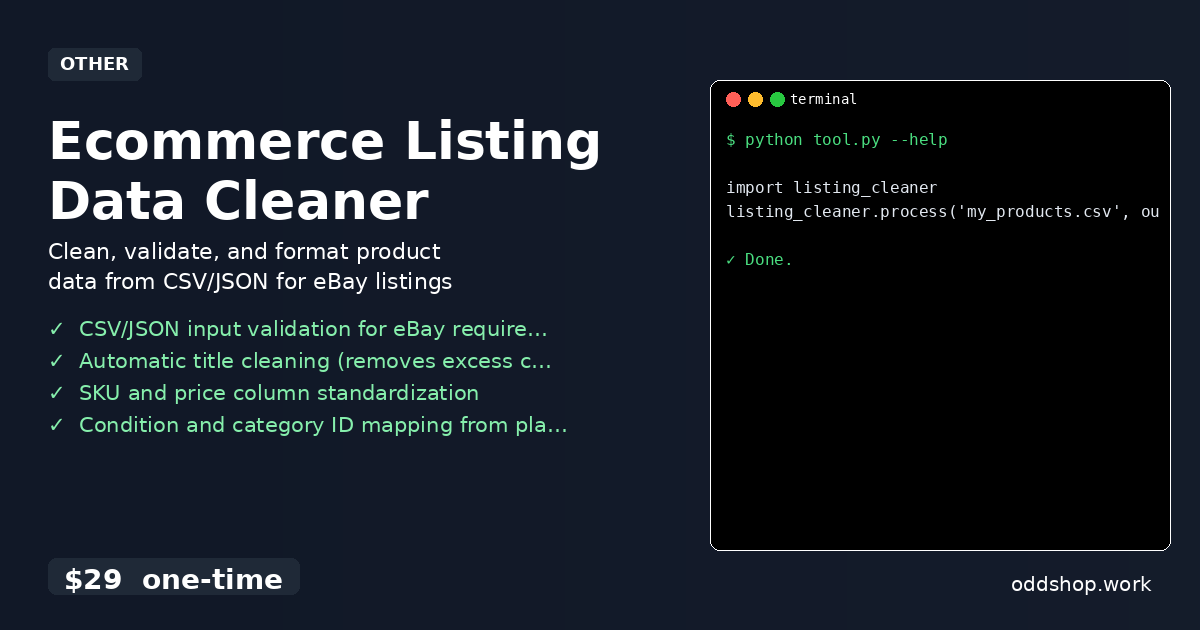
import listing_cleaner
listing_cleaner.process('my_products.csv', output_format='ebay_csv')
You can pass in your input file and choose between exporting to eBay-ready CSV or a formatted JSON file. The tool automatically detects the input format, validates required fields, and applies eBay-specific transformations to ensure listings are clean and consistent.
Results
After running the tool, you’ll have a ready-to-upload file that meets eBay’s strict data requirements. Saving hours of manual work, this output is free of formatting errors, standardizes SKUs and titles, and ensures all required fields are properly filled — making your listing process faster and more reliable.
Get the Script
If you’re tired of building these tools from scratch, the Ecommerce Listing Data Cleaner is the polished version of what you just saw. It’s a one-time payment of $29 and works across Windows, Mac, and Linux.
Download Ecommerce Listing Data Cleaner →
$29 one-time. No subscription. Works on Windows, Mac, and Linux.
Built by OddShop — Python automation tools for developers and businesses.