If you’ve ever spent hours manually fixing eBay product titles and formatting, you know how frustrating it is. The process is tedious, error-prone, and eats up time that could be spent on growing your business. When eBay requires precise formatting for listings, and inventory exports come in messy, inconsistent shapes — that’s where automation comes in.
The Manual Way (And Why It Breaks)
Most developers or sellers who work with eBay inventory data do it the old-fashioned way: copy-paste from spreadsheets, manually edit listing titles, and format prices and SKUs by hand. Sometimes, they’ll use Excel macros or scripts, but even that is fragile and slow. It’s easy to hit API rate limits if you’re using automated tools, and every tweak means a new iteration.
What really breaks down is the consistency. Titles with random caps, inconsistent SKU formats, or price fields that have extra spaces — these all get flagged by eBay’s systems. You can’t rely on manual efforts when you’re updating hundreds or thousands of listings. The process becomes more about firefighting than building.
The Python Approach
Here’s a simplified version of what might happen in a real data cleaning script:
import csv
import re

def clean_title(title):
    # Convert to title case, remove extra spaces
    title = re.sub(r'\s+', ' ', title.strip())
    return title.title()

def clean_price(price_str):
    # Remove currency symbols, spaces, and format to 2 decimals
    price = re.sub(r'[^\d\.]', '', price_str)
    return f"{float(price):.2f}"

def process_listings(input_file, output_file):
    cleaned_data = []
    with open(input_file, 'r') as f:
        reader = csv.DictReader(f)
        for row in reader:
            row['title'] = clean_title(row['title'])
            row['price'] = clean_price(row['price'])
            cleaned_data.append(row)

    with open(output_file, 'w', newline='') as f:
        writer = csv.DictWriter(f, fieldnames=reader.fieldnames)
        writer.writeheader()
        writer.writerows(cleaned_data)

# Usage
process_listings('inventory.csv', 'cleaned_inventory.csv')
This small script cleans titles and standardizes prices — good for simple cases, but it doesn’t validate required eBay fields, it doesn’t handle different input formats, and it doesn’t provide a ready-to-upload output. You’d need to build that yourself.
What the Full Tool Handles
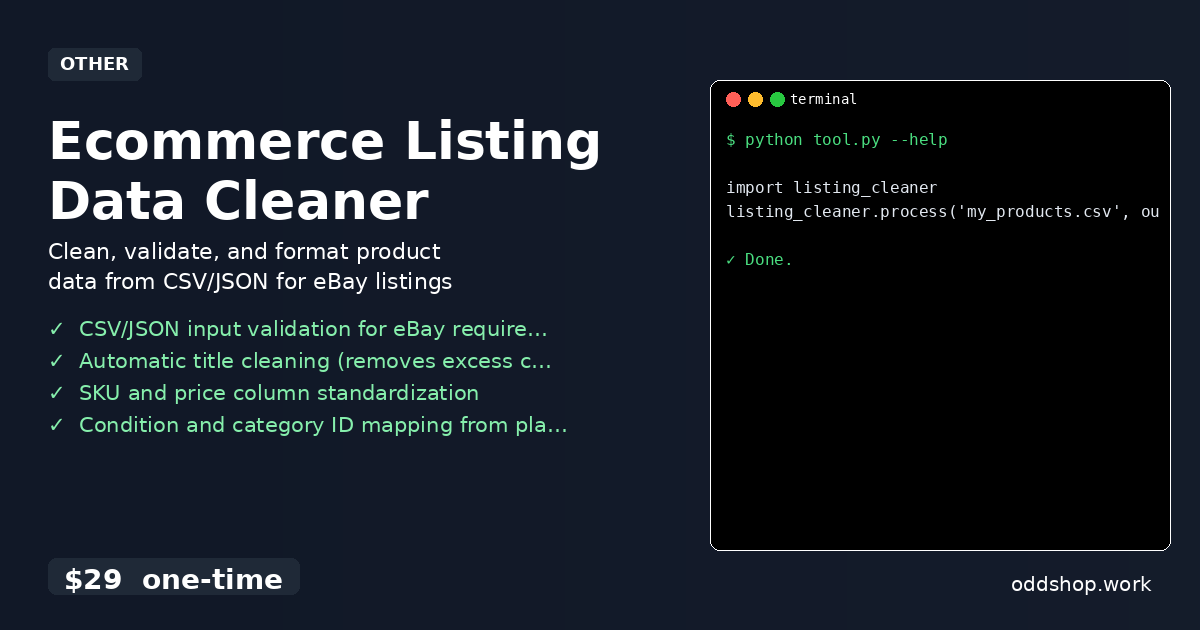
The Ecommerce Listing Data Cleaner package goes beyond basic parsing:
- Validates required eBay fields
- Handles both CSV and JSON inputs
- Automatically maps plain text conditions (like “like new”) to eBay category IDs
- Fixes SKU and price formatting issues
- Provides output options like eBay-ready CSV or formatted JSON
- Includes CLI interface for quick command-line use
Running It
To use the tool, you simply import and run it like this:
import listing_cleaner
listing_cleaner.process('my_products.csv', output_format='ebay_csv')
You can pass in additional arguments like output_dir, validate_only, or map_conditions. The tool will output a clean, eBay-ready file — either CSV or JSON — with all formatting errors corrected and fields standardized.
Results
You save hours of manual work and reduce listing errors. The tool produces a clean, ready-to-upload file that meets eBay’s strict formatting rules — no more failed uploads or flagged listings.
Get the Script
If you’ve seen the code example and are thinking, “I could build something like this,” you’re right — but why not skip the build and use the polished version?
Download Ecommerce Listing Data Cleaner →
$29 one-time. No subscription. Works on Windows, Mac, and Linux.
Built by OddShop — Python automation tools for developers and businesses.