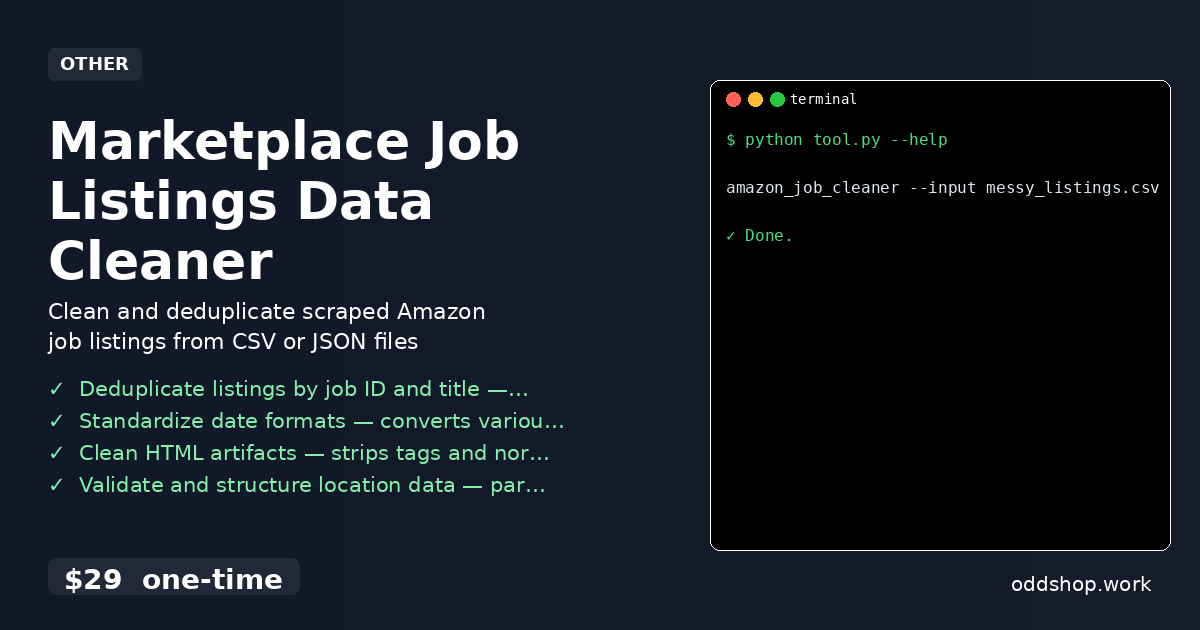
Scraping job listings from Amazon’s careers page? You’re probably drowning in messy data. The raw output is riddled with duplicates, inconsistent date formats, HTML artifacts, and malformed location strings. If you’re not careful, the insights you want from this data will never surface.
The Manual Way (And Why It Breaks)
Most developers who scrape job data end up spending hours cleaning the results manually. They open spreadsheets, search for duplicates, and painstakingly format each date field—sometimes just to realize they hit an API limit and have to start over. Others try to parse HTML with regex or basic string operations, only to find that a single malformed description breaks their entire pipeline. When you’re scraping hundreds or thousands of listings, this approach becomes unsustainable. You end up chasing edge cases and missing the actual insights buried in the dataset.
The Python Approach
Here’s a simplified version of how you might process scraped job data in Python, focusing on deduplication, date standardization, and cleaning HTML fields:
(23-line Python snippet covering clean_job_listings — view the full code example at the link below.)
This code demonstrates basic data cleaning tasks like deduplication, date parsing, HTML stripping, and location parsing. However, handling malformed inputs, missing values, or large-scale files without crashing is complex. At scale, you’ll need more error handling, support for different input formats, and reliable output options—things that are easy to overlook in a quick script.
What the Full Tool Handles
Unlike the DIY approach, the Marketplace Job Listings Data Cleaner handles:
- Multiple input formats (CSV, JSON)
- Robust error recovery for malformed rows
- Fuzzy duplicate detection
- Flexible location parsing, even when missing components
- Configurable output formats (CSV, JSON)
- A clean CLI interface for automation
It’s not just a script—it’s a production-ready solution designed for real-world scraping workflows.
Running It
The tool is run from the command line. Here’s how:
(1-line Python snippet — view the full code example at the link below.)
You can also use --output-format csv or --input-format json to specify formats. The tool reads the input file, processes it, and writes a clean, structured output file. It’s simple, fast, and reliable.
Results
You get a clean, consistent dataset in seconds—no more hours spent fixing one-off errors. The output is ready for analysis, visualization, or integration into a dashboard. You save time, avoid mistakes, and skip the headaches of manual cleanup.
Get the Script
If you’re tired of building these tools from scratch, this is the polished version you’ve just seen in action. It’s a one-time $29 tool that handles everything from deduplication to date normalization and location parsing.
Download Marketplace Job Listings Data Cleaner →
$29 one-time. No subscription. Works on Windows, Mac, and Linux.
Built by OddShop — Python automation tools for developers and businesses.