Spending hours manually converting HTML reports to PDF every month? Here’s how to automate the entire process with Python. If you’re generating monthly reports, client documents, or any kind of HTML-based documentation that needs to become PDFs, manual conversion is eating into your development time and creating unnecessary bottlenecks.
The Manual Way (And Why It Breaks)
Most developers handle HTML to PDF conversion by opening each report in Chrome, hitting Ctrl+P, adjusting print settings to save as PDF, then renaming files according to their naming convention. For small projects, this works. But when you’re dealing with dozens of reports monthly, or need to convert them on a schedule, this approach falls apart. You hit browser limitations, formatting gets inconsistent across different machines, and any change to the HTML template means re-doing the entire process manually. API-based solutions add complexity with rate limits, authentication, and external dependencies that can break your automated workflows.
The Python Approach
Here’s the core logic you’d write yourself using WeasyPrint or similar libraries:
(21-line Python snippet covering convert_html_to_pdf — view the full code example at the link below.)
This basic implementation handles simple HTML to PDF conversion but lacks error recovery, advanced formatting options, and URL fetching capabilities. At scale, you’d need to handle various edge cases like missing images, complex CSS layouts, and different input formats.
What the Full Tool Handles
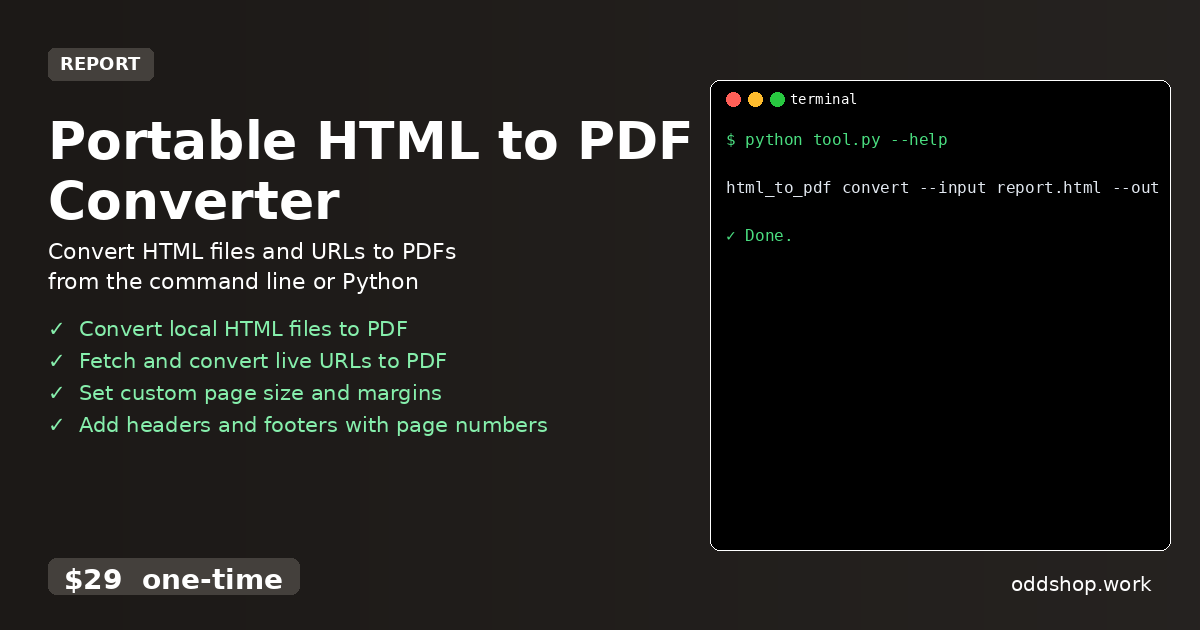
The Portable HTML to PDF Converter includes everything you’d need for production use:
- Error handling for malformed HTML and network issues
- Support for both local files and live URLs
- Multiple page size options (A3, A4, A5, Letter, Legal)
- Customizable margins and orientation settings
- Header and footer templates with automatic page numbering
- Command-line interface for easy integration into scripts
Running It
Use the converter from your terminal with simple commands:
(1-line Python snippet — view the full code example at the link below.)
The --input flag specifies your source HTML file or URL, --output sets the destination PDF path, and --format defines the paper size. Additional flags let you set margins (--margin-top, --margin-bottom), add headers (--header-template), and control page orientation (--orientation).
Results
You get properly formatted PDFs that match your HTML styling while saving hours of manual conversion work. The tool produces consistent output regardless of the machine it runs on, and handles all the edge cases that typically break DIY solutions.
Get the Script
Skip the build phase — the Portable HTML to PDF Converter is the production-ready version of this logic with all the error handling and features you’ll actually need. Download Portable HTML to PDF Converter →
$29 one-time. No subscription. Works on Windows, Mac, and Linux.
Built by OddShop — Python automation tools for developers and businesses.