If you’re tired of manually converting HTML reports to PDF every day, this Python solution will change everything. You’re not alone if you’ve spent hours copy-pasting templates, clicking through browser menus, or wrestling with API rate limits. Automating this task is essential for developers who want to spend time building, not repeating.
The Manual Way (And Why It Breaks)
Most developers who work with HTML reports fall into one of two traps: they either copy-paste content into PDF editors like Word or use browser print-to-PDF features. Both methods are time-consuming, error-prone, and don’t scale. If you’re generating dozens of reports a week, or even just once a day, it’s easy to lose track of formatting, miss headers, or forget to update margins. Some teams try to outsource this task or rely on third-party API services, which can hit rate limits, introduce latency, or require ongoing maintenance. This manual method kills productivity and opens the door to human error.
The Python Approach
Python gives us powerful tools for converting HTML to PDF, but it often requires installing external libraries like weasyprint or pdfkit. These libraries depend on system-level tools (like wkhtmltopdf) that can be tricky to set up across different environments. Here’s a simplified version of what the core logic might look like:
from weasyprint import HTML
import os

def convert_html_to_pdf(html_file, output_file, page_format='A4'):
    # Load HTML content
    html_content = open(html_file, 'r').read()

    # Convert to PDF
    HTML(string=html_content).write_pdf(
        output_file,
        stylesheets=['style.css'],  # Optional CSS
        media_type='screen',
        presentational_hints=True
    )

    print(f"PDF saved to {output_file}")

# Example usage
convert_html_to_pdf('report.html', 'report.pdf', page_format='A4')
This code snippet reads an HTML file and converts it to PDF using weasyprint. It supports basic styling and allows setting a format like A4. However, when scaling this approach, you’ll run into issues like missing dependencies, inconsistent rendering across platforms, and limited control over page headers, footers, and margins.
What the Full Tool Handles
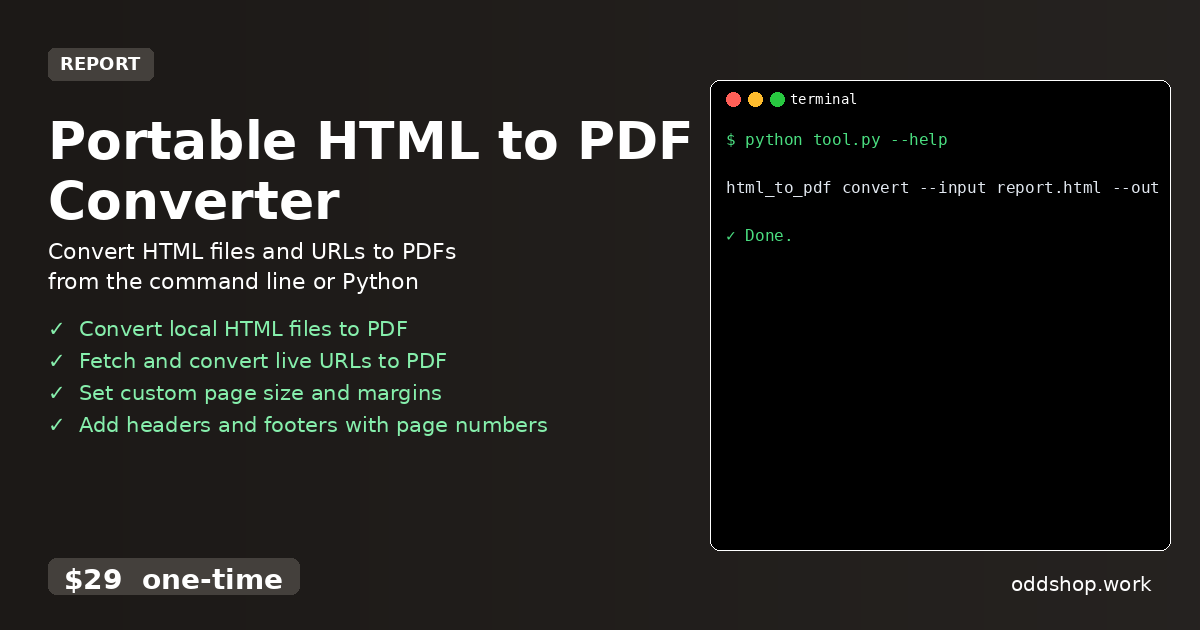
The full version of a tool like Portable HTML to PDF Converter addresses all of these shortcomings:
- Handles both local HTML files and live URLs
- Supports custom page sizes, margins, and orientation
- Adds headers and footers with page numbers
- Works via CLI or as a Python library
- Ensures consistent output across platforms
- Includes built-in error handling and logging
Running It
Once you’ve installed the tool, converting HTML to PDF is simple:
html_to_pdf convert --input report.html --output report.pdf --format A4
You can also pass options like --margin 1in, --header "Page {page}", or --footer "Generated on {date}". The tool handles everything from output formatting to PDF metadata, all without needing an internet connection or extra dependencies.
Results
With this tool, you can automate your report generation workflow in seconds. Instead of spending 30 minutes per report, you’re now generating hundreds of PDFs a day with consistent formatting. The output is reliable, portable, and professional — no more formatting surprises or missing headers.
Get the Script
This tool is the polished version of what you just learned how to build. Skip the trial-and-error and get a ready-to-use solution that works out of the box. For just $29 one-time, you’ll have everything you need to convert HTML to PDF in any environment.
Download Portable HTML to PDF Converter →
$29 one-time. No subscription. Works on Windows, Mac, and Linux.
Built by OddShop — Python automation tools for developers and businesses.