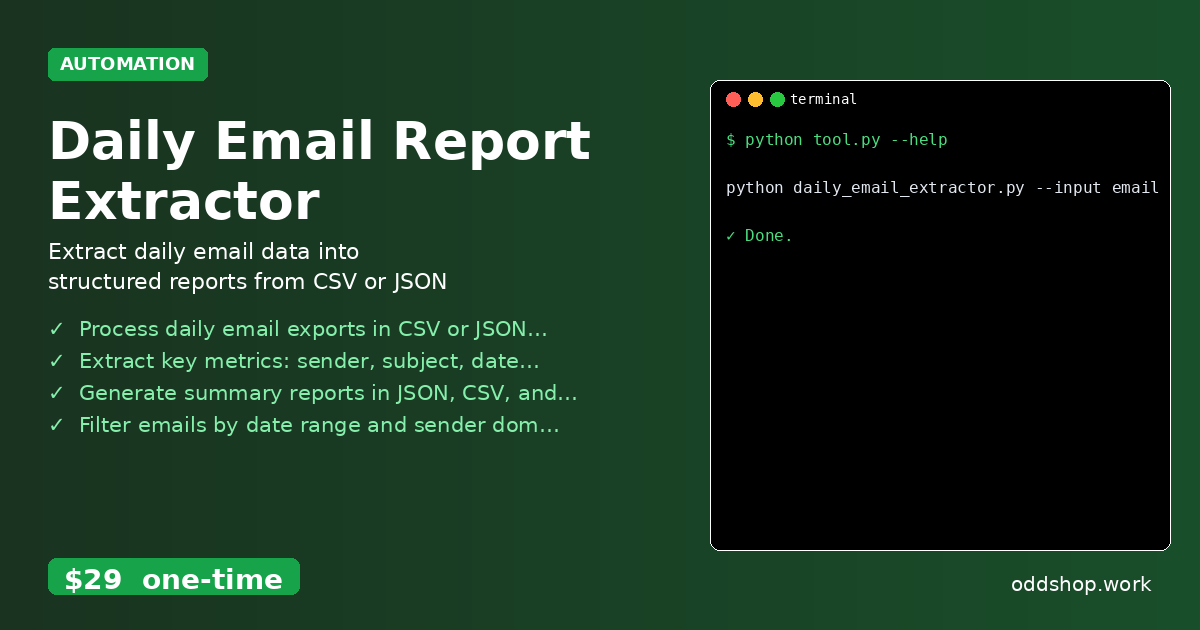
python email automation has become a common need for analysts and developers managing email archives, but manually extracting data from daily exports can be tedious and error-prone. Whether you’re parsing CSV email logs or JSON exports, the process often involves repetitive copy-pasting, Excel manipulation, or custom scripts that don’t scale well. This is where a tool like the Daily Email Report Extractor comes in — it automates what would otherwise be a time-consuming task.
The Manual Way (And Why It Breaks)
Manually processing daily email data is a drag. You start by exporting the CSV or JSON file, then open it in a spreadsheet tool like Excel or Google Sheets. Next, you have to manually copy-paste key fields like sender, subject, and date into a summary sheet. Then you calculate word counts, filter by date or domain, and format everything for a report. This process is slow, prone to human error, and doesn’t scale when reports are needed daily. It’s a perfect candidate for python daily scripts — if you’re not using them already.
The Python Approach
Here’s a simple example of how you might tackle email data extraction with a python email automation script. This script uses pandas for processing and assumes a CSV input with columns like sender, subject, date, and body.
import pandas as pd
from datetime import datetime

# Load the CSV file
email_df = pd.read_csv("emails.csv")

# Convert date column to datetime if needed
email_df['date'] = pd.to_datetime(email_df['date'])

# Calculate word count for each email
email_df['word_count'] = email_df['body'].str.split().str.len()

# Filter emails from a specific date (optional)
target_date = "2024-05-15"
filtered_df = email_df[email_df['date'].dt.date == datetime.strptime(target_date, "%Y-%m-%d").date()]

# Group by sender and summarize metrics
summary = filtered_df.groupby('sender').agg({
    'subject': 'count',
    'word_count': 'sum'
}).rename(columns={'subject': 'email_count', 'word_count': 'total_words'})

# Save to a new CSV
summary.to_csv("report_summary.csv")
This script filters and summarizes email data by sender, calculates word counts, and saves results to a new file. However, it only handles one date, no domain filtering, and no output formats beyond CSV. It’s a good starting point, but real-world email reporting often requires more flexibility.
What the Full Tool Handles
- Processes daily email exports in both CSV and JSON formats
- Extracts core metrics including sender, subject, date, and word count
- Generates reports in JSON, CSV, and plain text formats
- Allows filtering emails by date range and sender domain
- Works with automated scheduling via cron or systemd
- Designed for developers and analysts who use python daily scripts regularly
This is exactly the kind of python email automation task that benefits from a dedicated tool — handling file parsing, filtering, aggregation, and output in one reliable script.
Running It
You run the tool using a simple command line interface:
python daily_email_extractor.py --input emails.csv --output report.json --date 2024-05-15
The tool supports flags like --input, --output, and --date to specify which file to use, where to save the result, and the date to filter on. It can also filter by sender domain with an additional --sender-domain flag. Output formats are selected by file extension — .json, .csv, or .txt.
Get the Script
If you want to skip the build and get a ready-made solution for email data extraction, this tool is exactly what you need. Skip the setup — just download and run.
Download Daily Email Report Extractor →
$29 one-time. No subscription. Works on Windows, Mac, and Linux.
Built by OddShop — Python automation tools for developers and businesses.