Ecommerce listing data is a mess — and eBay sellers know it. After exporting inventory from their platform, they often find that product titles are inconsistent, SKUs are mismatched, and prices are formatted in ways that violate eBay’s listing policies. This is especially true when managing hundreds of items — manual cleanup becomes a time sink, leading to errors, delays, and frustrated buyers.
The Manual Way (And Why It Breaks)
Without automation, eBay sellers spend hours manually downloading spreadsheets, copy-pasting data into new columns, and editing product titles to ensure they comply with eBay’s formatting rules. The process involves clicking through multiple export options, adjusting spacing, standardizing price formats, and matching condition IDs to plain text. Some even resort to using data validation scripts to check fields, but they’re often piecemeal tools that don’t fit the full workflow. For developers working with eBay inventory management, this repetitive task can quickly become a major bottleneck in their automation pipeline.
The Python Approach
This is where a focused Python tool comes in handy — it can handle large datasets with consistent, predictable results. Here’s a simplified version of what that script might look like:
import pandas as pd
import re

# Load the input CSV file
df = pd.read_csv('my_products.csv')

# Clean product titles: remove extra caps, normalize spacing
def clean_title(title):
    # Convert to title case, then fix common over-capitalizations
    cleaned = re.sub(r'\b([A-Z]{2,})\b', lambda m: m.group(1).lower(), title.title())
    # Replace multiple spaces with single space
    cleaned = re.sub(r'\s+', ' ', cleaned).strip()
    return cleaned

df['product_title'] = df['product_title'].apply(clean_title)

# Standardize price column: remove non-numeric chars, convert to float
df['price'] = df['price'].str.replace(r'[^\d\.]', '', regex=True).astype(float)

# Normalize SKU column: strip whitespace and pad with zeros if needed
df['sku'] = df['sku'].str.strip().str.zfill(10)

# Export to eBay-ready CSV
df.to_csv('cleaned_products.csv', index=False)
View full code with error handling: https://oddshop.work/blog/ecommerce-listing-data-cleaner-guide/
This snippet handles basic title cleaning and price standardization, but it doesn’t cover eBay-specific mapping for condition or category IDs, nor does it validate required fields. For real-world eBay inventory management, you need something more comprehensive.
What the Full Tool Handles
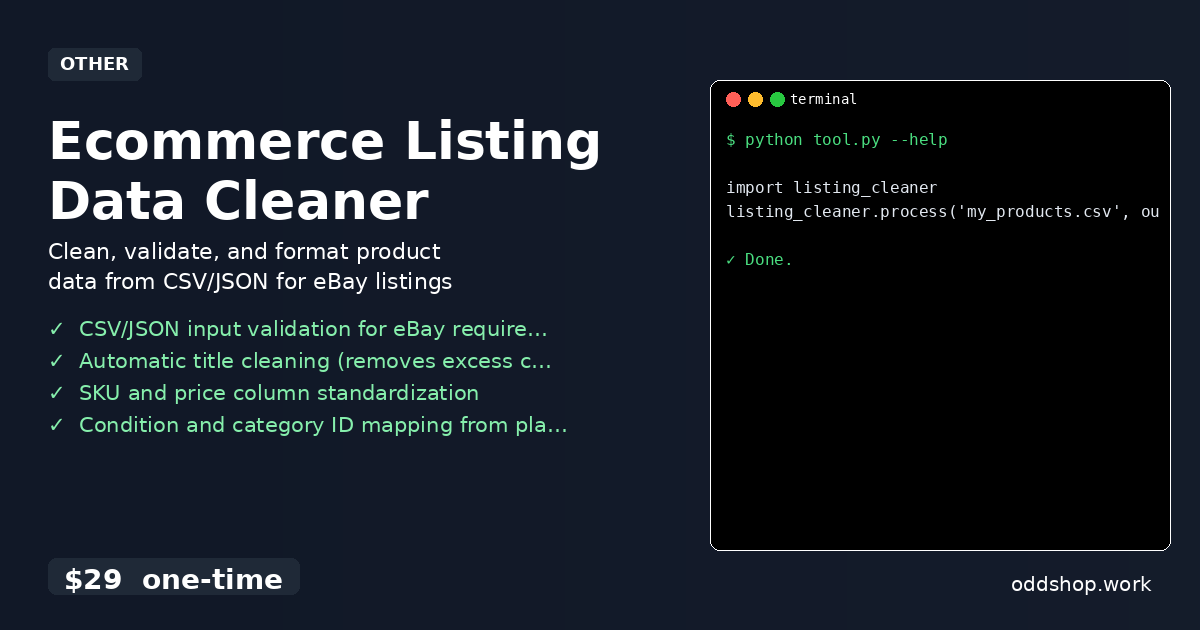
- Validates required fields in CSV or JSON input for eBay listing compliance
- Automatically cleans product titles, removing excess capitalization and fixing spacing
- Standardizes SKU and price columns for consistent formatting
- Maps condition and category IDs from plain text labels (e.g., “Like New” → 3000)
- Offers export options in eBay-ready CSV or formatted JSON
- Handles data cleaning for any platform’s export, not just one specific source
These features make the ecommerce listing data cleaner a powerful tool for developers and sellers looking to optimize their inventory workflows.
Running It
To use the tool, simply import it and call the process function with your input file:
import listing_cleaner
listing_cleaner.process('my_products.csv', output_format='ebay_csv')
View full code with error handling: https://oddshop.work/blog/ecommerce-listing-data-cleaner-guide/
The output_format flag specifies whether to output a CSV or JSON file. The tool will generate a cleaned version of your file, with all eBay listing requirements applied. It’s fast, reliable, and designed to save you the tedious work of manual formatting.
Get the Script
If you’re not ready to build your own, this is the polished version of what you just saw — a complete tool that handles all the edge cases of eBay inventory management.
Download Ecommerce Listing Data Cleaner →
$29 one-time. No subscription. Works on Windows, Mac, and Linux.
Built by OddShop — Python automation tools for developers and businesses.