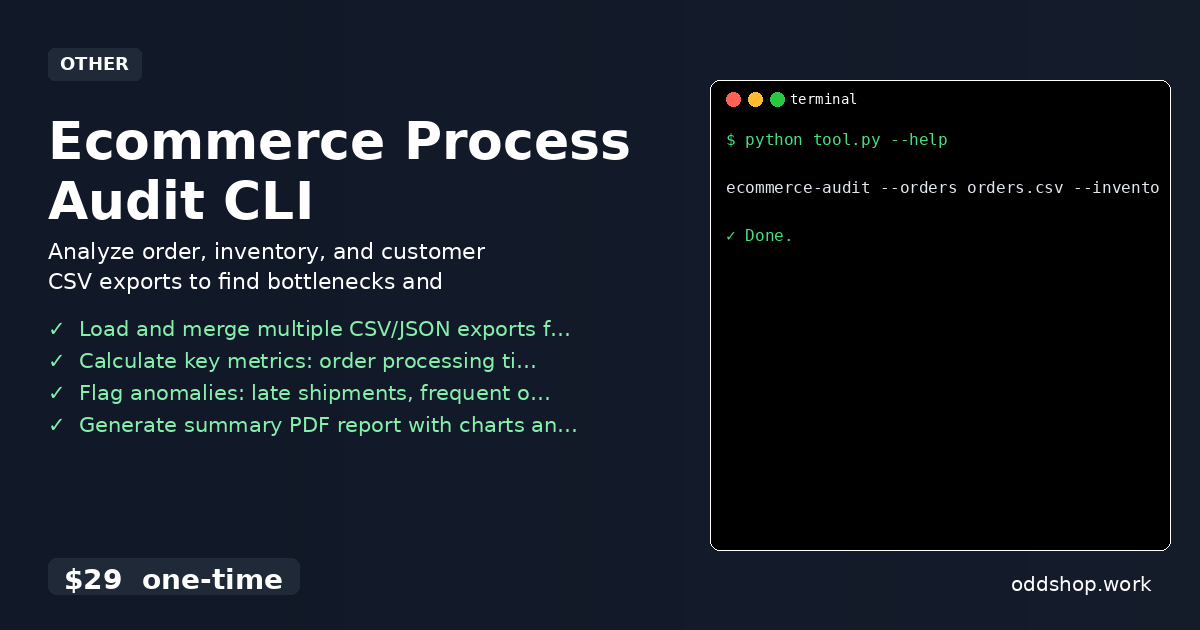
Ecommerce process audit tools are often a black box, and the manual approach to analyzing your store’s data is a time sink. When you’re trying to track order fulfillment tracking or spot inventory inefficiencies, you end up copying data between spreadsheets, running calculations by hand, or writing scripts that break when data changes. This is where a python automation script can help — and this ecommerce process audit CLI is a polished version of that idea.
The Manual Way (And Why It Breaks)
If you’re dealing with a small to mid-sized store, you probably rely on manual steps to identify operational bottlenecks. You download CSV exports from your platform like Shopify or WooCommerce, then open them in Excel or Google Sheets to cross-reference order dates with stock levels. You manually calculate how long orders take to ship, or count how many customers returned items. You may even spend hours formatting data to match what your internal reporting system expects. It’s not just tedious — it’s error-prone. And when you’re running a store, you need to get insights quickly. Without a python automation script or proper tooling, this becomes a recurring headache that eats into your productivity.
The Python Approach
Here’s a basic script to get started with an ecommerce process audit in Python. It loads order and inventory data, calculates processing time, and identifies late shipments.
import pandas as pd
from datetime import datetime

# Read order and inventory data
orders = pd.read_csv('orders.csv')
stock = pd.read_csv('stock.csv')

# Convert date columns to datetime
orders['created_at'] = pd.to_datetime(orders['created_at'])
orders['fulfilled_at'] = pd.to_datetime(orders['fulfilled_at'])

# Calculate order processing time (days)
orders['processing_days'] = (orders['fulfilled_at'] - orders['created_at']).dt.days

# Flag late shipments (over 3 days to fulfill)
late_shipments = orders[orders['processing_days'] > 3]

# Merge with inventory to check stockouts
inventory_lookup = stock.set_index('product_id')['stock_level']
orders['stock_level'] = orders['product_id'].map(inventory_lookup)

# Flag out-of-stock items
out_of_stock = orders[orders['stock_level'] == 0]

# Print results
print("Late Shipments:")
print(late_shipments[['id', 'processing_days']])
print("\nOut of Stock Orders:")
print(out_of_stock[['id', 'product_id']])
View full code with error handling: https://oddshop.work/blog/ecommerce-process-audit-cli-23-guide/
This script calculates processing times and flags anomalies, but it doesn’t scale beyond basic checks. It doesn’t generate reports or export data for integration. For a real-world solution, you’ll want to go beyond this. The full ecommerce process audit CLI handles all of that — and more.
What the Full Tool Handles
- Load and merge multiple CSV/JSON exports from platforms like Shopify or WooCommerce
- Calculate key metrics like order processing time, inventory turnover, and repeat purchase rate
- Flag anomalies including late shipments, frequent out-of-stock items, and high-return customers
- Generate a summary PDF report with charts and prioritized action items
- Export analysis results to JSON for integration with other systems
- Handle real-world formatting inconsistencies and edge cases that break manual workflows
Running It
To run the tool, execute this command:
ecommerce-audit --orders orders.csv --inventory stock.csv --output report.pdf
View full code with error handling: https://oddshop.work/blog/ecommerce-process-audit-cli-23-guide/
The --orders and --inventory flags specify the input files, while --output sets where the generated report lives. The PDF includes visualizations like bar charts for late orders and pie charts for return patterns, making it easy to spot priority areas for improvement.
Get the Script
Skip the build. You don’t need to write all this code yourself — this ecommerce process audit CLI is already built and tested.
Download Ecommerce Process Audit CLI →
$29 one-time. No subscription. Works on Windows, Mac, and Linux.
Built by OddShop — Python automation tools for developers and businesses.