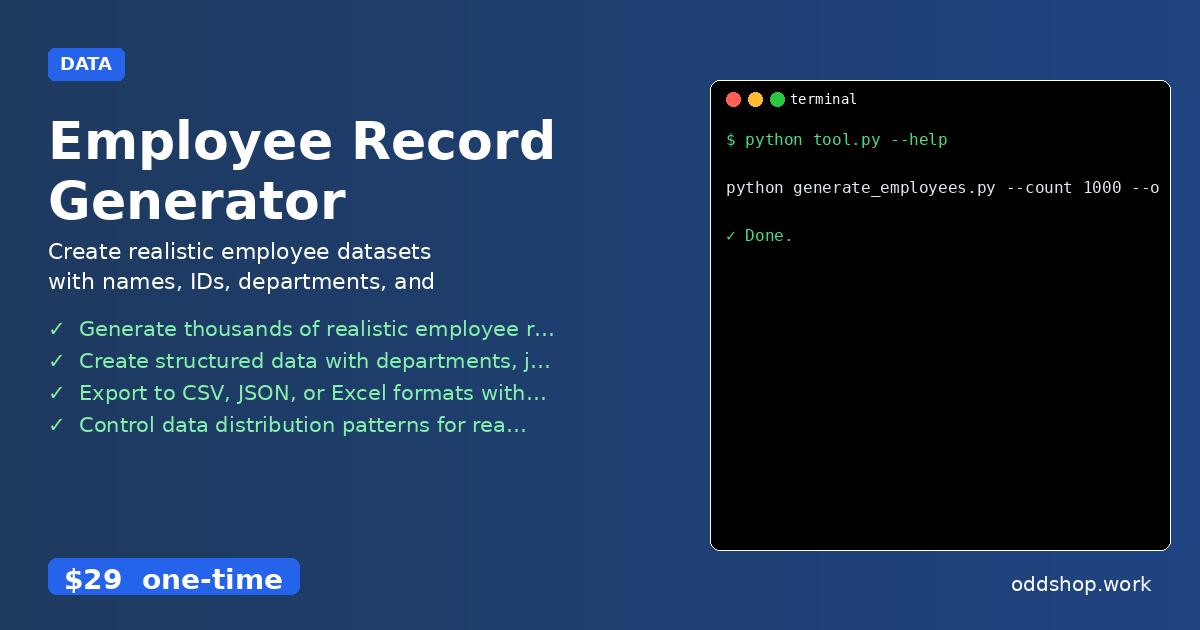
The manual process of creating employee records for testing HR systems, database seeding, or payroll applications is tedious and error-prone. You end up copying and pasting data, guessing realistic salary ranges, or worse — reusing the same names over and over. A proper employee record generator can automate this and make your development workflow more efficient.
The Manual Way (And Why It Breaks)
Manually creating employee data is a time sink. You have to think up names, decide on realistic departments, and ensure salary ranges align with job roles and years of experience. Often, teams resort to using generic placeholders or repeating the same names, breaking the illusion of a real workforce. This becomes especially problematic when you’re testing systems that rely on accurate data distributions — like reporting chains or departmental budgets. Even basic tools that allow CSV exports often lack the structure needed for complex HR system testing.
The Python Approach
A simple Python script can generate the core data for employee records. Here’s a snippet to get started:
import csv
import random
from datetime import datetime, timedelta

# Define lists of possible values
first_names = ['John', 'Jane', 'Michael', 'Sarah', 'David', 'Emily']
last_names = ['Smith', 'Johnson', 'Williams', 'Brown', 'Jones', 'Garcia']
departments = ['Engineering', 'Sales', 'Marketing', 'HR', 'Finance']
job_titles = ['Software Engineer', 'Sales Associate', 'Marketing Specialist', 'HR Manager', 'Financial Analyst']
locations = ['New York', 'San Francisco', 'Austin', 'Chicago', 'Boston']

# Generate fake employee records
def generate_sample_employees(count):
    employees = []
    for _ in range(count):
        employee = {
            'employee_id': random.randint(10000, 99999),
            'first_name': random.choice(first_names),
            'last_name': random.choice(last_names),
            'department': random.choice(departments),
            'job_title': random.choice(job_titles),
            'hire_date': (datetime.now() - timedelta(days=random.randint(1, 3650))).strftime('%Y-%m-%d'),
            'location': random.choice(locations),
            'salary': random.randint(50000, 120000)
        }
        employees.append(employee)
    return employees

# Write records to CSV
with open('employees.csv', 'w', newline='') as csvfile:
    fieldnames = ['employee_id', 'first_name', 'last_name', 'department', 'job_title', 'hire_date', 'location', 'salary']
    writer = csv.DictWriter(csvfile, fieldnames=fieldnames)
    writer.writeheader()
    for emp in generate_sample_employees(100):
        writer.writerow(emp)
This script produces a basic set of employee data using standard Python libraries. It creates realistic-looking records with fixed lists of names, jobs, departments, and locations. However, it lacks features like exporting to multiple formats, realistic hierarchical data structures, or support for different data distribution patterns that a full employee record generator would provide.
What the Full Tool Handles
- Generate thousands of synthetic employee records with realistic names and demographics
- Create structured organizational data including departments, job titles, and reporting relationships
- Export to CSV, JSON, or Excel with customizable field mappings
- Control data distribution to simulate realistic employment patterns and hierarchy
- Include detailed fields like hire dates, contact details, and location data
- Support for HR system testing and database seeding through automated synthetic employee data generation
A full employee record generator takes care of all this complexity, so you can focus on validating your application logic rather than crafting test data.
Running It
Here’s how to run the full tool from the command line:
python generate_employees.py --count 1000 --output employees.csv --departments engineering,sales,marketing
You can set the number of employees to generate and specify which departments to include. The tool outputs a clean file in your chosen format, making it easy to import into any system.
Get the Script
If you don’t want to build your own solution, skip the scripting and use the full tool. It’s been designed for developers who need fast, realistic, and customizable synthetic employee data.
Download Employee Record Generator →
$29 one-time. No subscription. Works on Windows, Mac, and Linux.
Built by OddShop — Python automation tools for developers and businesses.