Every time a customer uploads their logo or text for a custom t-shirt, mug, or sticker, you shouldn’t have to manually create that mockup by hand. Print-on-demand businesses waste hours daily creating individual product visualizations, while developers struggle to automate what should be a simple template-filling process. The solution lies in treating SVG templates like data containers that can be programmatically modified.
The Manual Way (And Why It Breaks)
Most developers start by manually editing SVG files in graphic design software, copying and pasting customer artwork into pre-made templates. Some export CSV files with coordinates and try to merge them with XML templates using string replacement. Others resort to browser automation tools clicking through design interfaces for each custom order. When orders hit double digits per day, these approaches collapse under the weight of repetitive work, human error, and the sheer impossibility of scaling personal attention to hundreds of unique designs.
The Python Approach
Here’s the core logic for modifying SVG templates programmatically. This basic approach handles text insertion and image placement, giving you control over positioning and styling elements within SVG documents.
import xml.etree.ElementTree as ET
from PIL import Image
import base64
import io

def modify_svg_template(template_path, output_path, text_content, image_path, text_x, text_y, img_x, img_y):
    # Parse the SVG template
    tree = ET.parse(template_path)
    root = tree.getroot()

    # Add text element
    text_elem = ET.SubElement(root, 'text', {
        'x': str(text_x),
        'y': str(text_y),
        'font-size': '24',
        'fill': '#000000'
    })
    text_elem.text = text_content

    # Process and embed image
    if image_path:
        img = Image.open(image_path)
        img_buffer = io.BytesIO()
        img.save(img_buffer, format='PNG')
        img_data = base64.b64encode(img_buffer.getvalue()).decode()

        # Add image element with embedded data
        img_elem = ET.SubElement(root, 'image', {
            'x': str(img_x),
            'y': str(img_y),
            'width': str(img.width),
            'height': str(img.height),
            '{http://www.w3.org/1999/xlink}href': f'data:image/png;base64,{img_data}'
        })

    # Save modified SVG
    tree.write(output_path, encoding='unicode')
This code works for simple cases but lacks proper namespace handling, coordinate transformations, and fails when dealing with complex SVG structures from design software. Scaling requires significant additional error handling and format compatibility work.
What the Full Tool Handles
The Product Customizer SVG Exporter handles everything the basic approach struggles with:
• Proper SVG namespace management and XML validation
• Multiple image formats (PNG, JPG, WebP) with automatic optimization
• Coordinate system conversions and responsive scaling
• Clean SVG output without editor metadata or temporary layers
• Batch processing for generating multiple design variations
• Error recovery when templates or assets are malformed
Running It
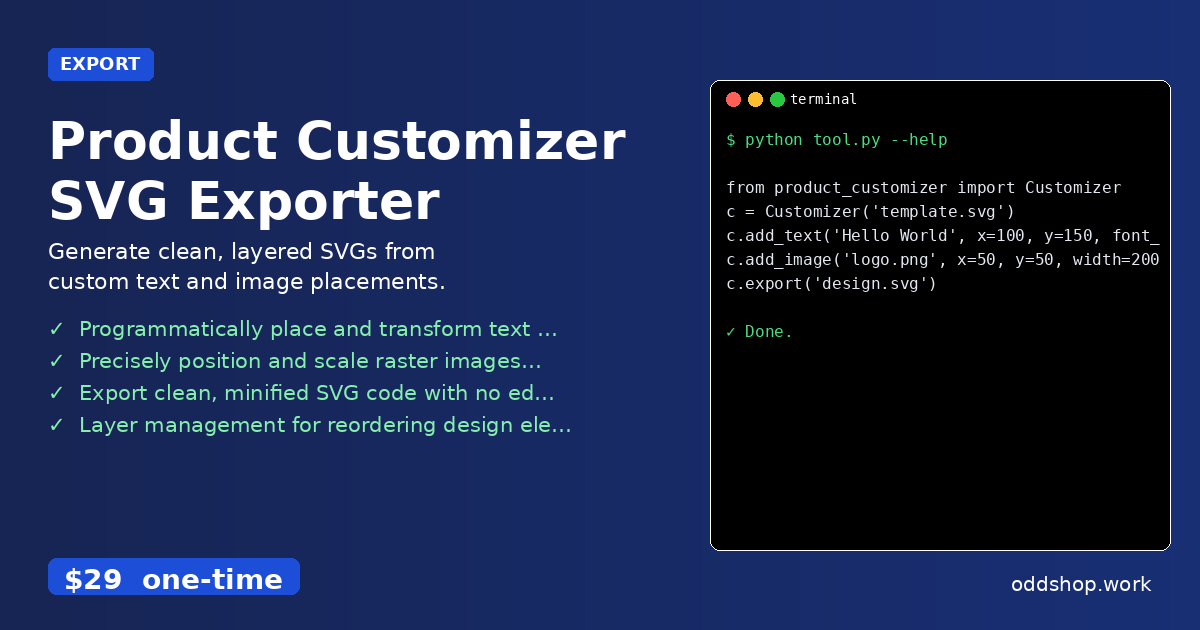
The actual implementation provides a clean interface for common operations:
from product_customizer import Customizer

c = Customizer('template.svg')
c.add_text('Hello World', x=100, y=150, font_size=24)
c.add_image('logo.png', x=50, y=50, width=200)
c.export('design.svg')
The add_text method accepts font properties, colors, and positioning parameters. The add_image function handles scaling, cropping, and format conversion automatically. The export method produces clean SVG files optimized for print services and web display.
Results
You get production-ready SVG files with properly structured elements, embedded images, and no extraneous metadata. The process scales from single customizations to batch jobs processing hundreds of designs automatically, eliminating manual work while maintaining professional quality output.
Get the Script
Skip the build phase — the Product Customizer SVG Exporter is the production-ready version of this automation logic with all the edge cases handled.
Download Product Customizer SVG Exporter →
$29 one-time. No subscription. Works on Windows, Mac, and Linux.
Built by OddShop — Python automation tools for developers and businesses.