When customers request printed copies of your website content, you don’t want to manually screenshot and compile. It’s time-consuming, error-prone, and not scalable. Imagine having to generate PDFs for dozens of product pages, blog posts, or reports—each one a manual click or scroll. That’s where a pdf report generator python solution can save the day.
The Manual Way (And Why It Breaks)
Developers often resort to laborious workarounds when faced with generating PDFs from web content. Copying and pasting into Word, taking screenshots, or using browser print-to-PDF features are common but inefficient. For businesses that need regular reports, this becomes a bottleneck. You might run into API limits if you’re using third-party services, or you may simply hit the wall of repetitive, boring work. The manual approach also introduces human error—missing pages, incorrect formatting, outdated content—all of which can hurt your credibility.
The Python Approach
Here’s a simplified script to show how you can generate PDFs from HTML content using Python and a library like weasyprint:
from weasyprint import HTML, CSS
from weasyprint.document import Document

# Load HTML content from a file or URL
html_path = 'report.html'
output_path = 'report.pdf'

# Convert HTML to PDF
HTML(filename=html_path).write_pdf(output_path)
This script loads an HTML file and converts it into a PDF. It’s functional for simple use cases but lacks control over page size, headers, footers, or handling of external assets like CSS or images. If you’re generating hundreds of reports, this approach will quickly fall short due to missing features and poor error handling.
What the Full Tool Handles
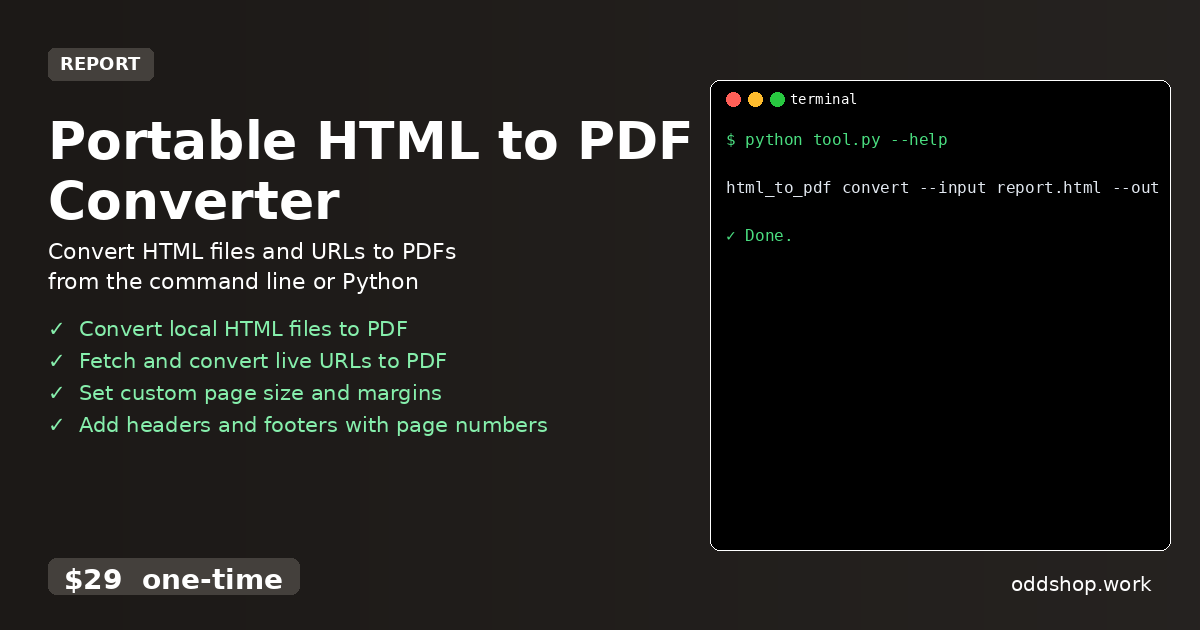
The Portable HTML to PDF Converter goes beyond basic conversion:
- Converts both local HTML files and live web URLs
- Supports custom page sizes, margins, and paper formats
- Adds headers and footers, including page numbers
- Handles broken links or missing assets gracefully
- Offers a clean CLI interface and Python module for integration
- Works without installing dependencies—just run the executable
Running It
You can run the tool directly from the command line:
html_to_pdf convert --input report.html --output report.pdf --format A4
This command converts report.html into a PDF named report.pdf with an A4 page size. You can also specify different formats like Letter, or set custom margins and page orientation.
Results
This solution saves hours of repetitive work and ensures consistent, high-quality PDF output. Whether you’re archiving content or generating reports for clients, the tool handles everything from formatting to file output in one clean process.
Get the Script
If you want to skip the build and use a polished, ready-to-go tool, try the Portable HTML to PDF Converter.
Download Portable HTML to PDF Converter →
$29 one-time. No subscription. Works on Windows, Mac, and Linux.
Built by OddShop — Python automation tools for developers and businesses.