If you’ve ever spent hours manually creating retention cohort matrices in Excel, you’ll love this Python solution. Manually calculating retention rates, copying formulas across rows, and formatting charts can take days—especially when dealing with large datasets or recurring analysis. Even worse, errors creep in from copy-paste mistakes or misaligned dates.
The Manual Way (And Why It Breaks)
Developers often tackle retention analysis by importing user data into Excel, then manually slicing and dicing it. You might start by grouping signups by week or month, matching them to activity logs, and computing retention percentages by hand. If you’re lucky, you’ll use pivot tables or VLOOKUPs—but even then, updating the dashboard for new data means redoing everything from scratch.
This approach is fragile. It breaks when data volume increases. It hits API or Excel sheet limits. It’s error-prone and doesn’t scale. You end up spending more time on data prep than actually analyzing user behavior.
The Python Approach
Here’s a simplified Python script that demonstrates how to build a basic retention cohort matrix. It reads user signups and activity logs, groups them by week, and computes weekly retention rates.
(22-line Python snippet — view the full code example at the link below.)
This code calculates and displays a basic retention matrix in the console. It handles grouping by week and computes simple retention rates. However, it lacks formatting, Excel output, or error handling. It doesn’t deal with missing data well and isn’t meant for production use.
What the Full Tool Handles
The Spreadsheet Retention Dashboard Generator goes beyond basic logic. It:
- Handles multiple input formats (CSV, JSON, etc.)
- Manages missing or malformed data gracefully
- Offers CLI support with flags for output path, time period, and more
- Generates Excel outputs with built-in formatting and charts
- Provides a summary sheet with key metrics like overall retention rate
- Applies conditional formatting to make trends easy to spot
Running It
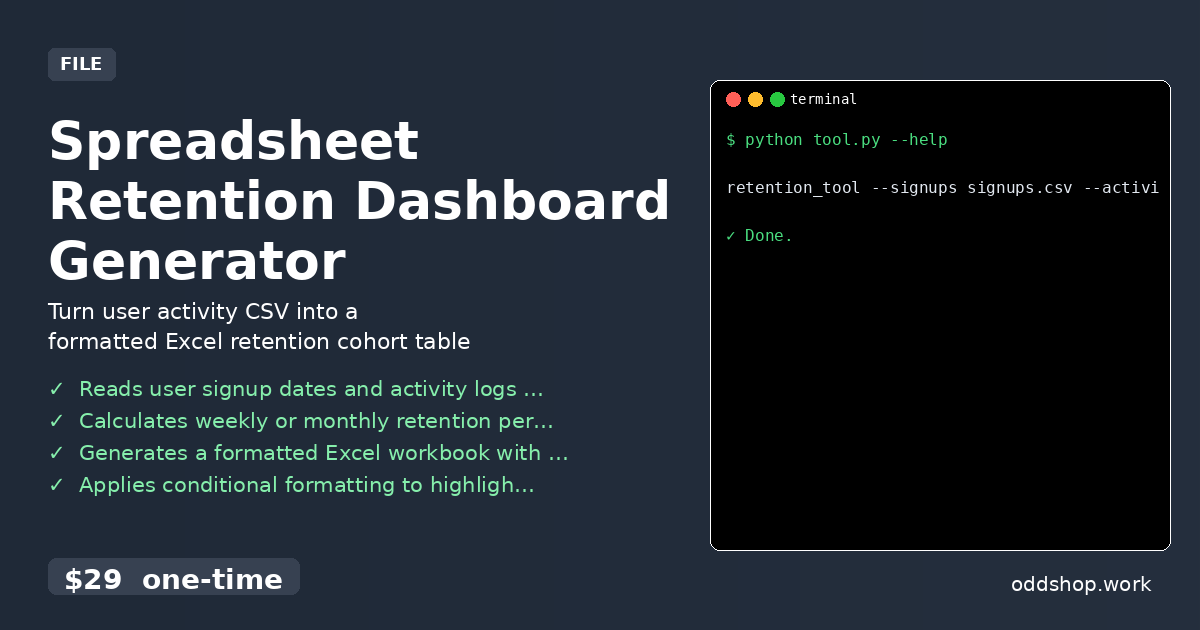
You can run the tool using the terminal with a simple command:
(1-line Python snippet — view the full code example at the link below.)
This command reads two CSV files: one for user signups and one for activity logs. It then produces a formatted Excel workbook called retention_report.xlsx with a cohort matrix, summary statistics, and conditional formatting to highlight trends.
Results
You’ll save hours of manual work. The tool generates a professional Excel file with formatting and charts, so you can hand it off to stakeholders without further effort. It solves the entire workflow: from data ingestion to visual report generation.
Get the Script
You don’t need to build a custom solution to get this done. Skip the trial-and-error and use the polished version designed for real-world use.
Download Spreadsheet Retention Dashboard Generator →
$29 one-time. No subscription. Works on Windows, Mac, and Linux.
Built by OddShop — Python automation tools for developers and businesses.