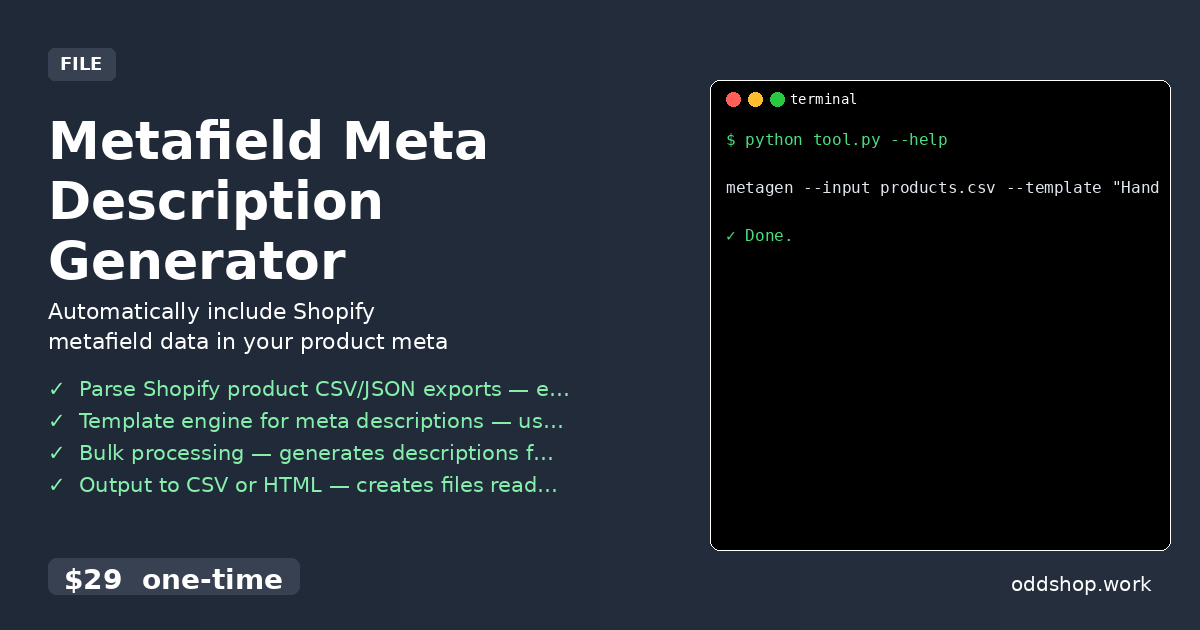
If you’ve ever manually crafted hundreds of product meta descriptions, you know how time-consuming and error-prone it can be. Shopify store owners often struggle with keeping their SEO optimized as product catalogs grow. The task becomes even more burdensome when your products use custom metafields — each one needs unique handling.
The Manual Way (And Why It Breaks)
Most developers dealing with Shopify product data fall back on spreadsheets or manual editing. You copy product titles, descriptions, and metafield values into a table and painstakingly construct each meta description by hand. If you’re lucky, you might batch a few dozen at a time — but that still means hours of repetitive work. And when Shopify’s API limits hit, or when a product update breaks the flow, the process grinds to a halt. You’re spending valuable time on a task that could be automated.
The Python Approach
Here’s a simplified version of what a basic meta description generator might look like in Python:
import csv
import json

def generate_meta_descriptions(input_file, template, output_file):
    with open(input_file, 'r') as f:
        reader = csv.DictReader(f)
        rows = list(reader)

    results = []
    for row in rows:
        # Replace placeholders with metafield values
        desc = template.format(**row)
        row['meta_description'] = desc
        results.append(row)

    with open(output_file, 'w', newline='') as f:
        writer = csv.DictWriter(f, fieldnames=results[0].keys())
        writer.writeheader()
        writer.writerows(results)

# Example usage
generate_meta_descriptions(
    'products.csv',
    'Handmade {material} {product_type}. {custom.description_short}',
    'meta_updated.csv'
)
This function reads a CSV of products, uses a string template with placeholders, and fills in the blanks with data from each row. While this works for small datasets, it lacks robustness for real-world usage — no error handling, no fallbacks, no support for JSON input or multiple output formats.
What the Full Tool Handles
The full tool addresses all these limitations:
- Supports both
.csvand.jsoninput formats - Handles missing or empty metafields with custom fallbacks
- Includes built-in error detection and logging
- Offers CLI interface with clear usage instructions
- Generates output in either CSV or HTML formats
- Automatically sanitizes data to prevent broken meta descriptions
Running It
Using the Metafield Meta Description Generator is simple:
metagen --input products.csv --template "Handmade {material} {product_type}. {custom.description_short}" --output meta_updated.csv
Here’s what each argument does:
--input: Path to your product CSV or JSON file--template: A string with placeholders like{material}and{product_type}pulled from metafields--output: The name of the file where the updated product data (with meta descriptions) will be saved
The output is a fresh CSV file containing all your original data plus a new meta_description column, ready to upload back into Shopify.
Results
You save hours of manual labor and reduce human error in meta description creation. The generated file is clean, consistent, and tailored to your product data. You no longer need to worry about forgetting to update one description or getting the formatting wrong.
Get the Script
If you’re tired of building these tools over and over, skip the setup and use the ready-made solution.
Download Metafield Meta Description Generator →
$29 one-time. No subscription. Works on Windows, Mac, and Linux.
Built by OddShop — Python automation tools for developers and businesses.