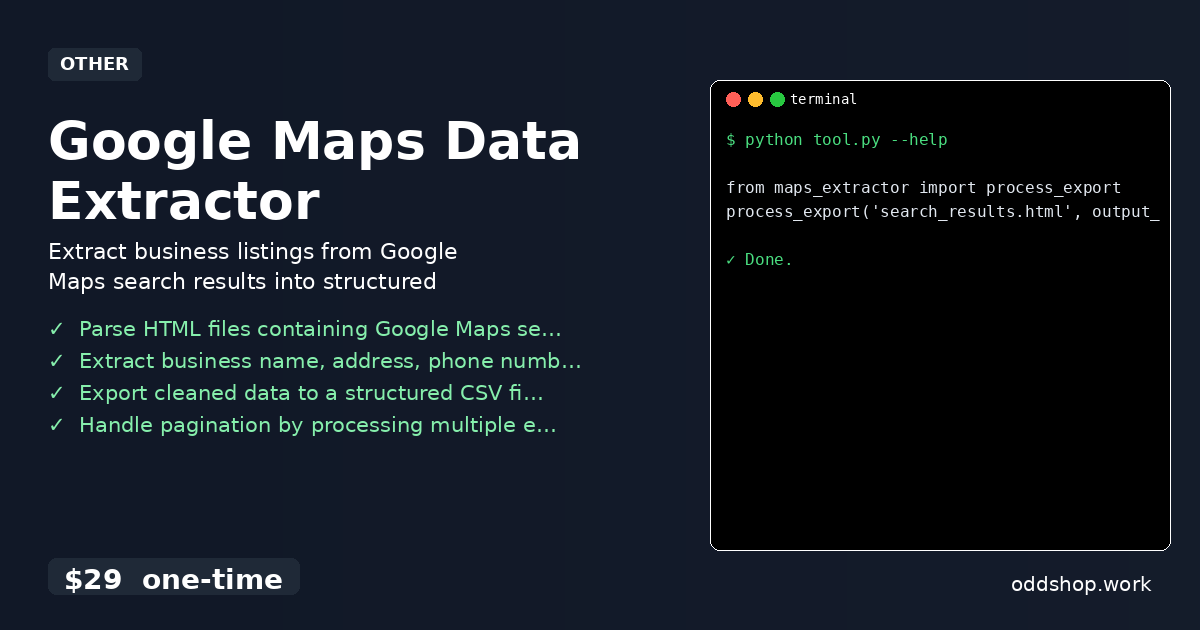
Google maps data extraction often starts with a simple task: gather a list of local businesses from search results. But when those results span hundreds of pages, and you’re manually copying each name, address, and phone number, the process becomes tedious and error-prone. This is where python web scraping and automation can help. But even with automation, building a reliable tool to parse exported HTML files into clean CSVs takes time.
The Manual Way (And Why It Breaks)
Manually copying data from Google Maps search results is a time-sink that doesn’t scale. You open each result, find the business name, address, phone number, and website, then paste it into a spreadsheet. With hundreds or thousands of entries, the task becomes not just boring but also prone to inconsistencies and mistakes. Even with google maps automation tools, the process of exporting and organizing the data still requires significant manual handling.
A more scalable solution is to let code do the heavy lifting. Using a location data processing script that parses HTML and extracts structured data can save hours and reduce errors.
The Python Approach
Here’s a simple approach to extract business listings from exported HTML files using Python. The script handles a basic HTML structure and outputs clean CSV data. While not a full solution, it gives a foundation for html to csv converter logic.
import csv
from pathlib import Path
from bs4 import BeautifulSoup

def parse_html_to_csv(html_file, output_file):
    # Load the HTML file
    with open(html_file, 'r', encoding='utf-8') as file:
        soup = BeautifulSoup(file, 'html.parser')

    # Extract business listings
    businesses = []
    for item in soup.find_all('div', class_='cXu7Rb'):  # Example class
        name = item.find('div', class_='fontHeadlineSmall')
        address = item.find('span', class_='fontBodyMedium')
        phone = item.find('span', class_='fontBodySmall')
        website = item.find('a', href=True)

        businesses.append({
            'name': name.text if name else '',
            'address': address.text if address else '',
            'phone': phone.text if phone else '',
            'website': website['href'] if website else ''
        })

    # Write to CSV
    with open(output_file, 'w', newline='', encoding='utf-8') as csvfile:
        fieldnames = ['name', 'address', 'phone', 'website']
        writer = csv.DictWriter(csvfile, fieldnames=fieldnames)
        writer.writeheader()
        writer.writerows(businesses)

# Usage
parse_html_to_csv('search_results.html', 'businesses.csv')
This script parses the HTML structure of exported Google Maps search results, extracts key business details, and writes them to a CSV. It’s a starting point, but it’s limited to specific HTML classes and doesn’t handle pagination or complex data inconsistencies.
What the Full Tool Handles
The full google maps data extraction tool does more than basic parsing. It:
- Processes multiple exported HTML files to handle pagination
- Extracts business name, address, phone number, and website with high accuracy
- Offers customizable output fields via a JSON configuration file
- Handles complex HTML structures found in Google Maps exports
- Is optimized for speed and reliability in large datasets
- Ensures consistent data formatting for downstream use
Running It
To use the full tool, you’ll only need two lines:
from maps_extractor import process_export
process_export('search_results.html', output_file='businesses.csv')
You can pass additional flags for advanced options, such as specifying which fields to include or how to handle missing data. The tool outputs a clean, structured CSV file, ready for analysis or import into databases.
Get the Script
If you’re looking to skip building and testing your own parser, this tool is ready for immediate use.
Download Google Maps Data Extractor →
$29 one-time. No subscription. Works on Windows, Mac, and Linux.
Built by OddShop — Python automation tools for developers and businesses.