If you’re running a small to mid-sized ecommerce business, you know that order delays and stockouts can silently destroy your bottom line. Without clear data on where your operations are failing, it’s easy to waste time chasing symptoms instead of fixing root causes. Identifying these issues manually is slow, error-prone, and often misses the bigger picture.
The Manual Way (And Why It Breaks)
Most developers and business owners try to spot bottlenecks by exporting data from platforms like Shopify or WooCommerce, then manually comparing spreadsheets or scanning through API results. They copy-paste order dates, match them with shipment times, and count refund requests. This approach works for tiny operations, but it quickly becomes unwieldy. You hit API rate limits, forget to filter for specific timeframes, and lose hours to repeated data entry tasks. The result? Inaccurate insights and wasted effort—especially when you have dozens of products or multiple fulfillment centers to track.
The Python Approach
Here’s a simplified version of what a Python script might do to calculate basic bottlenecks:
(25-line Python snippet covering load_orders, calculate_delays — view the full code example at the link below.)
This script reads an orders CSV, calculates fulfillment delays, and prints the average. It’s helpful for small datasets, but lacks support for merging inventory or refund data, handling missing fields, or generating structured reports. Running it on more than a few files would require significant refactoring.
What the Full Tool Handles
The Ecommerce Process Audit Tool goes beyond basic logic by handling:
- Merging multiple CSV files from different sources (orders, inventory, refunds)
- Calculating key metrics across large datasets
- Detecting patterns like frequent stockouts, refund clusters, and slow fulfillment
- Providing a clean JSON output for easy integration into dashboards or further analysis
- Command-line interface with date range filtering and flexible input options
Running It
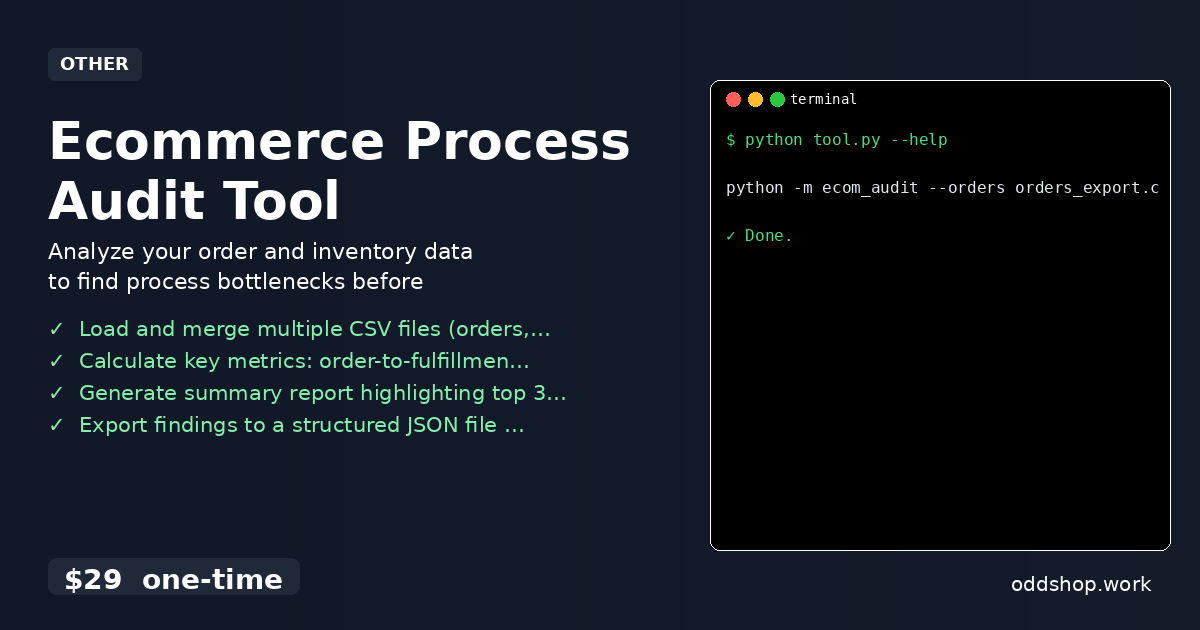
You can run the tool like this:
(1-line Python snippet — view the full code example at the link below.)
The --orders and --inventory flags point to your CSV files, while --output lets you specify where the JSON report is saved. You can optionally add a --start-date and --end-date to limit the analysis window.
Results
After running the audit, you get a structured JSON file that highlights your top 3 process bottlenecks, such as “High refund rate on product XYZ” or “Fulfillment delays over 48 hours in 12% of orders.” It saves you hours of manual analysis and gives you a clear, data-driven starting point for operational improvements.
Get the Script
If you’re tired of building the same analysis tools over and over, skip the build and use the ready-made solution. The Ecommerce Process Audit Tool is a polished, production-ready script that does exactly what this tutorial outlines—without the guesswork.
Download Ecommerce Process Audit Tool →
$29 one-time. No subscription. Works on Windows, Mac, and Linux.
Built by OddShop — Python automation tools for developers and businesses.