Marketplace ads campaigns can quickly grow overwhelming when you’re manually pulling performance data every day. A developer managing Amazon advertising spends hours each week logging in, clicking through reports, downloading CSVs, and copying data into spreadsheets. That’s time that could be spent optimizing campaigns or building new tools.
The Manual Way (And Why It Breaks)
Without a script, developers usually log into the Amazon Ads console, navigate to the Reports section, select the Sponsored Products campaign type, pick a date range, and manually download each file. Then, they have to copy-paste data into their analysis tools, clean it up, and format it properly—often repeating this process daily. This is what we call “manual marketing data collection” and it’s not just tedious—it’s error-prone and wastes developer productivity. For teams running multiple campaigns, this routine becomes a bottleneck, especially when trying to track daily campaign reports.
The Python Approach
Python makes automating this workflow possible. Here’s a minimal version that fetches campaign data from the Amazon Ads API using the boto3 and pandas libraries. It authenticates with AWS credentials, fetches the report for the last seven days, and exports it to a CSV. This simple script handles the core logic but doesn’t include error handling or API throttling—things that become essential at scale.
import boto3
import pandas as pd
from datetime import datetime, timedelta

# Initialize AWS session with credentials
session = boto3.Session(
    aws_access_key_id='YOUR_ACCESS_KEY',
    aws_secret_access_key='YOUR_SECRET_KEY'
)

# Create a client for Amazon Ads
ads_client = session.client('ads', region_name='us-east-1')

# Define date range for last 7 days
end_date = datetime.now().strftime('%Y-%m-%d')
start_date = (datetime.now() - timedelta(days=7)).strftime('%Y-%m-%d')

# Request campaign performance report
response = ads_client.get_report(
    reportType='SP_CAMPAIGN',
    startDate=start_date,
    endDate=end_date
)

# Load report data into a Pandas DataFrame
report_url = response['reportUrl']
df = pd.read_csv(report_url)

# Save DataFrame to CSV
df.to_csv('campaign_performance.csv', index=False)
View full code with error handling: https://oddshop.work/blog/marketplace-ads-report-automation-tool-guide/
This script fetches and saves a campaign report, but it doesn’t manage API rate limiting or retry logic. It also assumes a fixed date range and direct access to AWS credentials. In production environments, developers need robust error handling, scheduling, and retry logic to maintain consistent data flow.
What the Full Tool Handles
The Marketplace Ads Report Automation Tool goes beyond basic scripting to handle all the edge cases that break manual or raw code workflows:
- Securely authenticates with Amazon Ads API using stored credentials
- Downloads Sponsored Products campaign reports automatically
- Schedules daily automated runtimes for consistent data collection
- Exports reports to CSV with customizable date ranges
- Automatically handles API rate limits and retries on failure
- Integrates cleanly into existing Python automation workflows
This is especially useful for developers already working with the Amazon advertising API, or those who want to automate their marketplace ads reporting without dealing with low-level API intricacies.
Running It
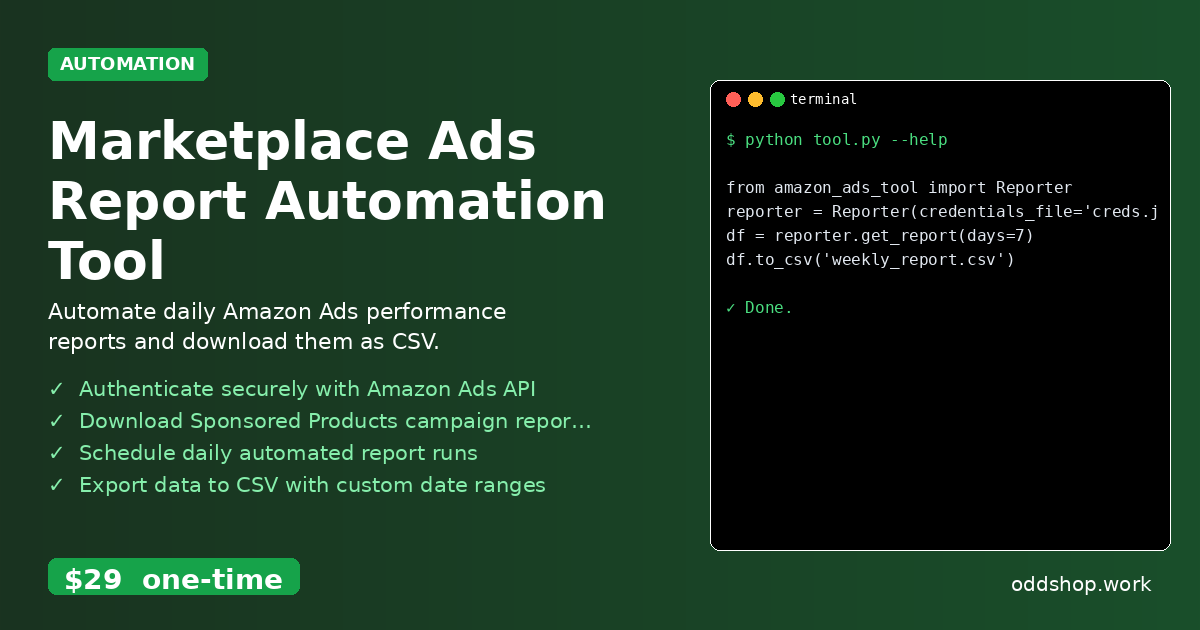
Here’s how to use the full tool in your Python project:
from amazon_ads_tool import Reporter
reporter = Reporter(credentials_file='creds.json')
df = reporter.get_report(days=7)
df.to_csv('weekly_report.csv')
View full code with error handling: https://oddshop.work/blog/marketplace-ads-report-automation-tool-guide/
The days flag specifies how many days back to pull data, and the output is a structured pandas DataFrame. This DataFrame is then saved directly to a CSV file, ready for analysis or further processing.
Get the Script
If you’re tired of building this yourself, this tool is the polished version of what you just saw. You can skip the setup, authentication, and error handling. Just plug in your credentials and start pulling data.
Download Marketplace Ads Report Automation Tool →
$29 one-time. No subscription. Works on Windows, Mac, and Linux.
Built by OddShop — Python automation tools for developers and businesses.