Marketplace data extraction from Amazon product listings used to require hours of manual effort. Copying brand names, parsing promotion text, and organizing results into clean reports was tedious and error-prone. For analysts and developers working with competitor data, it’s a bottleneck that slows down insights.
The Manual Way (And Why It Breaks)
Manually sifting through Amazon exports is not just slow—it’s prone to mistakes. You must open each file, scan the product rows, and extract brand names and promotion terms like “deal,” “coupon,” or “off.” If you’re working with multiple files, it’s easy to duplicate or miss data. The process becomes unmanageable when working across several product categories or time periods. This task is a prime example of how manual data processing can hinder efficient amazon data analysis. The marketplace automation workflow is broken without tools that streamline the process.
The Python Approach
Here’s a basic Python script that processes CSV files and extracts brand names and promotion keywords. It’s not meant to replace the full tool but provides a glimpse into what’s possible when using python csv processing for structured data.
import pandas as pd
import re

# Load the exported product CSV file
df = pd.read_csv('exported_products.csv')

# Normalize brand column and remove duplicates
brands = df['brand'].dropna().unique()

# Define promotion keywords to search for
promotion_keywords = ['deal', 'off', 'coupon', 'sale', 'discount']

# Extract promotions using regex
def find_promotions(text):
    if pd.isna(text):
        return ''
    matches = [kw for kw in promotion_keywords if kw in text.lower()]
    return ', '.join(matches) if matches else ''

# Apply to product descriptions
df['promotions'] = df['description'].apply(find_promotions)

# Save cleaned brand list and promotions to new files
brand_df = pd.DataFrame({'brand': brands})
brand_df.to_csv('brand_list.csv', index=False)
df.to_csv('promotions_with_brands.csv', index=False)
This snippet handles basic CSV parsing and keyword matching. It extracts brand names and identifies promotion keywords from product descriptions. However, it lacks advanced features like JSON support, customizable keyword filtering, or structured output formats. It’s a starting point, not a complete solution, for brand presence analytics or competitor promotion tracking.
What the Full Tool Handles
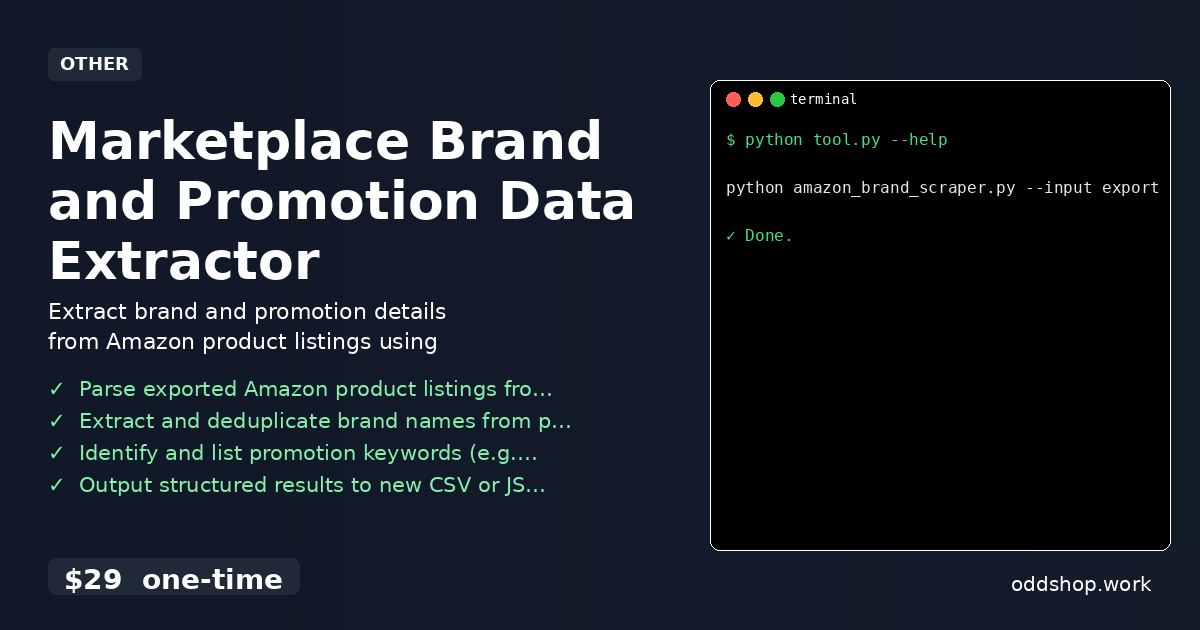
- Parse exported Amazon product listings from both CSV and JSON file formats
- Extract and deduplicate brand names from product data
- Identify and list promotion keywords with support for a configurable keyword list
- Output structured, clean results to new CSV or JSON files
- Support for customizing promotion keyword detection based on your analysis needs
- Designed for marketplace data extraction without needing live scraping
Running It
To run the full tool, use this command in your terminal:
python amazon_brand_scraper.py --input exported_products.csv --output brand_report.json
You can specify input and output files using the --input and --output flags. The tool will process your file and generate a structured report in the format you choose.
Get the Script
If you want to skip building this from scratch, the full marketplace data extraction tool is ready to go. It’s a one-time purchase that works across all platforms.
Download Marketplace Brand and Promotion Data Extractor →
$29 one-time. No subscription. Works on Windows, Mac, and Linux.
Built by OddShop — Python automation tools for developers and businesses.