Python marketplace tools often start with a simple idea—track product prices over time. But when that idea involves manually checking dozens of Amazon URLs every day, it quickly becomes tedious, error-prone, and inefficient. A python marketplace project should save time, not waste it. If you’re doing this by hand, you’re likely copy-pasting URLs, opening tabs, manually recording prices, and hoping nothing breaks. That’s where automation steps in.
The Manual Way (And Why It Breaks)
Manually tracking product prices across a marketplace like Amazon is a task best suited for machines. You start by compiling a list of product URLS, then open each one in a browser, copy the title and price, and paste it into a spreadsheet. This process is slow, prone to mistakes, and repetitive. For anyone serious about market research automation, this method quickly becomes a bottleneck. Even a simple price monitoring tool built in Python can drastically reduce time spent on these tasks.
The Python Approach
Here’s a simple start to automating part of that process with Python. This snippet uses requests and BeautifulSoup to scrape product information from a single URL, then saves it to a CSV file.
import requests
from bs4 import BeautifulSoup
import csv

# Fetch product page
url = "https://www.amazon.com/dp/B08N5WRWNW"
headers = {"User-Agent": "Mozilla/5.0"}
response = requests.get(url, headers=headers)

# Parse HTML content
soup = BeautifulSoup(response.text, 'html.parser')

# Extract title, price, and availability
title = soup.find('span', {'id': 'productTitle'}).get_text().strip()
price = soup.find('span', {'class': 'a-price-whole'}).get_text().strip()
availability = soup.find('div', {'id': 'availability'}).get_text().strip()

# Save to CSV
with open('product_data.csv', 'a', newline='') as file:
    writer = csv.writer(file)
    writer.writerow([url, title, price, availability])
This script demonstrates basic web scraping with Python, but it’s fragile and only handles one URL. Real-life python marketplace tools need to handle many URLs, track changes over time, and gracefully manage errors. It also must be robust against Amazon’s anti-bot measures.
What the Full Tool Handles
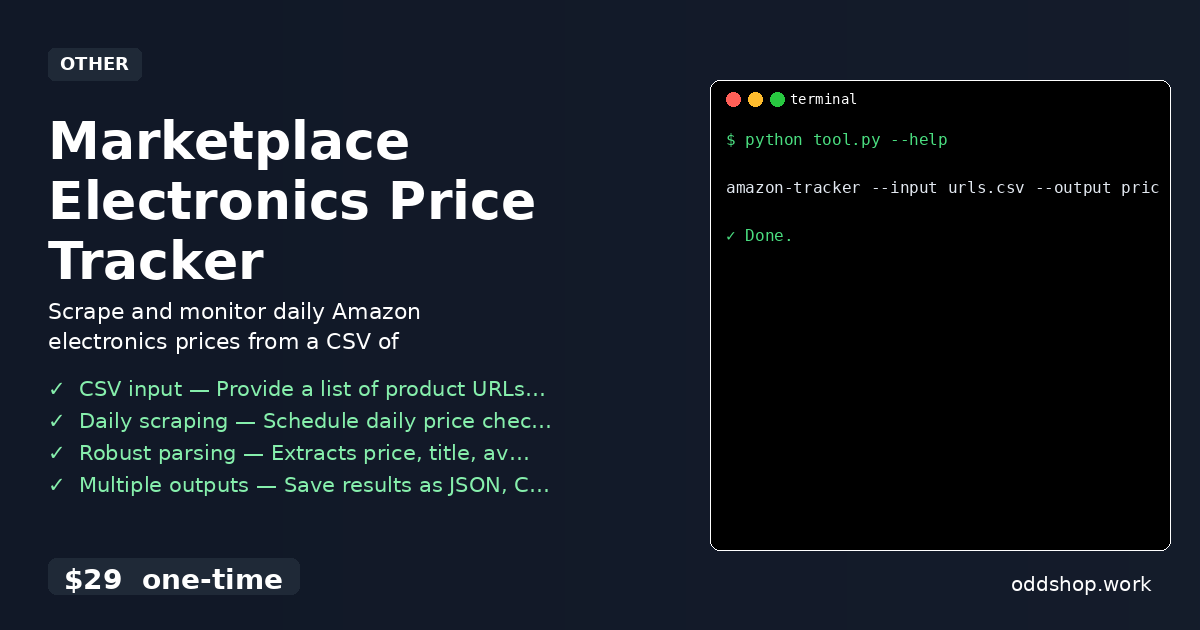
The full Marketplace Electronics Price Tracker resolves many of the limitations of a basic script:
- CSV input — Feed in a list of product URLs and let the tool process them automatically.
- Daily scraping — Schedule checks using cron or Task Scheduler to maintain consistent tracking.
- Robust parsing — Extracts price, title, availability, and ASIN from product pages with fallbacks.
- Multiple outputs — Save results as JSON, CSV, or append to a log file for further analysis.
- Error handling — Skips invalid URLs, logs errors, and continues processing.
- Python marketplace automation — Designed for developers and analysts who want to monitor trends without manual input.
Running It
Once installed, running the tool is straightforward:
amazon-tracker --input urls.csv --output prices.json
Use the --input flag to specify your CSV file of product URLs, and --output to define where data is saved. You can also append to a log file or export reports in JSON and CSV formats.
Get the Script
Skip the build and get a ready-made solution. This tool was made for developers who want a reliable price monitoring tool without the hassle of writing scraping logic from scratch.
Download Marketplace Electronics Price Tracker →
$29 one-time. No subscription. Works on Windows, Mac, and Linux.
Built by OddShop — Python automation tools for developers and businesses.