Stop spending hours manually copying data between Excel files when Python can merge dozens of spreadsheets in seconds. If you’re regularly combining quarterly reports, sales data from different regions, or inventory from multiple sources, you know the pain of switching between workbooks, selecting ranges, and pasting data while hoping you don’t miss anything or make formatting errors.
The Manual Way (And Why It Breaks)
Most analysts open each Excel file individually, copy the relevant sheets or ranges, switch to their master workbook, and paste the data. For two or three files, it’s manageable. But when you have 10+ monthly reports to combine, or need to do this weekly for different clients, the process becomes error-prone and time-consuming. You might accidentally overwrite existing data, miss a file in your folder, or introduce formatting inconsistencies. Copy-paste operations also don’t handle data type preservation well—numbers sometimes become text, dates get reformatted, and formulas break when moved between workbooks.
The Python Approach
Here’s the core logic for merging Excel files programmatically. This approach reads multiple workbooks, combines their data, and writes everything to a new file while preserving data types:
(21-line Python snippet covering merge_excel_files — view the full code example at the link below.)
This basic approach works for simple cases, but scaling it up requires handling missing files, different column structures, memory management for large datasets, and preserving Excel formatting—challenges that multiply when processing dozens of files regularly.
What the Full Tool Handles
The complete solution addresses the complexities that emerge at scale:
- Error handling: Gracefully manages missing files, corrupted workbooks, and permission issues
- Multiple formats: Supports both .xlsx and .xls files automatically
- Memory efficiency: Processes large files without running out of RAM
- Flexible selection: Choose specific sheets by name or merge all sheets
- Command-line interface: Process files in batches without writing scripts
- Format preservation: Maintains number formats, dates, and other data types
Running It
The Spreadsheet File Merger handles complex scenarios with simple commands:
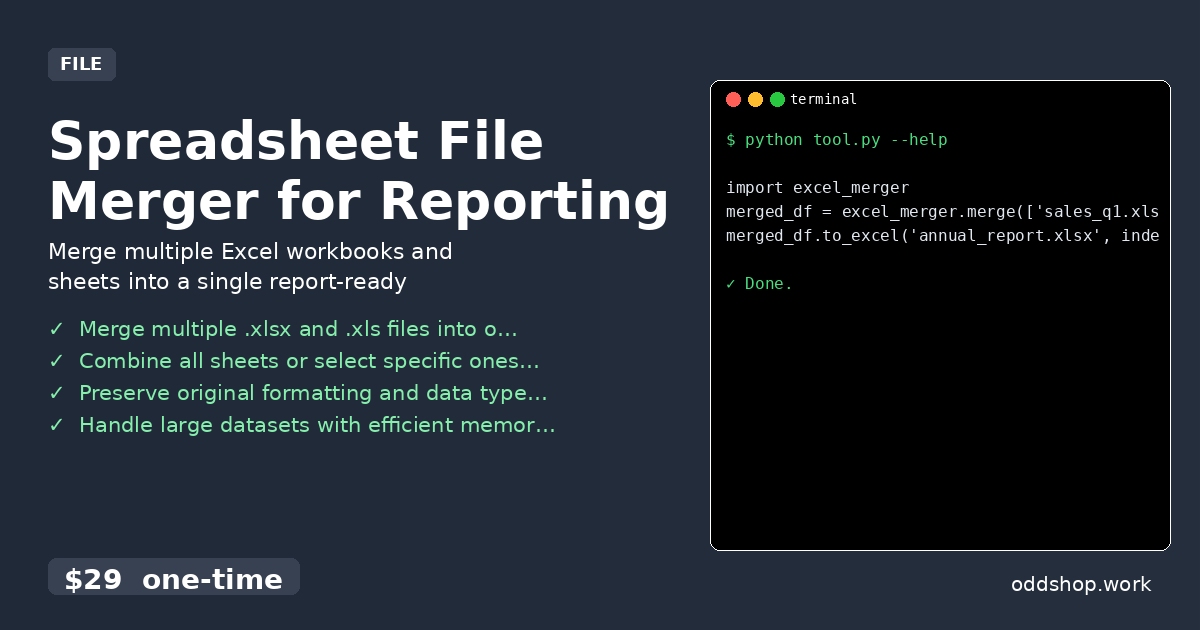
(3-line Python snippet — view the full code example at the link below.)
The merge() function accepts a list of file paths and returns a combined DataFrame. You can specify which sheets to include with additional parameters, and the tool automatically detects file formats. The resulting DataFrame maintains all original data types and includes metadata columns identifying the source file and sheet for traceability.
Results
You’ll get a single Excel file containing all your merged data, with source tracking columns added automatically. Processing 20 files takes seconds instead of hours, eliminating human error and ensuring consistent formatting across all combined data.
Get the Script
Skip building error handling and optimization yourself—the Spreadsheet File Merger includes all the production-ready features you need. At $29 one-time, it pays for itself after your first major merge operation.
Download Spreadsheet File Merger for Reporting →
$29 one-time. No subscription. Works on Windows, Mac, and Linux.
Built by OddShop — Python automation tools for developers and businesses.