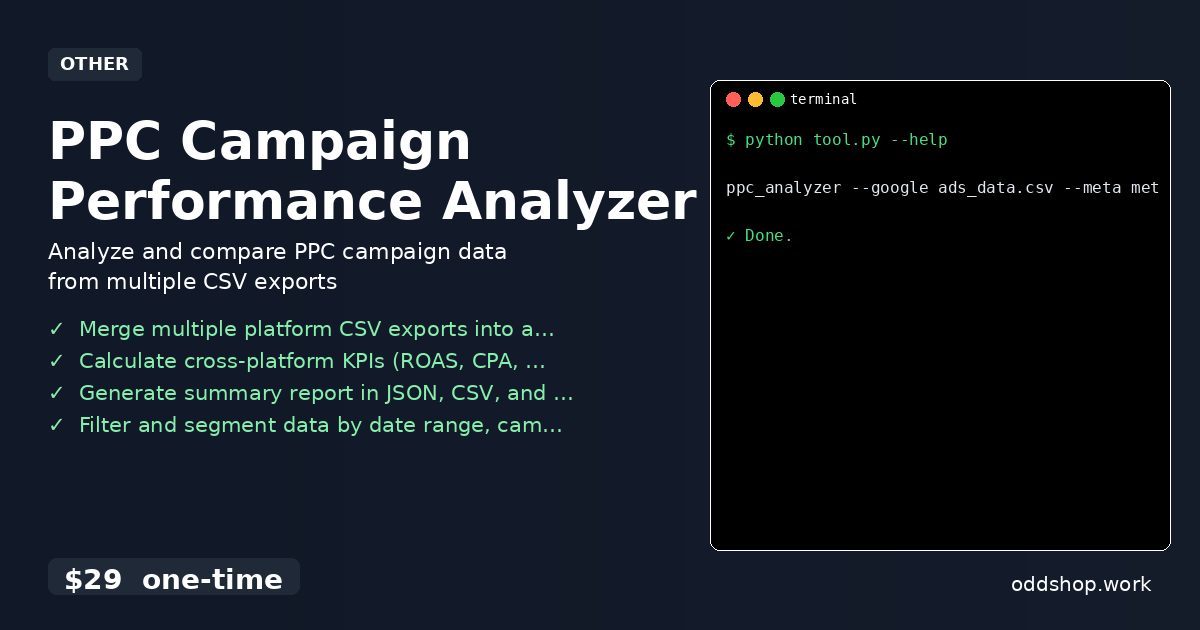
If you’re manually calculating ROAS, CPA, and CTR across multiple advertising platforms every week, it’s time to automate this process. You’re probably copying data between spreadsheets, running formulas by hand, and spending hours trying to align metrics from Google Ads, Meta, and Microsoft Advertising. The manual workflow is error-prone and doesn’t scale when you have dozens of campaigns or need to report to multiple stakeholders.
The Manual Way (And Why It Breaks)
Most marketers who try to automate this themselves end up writing custom scripts or using spreadsheets to merge data from different platforms. They copy-paste CSVs into Excel, apply formulas to calculate ROAS and CPA, and then export the final report. It’s not only tedious but also prone to mistakes — especially when dealing with inconsistent naming, missing columns, or time zone differences.
Even worse, when you reach a point where you’re managing campaigns from three or more platforms, you hit API limits, get rate-limited, or simply run out of time. The more you try to do this manually, the more you realize how much you’re losing to inefficiency. It’s a cycle that keeps repeating week after week.
The Python Approach
Here’s a simplified version of what a Python script might look like to process campaign performance data from multiple platforms:
import pandas as pd

# Load data from different platforms
google_df = pd.read_csv('google_ads.csv')
meta_df = pd.read_csv('meta_ads.csv')

# Normalize column names to match across datasets
google_df.rename(columns={'Clicks': 'clicks', 'Conversions': 'conversions', 'Cost': 'cost'}, inplace=True)
meta_df.rename(columns={'Clicks': 'clicks', 'Conversions': 'conversions', 'Spend': 'cost'}, inplace=True)

# Combine datasets
combined_df = pd.concat([google_df, meta_df], ignore_index=True)

# Calculate KPIs
combined_df['roas'] = combined_df['revenue'] / combined_df['cost']
combined_df['cpa'] = combined_df['cost'] / combined_df['conversions']
combined_df['ctr'] = (combined_df['clicks'] / combined_df['impressions']) * 100

# Save results
combined_df.to_csv('ppc_report.csv', index=False)
This script takes two CSV files, standardizes column names, combines them, and computes key performance indicators. It’s easy to understand and works for basic needs, but it doesn’t handle missing data, inconsistent date formats, or multi-platform edge cases.
What the Full Tool Handles
The full PPC Campaign Performance Analyzer goes beyond what a simple script can do:
- Automatically detects and warns about missing or mismatched columns
- Normalizes date formats and validates data across platforms
- Supports multiple input formats (CSV, Excel) and output formats (JSON, Markdown, CSV)
- Handles filtering by date range, campaign name, and status
- Provides a clean CLI interface with clear usage examples
- Includes error logging and crash protection for large datasets
Running It
You run the tool from the command line with a simple command:
ppc_analyzer --google ads_data.csv --meta meta_data.csv --output report.json
You can specify input files from Google Ads, Meta, and Microsoft Advertising. The --output flag lets you choose your preferred format. The tool will merge, clean, and calculate KPIs automatically, and produce a final report in the format you choose.
Results
Once you run the tool, you get a clean, unified performance report in your chosen format — no more manual spreadsheet work. You save hours every week, reduce errors, and gain insights faster. The output includes all the data you need to compare campaigns, spot trends, and make informed decisions.
Get the Script
If you’ve spent time building or tweaking a script like this, you’ll appreciate how much more efficient the full tool is. It handles all the edge cases and formatting quirks you never thought you’d need to deal with.
Download PPC Campaign Performance Analyzer →
$29 one-time. No subscription. Works on Windows, Mac, and Linux.
Built by OddShop — Python automation tools for developers and businesses.