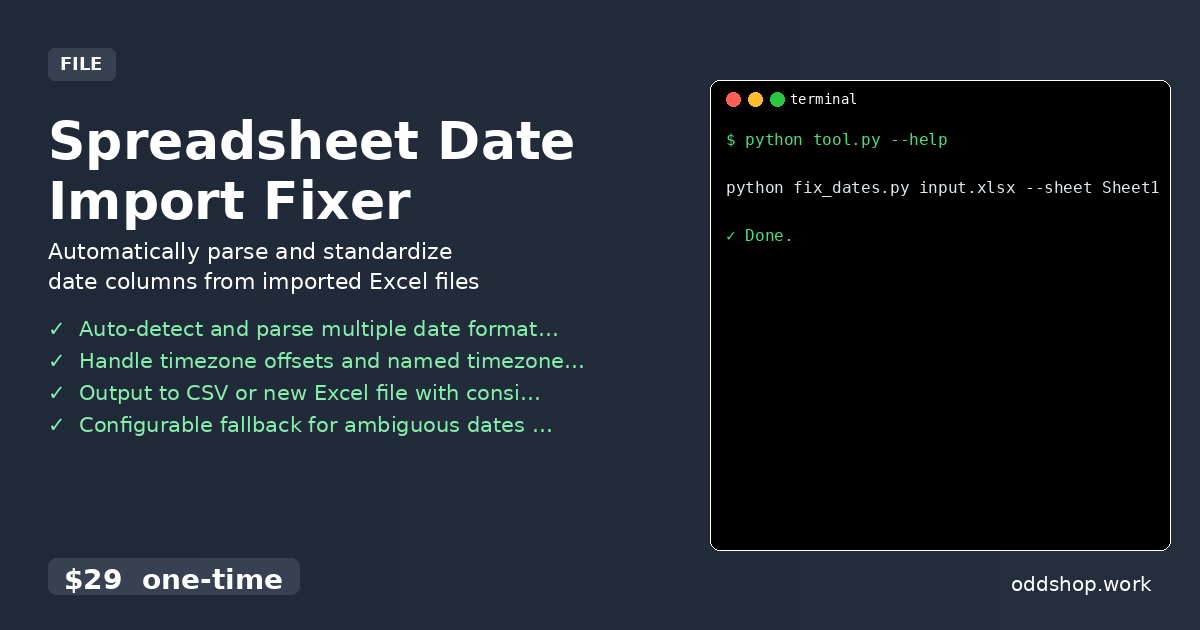
We just released Spreadsheet Date Import Fixer — automatically parse and standardize date columns from imported excel files.
What it does
Fixes common date parsing issues when importing Excel files into databases or data pipelines. Ideal for data analysts and engineers who need clean, consistent date formats from spreadsheets with mixed or ambiguous date strings. Works with any Excel file (.xlsx, .xls) and outputs standardized ISO 8601 dates.
Features
- Auto-detect and parse multiple date formats (e.g., ‘22/05/2026’, ‘05/22/2026’, ‘2026-05-22’)
- Handle timezone offsets and named timezones (e.g., ‘13:26 EDT’, ‘13:26 UTC-4’)
- Output to CSV or new Excel file with consistent datetime columns
- Configurable fallback for ambiguous dates (e.g., DD/MM vs MM/DD)
- Dry-run mode to preview changes before writing output
Usage
python fix_dates.py input.xlsx --sheet Sheet1 --columns 'Date' 'Timestamp' --output clean.xlsx
Get it
Download Spreadsheet Date Import Fixer for $29 →
Built by OddShop — Python automation tools for developers and small businesses.