If you’ve ever spent hours manually sifting through hundreds of LinkedIn search results, desperately trying to identify which profiles actually matter, you know the frustration is real. The endless scrolling, the irrelevant matches, the profiles that clearly don’t fit your criteria — it’s a time sink that kills productivity. Most of us end up with thousands of leads we can’t possibly follow up on manually.
The Manual Way (And Why It Breaks)
Without automation, developers typically export LinkedIn CSV files and open them in Excel or Google Sheets, then manually filter rows based on keywords, titles, and companies. They might create complex formulas to score leads, copy-paste data between sheets, and eventually lose track of which profiles meet their criteria. The process breaks down when you’re dealing with 500+ profiles per search, and LinkedIn’s native filters often miss nuanced requirements. Plus, if you try to automate through their APIs, you hit rate limits and compliance restrictions that make bulk processing nearly impossible.
The Python Approach
Here’s the core logic for basic lead scoring from LinkedIn exports:
import pandas as pd

def score_linkedin_profile(profile):
    score = 0

    # Check title keywords
    title = profile['job_title'].lower()
    if any(keyword in title for keyword in ['director', 'vp', 'manager']):
        score += 30
    if 'cto' in title or 'ceo' in title:
        score += 50

    # Check company size/quality
    company = profile['company_name'].lower()
    if any(fortune in company for fortune in ['google', 'microsoft', 'amazon']):
        score += 40
    if 'inc' in company or 'corp' in company:
        score += 15

    # Check location relevance
    location = profile['location'].lower()
    if 'san francisco' in location or 'new york' in location:
        score += 20

    # Adjust for connection count
    if profile['connection_count'] > 500:
        score += 10

    return score

# Load and process
df = pd.read_csv('linkedin_export.csv')
df['priority_score'] = df.apply(score_linkedin_profile, axis=1)
filtered_leads = df[df['priority_score'] >= 50].sort_values('priority_score', ascending=False)
This code loads LinkedIn CSV exports and applies basic scoring rules, but it lacks proper error handling for missing fields, assumes consistent column names across different export formats, and doesn’t handle the variety of edge cases that appear in real-world data.
What the Full Tool Handles
The Professional Network Automation Rule Engine handles everything the basic script misses:
- Multiple LinkedIn export formats (Sales Navigator, Recruiter, regular searches)
- Configurable JSON rule definitions without touching code
- Proper error handling for missing or malformed data
- Command-line interface with clear argument validation
- Flexible output formatting and filtering options
Running It
Use the tool with this simple command:
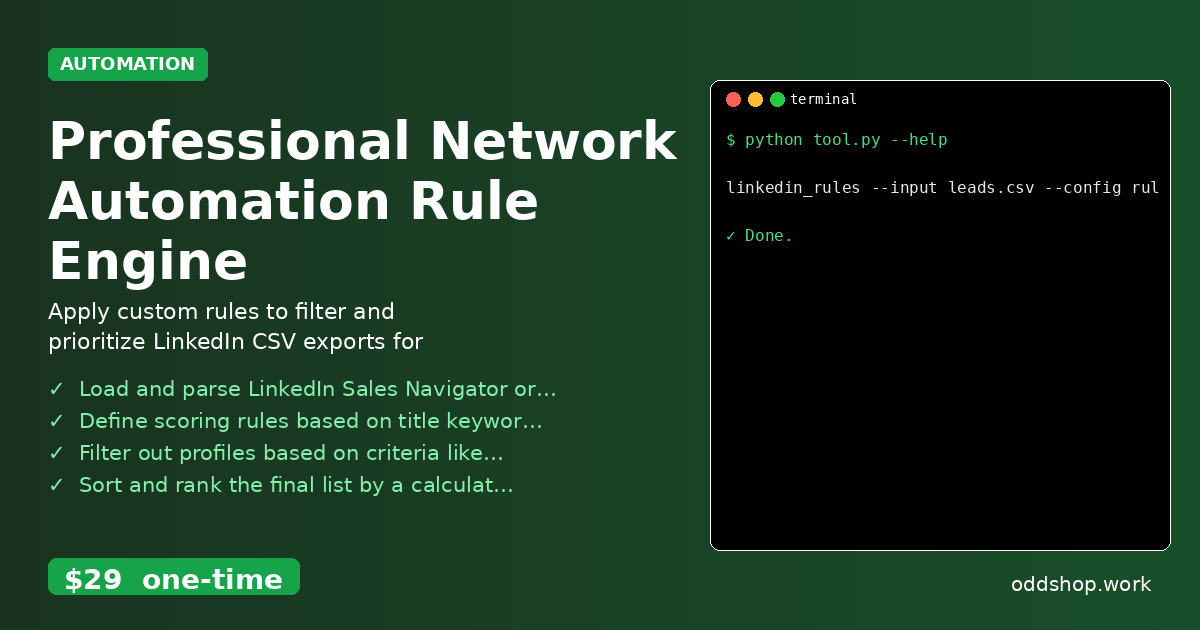
linkedin_rules --input leads.csv --config rules.json --output prioritized_leads.csv
The --input flag specifies your LinkedIn CSV export, --config points to your scoring rules file (defined in JSON), and --output creates the final sorted CSV. Your rules.json file defines scoring criteria like target titles, acceptable locations, company filters, and connection thresholds.
Results
You get a clean CSV file with profiles ranked by priority score, eliminating 80% of irrelevant leads while highlighting the most promising contacts for immediate outreach. The entire process goes from hours of manual work to minutes of automated processing.
Get the Script
Skip building the error handling and format compatibility yourself — the Professional Network Automation Rule Engine is the production-ready version of this approach. Download Professional Network Automation Rule Engine →
$29 one-time. No subscription. Works on Windows, Mac, and Linux.
Built by OddShop — Python automation tools for developers and businesses.