When Shopify gives you raw CSV exports, Python can transform them into actionable profit insights with just a few lines of code. But for many merchants, that process is more of a headache than a help — especially when dealing with hundreds of orders and dozens of products. Manually matching costs to line items, calculating margins, or spotting trends in spreadsheets is time-consuming and error-prone.
The Manual Way (And Why It Breaks)
Most developers working with Shopify data end up copying and pasting data into Excel, or worse, clicking through Shopify’s interface repeatedly. For small businesses, this works — but as orders grow, so do the chances of mismatched SKUs, missing cost data, or misaligned variants. Manual approaches also hit API limits if you’re pulling data programmatically, and often require hours of tedious spreadsheet work just to get a clear picture of profitability.
The pain multiplies when you try to extract profit insights from multiple CSVs — orders, products, and variants — that don’t align cleanly. You’re either guessing or spending hours writing scripts to reconcile data, which is inefficient and risky.
The Python Approach
Here’s a simplified version of how you might parse Shopify CSV data with Python to calculate profit margins:
import csv
from collections import defaultdict

def parse_shopify_csv_data(orders_file, products_file):
    # Load product costs by SKU
    product_costs = {}
    with open(products_file, 'r') as f:
        reader = csv.DictReader(f)
        for row in reader:
            product_costs[row['SKU']] = float(row['Cost'])

    # Process orders
    order_summary = defaultdict(list)
    total_revenue = 0
    total_cost = 0

    with open(orders_file, 'r') as f:
        reader = csv.DictReader(f)
        for row in reader:
            sku = row['SKU']
            price = float(row['Price'])
            quantity = int(row['Quantity'])
            cost = product_costs.get(sku, 0)
            profit = (price * quantity) - (cost * quantity)

            order_summary[row['Order ID']].append({
                'sku': sku,
                'revenue': price * quantity,
                'cost': cost * quantity,
                'profit': profit
            })

            total_revenue += price * quantity
            total_cost += cost * quantity

    return total_revenue, total_cost, order_summary
This code loads product cost data from a CSV, matches it to orders using SKU, and calculates gross profit per item. It’s simple but works well for small datasets. However, it breaks down with variant IDs, missing SKUs, inconsistent formats, or large files that strain memory.
What the Full Tool Handles
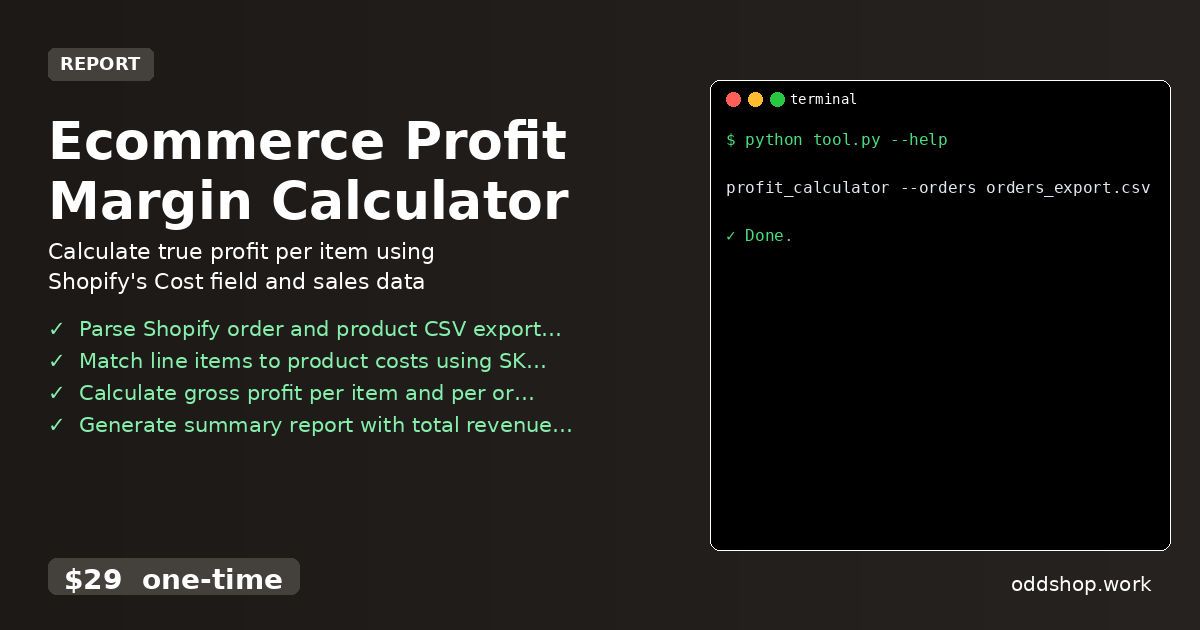
The Ecommerce Profit Margin Calculator goes beyond this by:
- Supporting both SKU and variant ID matching for more flexible data input
- Handling missing or mismatched product data gracefully
- Accepting multiple input formats and cleaning messy CSVs automatically
- Providing a clean CLI interface with clear help and output options
- Exporting results to both CSV and JSON for further analysis
- Including warnings for unmatched items or missing cost data
Running It
You can run the tool with a simple command:
profit_calculator --orders orders_export.csv --products products_export.csv --output profit_report.csv
The --orders and --products flags specify the input files, and --output sets the destination for your profit summary. The tool will automatically match items using SKU or variant ID and return a clean report.
Results
You get a complete profit summary in seconds, including revenue, cost, and profit per order and item. It saves hours of manual work and reduces errors from spreadsheet miscalculations. The output is ready for dashboards, financial reporting, or further automation.
Get the Script
If you want to skip the build and get a polished, production-ready solution, the Ecommerce Profit Margin Calculator does all this and more. It runs on Windows, Mac, and Linux, with no subscription or recurring costs.
Download Ecommerce Profit Margin Calculator →
$29 one-time. No subscription. Works on Windows, Mac, and Linux.
Built by OddShop — Python automation tools for developers and businesses.