Developers often face the challenge of generating PDFs from HTML content — especially when automating reports or archiving web pages. The pain comes from needing to manage external services or dealing with complex setups. A python script portable tool like this one solves that by offering a clean, dependency-free solution that runs everywhere. No more juggling browser automation libraries or managing cloud APIs.
The Manual Way (And Why It Breaks)
Manually converting HTML to PDF involves a lot of tedious clicking and copy-pasting. You open a browser, navigate to the URL or load the file, press Ctrl+P, and select “Save as PDF” — only to realize the formatting is off. Or worse, you’re trying to batch convert dozens of reports and find yourself stuck in a loop of repeated actions. This process lacks automation and is error-prone, especially when working across teams or systems. With a cross platform python script, developers can do more than just generate static reports — they can scale their output without manual intervention.
The Python Approach
A simple Python script can handle HTML to PDF conversion, but it’s tricky to get right at scale. Here’s a basic example using weasyprint to show how the process works:
from weasyprint import HTML
import os

# Input HTML file path
html_file = 'report.html'

# Output PDF file path
pdf_file = 'report.pdf'

# Load HTML content
with open(html_file, 'r', encoding='utf-8') as f:
    html_content = f.read()

# Convert HTML to PDF
HTML(string=html_content).write_pdf(pdf_file)

print(f"PDF saved to {os.path.abspath(pdf_file)}")
View full code with error handling: https://oddshop.work/blog/portable-html-to-pdf-converter-guide/
This code converts a local HTML file to PDF using weasyprint. It handles basic rendering, but it doesn’t manage headers, footers, page sizes, or margins — which are essential for professional reports. It also lacks support for live URLs, making it a limited solution for real-world automation.
What the Full Tool Handles
The full tool handles several common use cases that a standalone Python script misses:
- Convert local HTML files to PDF with full control over layout and rendering
- Fetch and convert live webpages directly into PDF format
- Set custom page size and margins to match corporate or print standards
- Add headers and footers with automatic page numbers
- Provide a clean CLI interface for automation
- Offer a python script portable approach that runs without any external dependencies
Running It
To run the tool, use this command in your terminal:
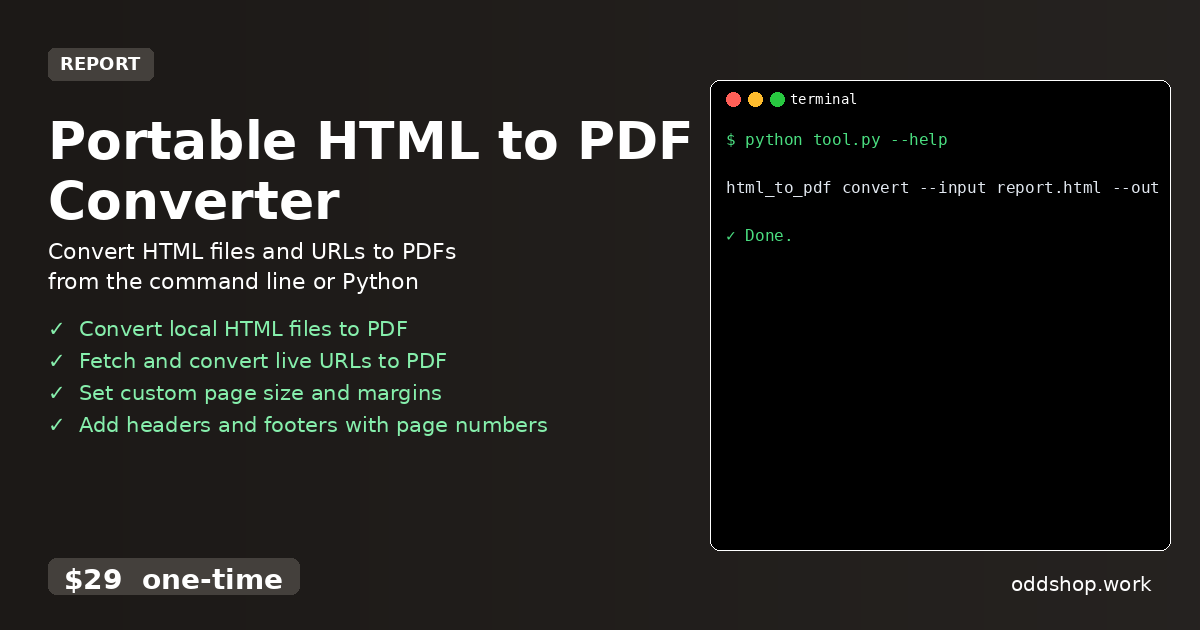
html_to_pdf convert --input report.html --output report.pdf --format A4
View full code with error handling: https://oddshop.work/blog/portable-html-to-pdf-converter-guide/
This command uses the input HTML file and renders it into a PDF with an A4 page size. The --output flag sets the destination file, and additional flags can be added for custom margins, headers, or footers. The result is a clean, ready-to-use PDF that matches your requirements exactly.
Get the Script
If you’ve seen the basic steps but want a polished version that handles everything you need, this tool is your shortcut. Skip the setup and get a working, cross platform python executable that’s ready to use.
Download Portable HTML to PDF Converter →
$29 one-time. No subscription. Works on Windows, Mac, and Linux.
Built by OddShop — Python automation tools for developers and businesses.