If you’ve ever spent hours manually organizing Ebay export files, you know how tedious this process can be. Copying data between spreadsheets, trying to spot inconsistencies in product titles, and calculating profit margins by hand is not just time-consuming — it’s prone to errors. As your inventory grows, the manual approach becomes unmanageable, especially when you’re trying to identify which items are selling fast or which products are underperforming.
The Manual Way (And Why It Breaks)
Developers often resort to spreadsheets and copy-paste workflows when processing Ebay data, especially when working with large volumes. You might export a CSV from Ebay’s seller dashboard, then open it in Excel or Google Sheets, only to realize that column names are inconsistent across different exports, or that you need to manually calculate fees and profit margins for each listing. This method is error-prone, slow, and doesn’t scale. If you’re hitting API limits or trying to parse hundreds of listings, the manual route becomes a bottleneck. And when you need to generate reports every week, this process quickly becomes unsustainable.
The Python Approach
Here is a simplified version of how you might start processing Ebay data in Python — just enough to get a feel for how it works:
import csv
import sys

def process_ebay_data(input_file, output_file, include_fees=False):
    with open(input_file, 'r') as infile, open(output_file, 'w', newline='') as outfile:
        reader = csv.DictReader(infile)
        writer = csv.DictWriter(outfile, fieldnames=['Title', 'Price', 'Sold', 'Profit_Margin'])
        writer.writeheader()

        for row in reader:
            price = float(row['Price'])
            sold = row['Sold'] == 'Yes'
            profit_margin = 0

            if include_fees:
                # Simplified fee calculation
                final_price = price * 0.85  # Assume 15% fees
                profit_margin = (final_price - price) / price * 100

            writer.writerow({
                'Title': row['Title'],
                'Price': price,
                'Sold': sold,
                'Profit_Margin': round(profit_margin, 2)
            })

# Example usage
process_ebay_data('listings.csv', 'report.csv', include_fees=True)
This basic script reads a CSV of Ebay listings, extracts price and sold status, and optionally calculates a simplified profit margin. It’s functional, but it has no error handling, doesn’t support multiple input formats, and assumes the CSV structure is consistent. You’d need to write a lot more code to make it production-ready.
What the Full Tool Handles
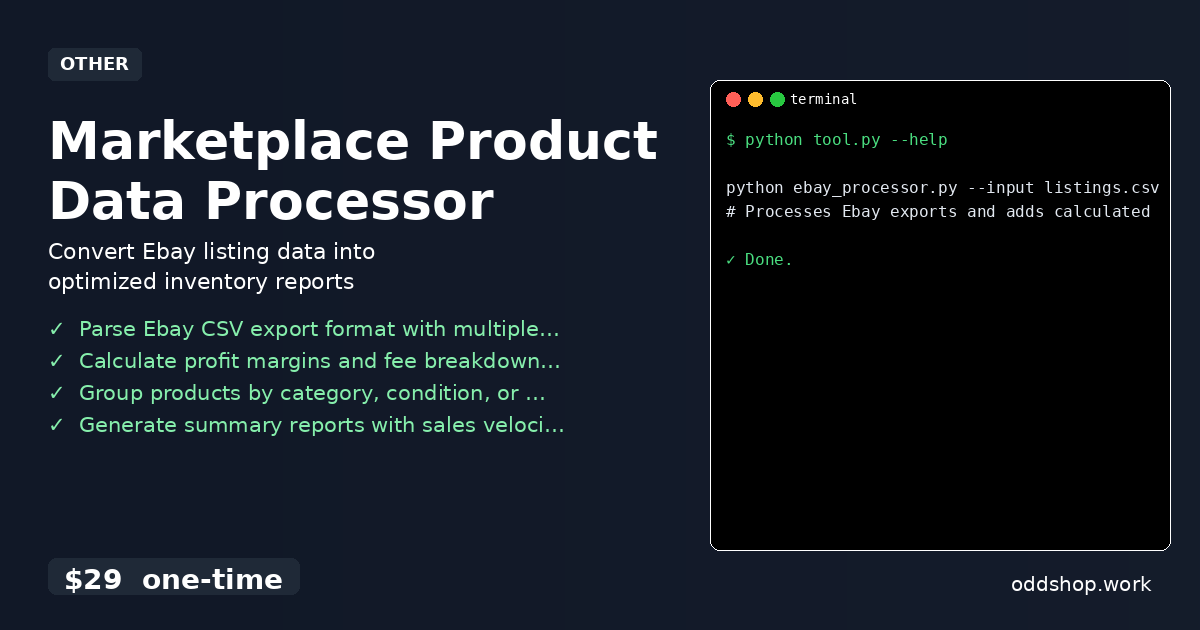
The Marketplace Product Data Processor solves these issues by offering:
- Support for standard Ebay CSV exports with flexible column mapping
- Automatic handling of missing or malformed data
- Accurate fee calculations based on your actual Ebay seller fees
- Multiple output formats for reporting and analysis
- A clean CLI interface for running the tool without writing code
- Ability to group items by category, condition, or price range
Running It
You can process your Ebay data like this:
python ebay_processor.py --input listings.csv --output report.csv --fees
# Processes Ebay exports and adds calculated profit margins
This command reads listings.csv, calculates profit margins and fees, and writes a clean report.csv with all the necessary insights. You can also add filters or grouping options for deeper analysis.
Results
After running the script, you save hours of manual work. The tool produces clean, structured CSVs that are ready for reporting, import into other systems, or further analysis in tools like Excel or Power BI. You no longer have to spend time cleaning up data or guessing at margins — everything is calculated and formatted for you.
Get the Script
If you want to skip the build and get a working tool that handles all the edge cases, try the Marketplace Product Data Processor.
Download Marketplace Product Data Processor →
$29 one-time. No subscription. Works on Windows, Mac, and Linux.
Built by OddShop — Python automation tools for developers and businesses.