python lead generation is a challenge that many sales and recruiting teams face daily. Manually extracting email addresses from LinkedIn profiles or company pages can be time-consuming and error-prone. When teams need to build targeted outreach lists for cold email campaigns, the process often involves hopping between platforms, copying and pasting data, and cross-referencing domains — all of which break workflow momentum. This kind of python lead generation work is ripe for automation, especially when you’re dealing with dozens or hundreds of company URLs.
The Manual Way (And Why It Breaks)
Manually finding email addresses from LinkedIn profiles usually involves a few tedious steps. First, you open each profile and look for a company website link. Then, you navigate to the company’s website and search for a “Contact” or “About” page. From there, you hunt for email patterns, often using regex or manual copy-paste. This process is not only slow but also prone to human error. Mistakes in parsing or missing email formats can lead to incomplete or invalid leads. The repetitive nature of this task makes it a perfect candidate for python automation tool use — especially for linkedin lead extraction and sales outreach automation.
The Python Approach
This approach uses a Python script to automate the extraction of emails from company pages. It takes LinkedIn profile URLs, pulls out the associated company website, and scrapes the contact page for valid email addresses. While it’s a useful starting point, it’s not a full solution. The script handles basic URL parsing and email validation but leaves out domain verification and CSV output. It’s a strong foundation for understanding how email scraping python works, but requires more work to scale.
import pandas as pd
import requests
from bs4 import BeautifulSoup
import re
import csv

# Load LinkedIn URLs from a CSV file
df = pd.read_csv('leads.csv')
emails = []

# Loop through each URL to extract emails
for url in df['linkedin_url']:
    # Extract company domain
    domain = url.split('/')[2]  # Get domain from URL
    contact_url = f"https://{domain}/contact"  # Assume contact page

    try:
        response = requests.get(contact_url, timeout=5)
        soup = BeautifulSoup(response.text, 'html.parser')

        # Find all text, then extract emails with regex
        text = soup.get_text()
        found_emails = re.findall(r'\b[A-Za-z0-9._%+-]+@[A-Za-z0-9.-]+\.[A-Z|a-z]{2,}\b', text)
        emails.extend(found_emails)

    except Exception as e:
        print(f"Error scraping {url}: {e}")

# Write emails to CSV with basic validation
with open('contacts.csv', 'w', newline='') as f:
    writer = csv.writer(f)
    writer.writerow(['email'])  # header
    for email in set(emails):  # deduplicate
        writer.writerow([email])
This script reads LinkedIn URLs from a CSV, extracts company domains, scrapes contact pages, and finds email patterns. It doesn’t validate domains or do advanced parsing, but it provides a starting point for python lead generation automation. It’s a basic proof of concept — good for learning, not production.
What the Full Tool Handles
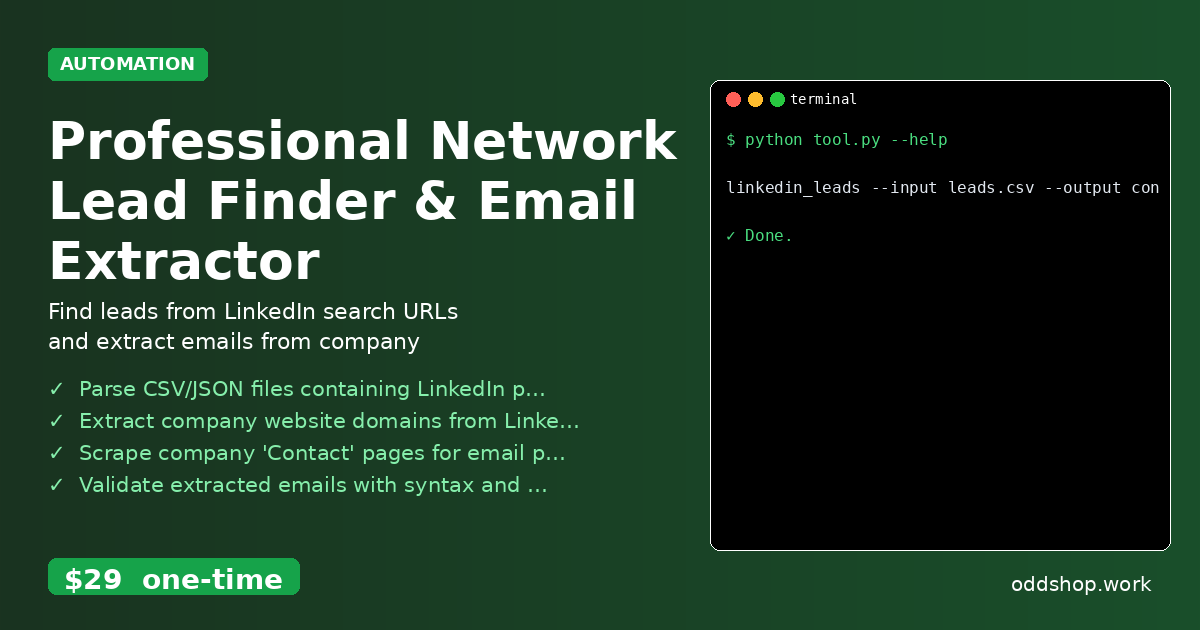
- Parse CSV/JSON files containing LinkedIn profile or company URLs
- Extract company website domains from LinkedIn URLs
- Scrape company ‘Contact’ pages for email patterns
- Validate extracted emails with syntax and domain checks
- Output clean lead list with name, company, and email to CSV
- Avoid scraping LinkedIn directly, using only exported data
While the snippet above helps with the basics, the full professional network finder takes care of everything from domain parsing to final lead list export. It’s a complete python automation tool for people who want to streamline their outreach with minimal fuss.
Running It
The full tool can be run from the command line with a simple command:
linkedin_leads --input leads.csv --output contacts.csv
It accepts input files in CSV or JSON formats and outputs clean contact data. The --input and --output flags are required, and it supports both standard file paths and relative paths.
Get the Script
Skip the build and get the full tool now.
Download Professional Network Lead Finder & Email Extractor →
$29 one-time. No subscription. Works on Windows, Mac, and Linux.
Built by OddShop — Python automation tools for developers and businesses.