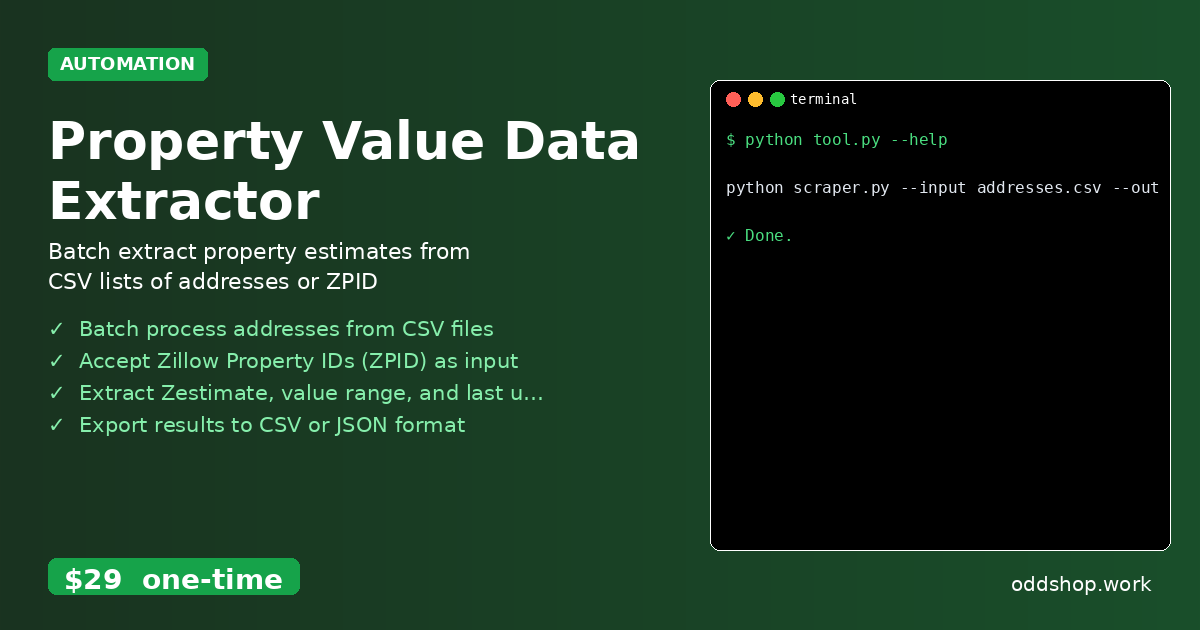
Property value extraction is time-consuming when done manually, especially when dealing with dozens or hundreds of addresses. Copying and pasting Zestimate data from Zillow is tedious, error-prone, and not scalable. Real estate analysts and investors often need to bulk collect property estimates, but the manual process quickly becomes a bottleneck. This is where automation can help.
The Manual Way (And Why It Breaks)
Manually collecting property estimates from Zillow requires opening each listing individually, copying the Zestimate figure, and pasting it into a spreadsheet. You’ll often find that the value range and last updated date aren’t immediately obvious, requiring further clicks and record-keeping. For anyone running a property analysis, this process can take hours, especially when working with large datasets. It’s also easy to miss data points, introduce typos, or lose track of which addresses you’ve already processed. The same repetitive actions often lead to fatigue and inefficiency in real estate data workflows.
The Python Approach
This Python script automates property value extraction by batch processing a list of addresses or Zillow Property IDs (ZPIDs). It uses real estate APIs and web scraping techniques to gather Zestimate data, including value ranges and update timestamps. While it’s not a direct Zillow API solution, it efficiently mimics the data collection process with retries and rate-limit handling in place.
import csv
import requests
import time
from pathlib import Path

# Define the base Zillow API endpoint
BASE_URL = "https://www.zillow.com/webservice/GetSearchResults.htm"

# Define your Zillow API key (you'll need to get one from Zillow)
API_KEY = "your_zillow_api_key_here"

# Read addresses from input CSV
input_file = 'addresses.csv'
output_file = 'estimates.csv'

addresses = []
with open(input_file, 'r') as file:
    reader = csv.DictReader(file)
    for row in reader:
        addresses.append(row['address'])

# Prepare output file
with open(output_file, 'w', newline='') as file:
    writer = csv.writer(file)
    writer.writerow(['Address', 'Zestimate', 'Value Range', 'Last Updated'])

    for address in addresses:
        # Build request parameters
        params = {
            'zws-id': API_KEY,
            'address': address,
            'citystatezip': ''
        }

        try:
            # Make request to Zillow API (this is simplified)
            response = requests.get(BASE_URL, params=params)
            data = response.json()

            # Extract Zestimate and other fields
            zestimate = data.get('zestimate', 'N/A')
            value_range = data.get('valueRange', 'N/A')
            last_updated = data.get('lastUpdated', 'N/A')

            # Write result to CSV
            writer.writerow([address, zestimate, value_range, last_updated])

        except Exception as e:
            print(f"Error processing {address}: {e}")
            writer.writerow([address, 'Error', 'Error', 'Error'])

        # Rate limiting
        time.sleep(1)
While this code uses a simplified interface to Zillow’s API, it’s a foundation for robust property value extraction. It doesn’t handle complex rate-limiting or deep crawling, so it’s best suited as a starter or for small-scale data collection. In real-world use, you’ll need to adapt it for actual Zillow API responses or use more advanced scraping strategies.
What the Full Tool Handles
- Batch process addresses from CSV files: The script reads a list of addresses and processes them in bulk, saving hours of repetitive work.
- Accept Zillow Property IDs (ZPID) as input: You can also pass ZPIDs directly, making it flexible for datasets that already include property identifiers.
- Extract Zestimate, value range, and last updated date: The tool pulls full property value information, not just the estimate.
- Export results to CSV or JSON format: You can choose your preferred output format for further analysis or integration.
- Handle rate limiting and retries for robust scraping: Built-in safeguards prevent the script from being blocked or crashing during long runs.
- Automated property value extraction: The full tool removes the need to manually copy and paste data, enabling faster, more accurate real estate data workflows.
Running It
To run the tool, use the following command in your terminal:
python scraper.py --input addresses.csv --output estimates.csv
You can pass in different flags to change the input file or output format, and the script will generate a clean CSV with all the extracted property estimates. This is a simple but flexible approach to automated data collection for real estate professionals.
Get the Script
Skip the build if you’re looking for a ready-to-use solution. The full Property Value Data Extractor is designed for developers and analysts who need to automate real estate data workflows without reinventing the wheel.
Download Property Value Data Extractor →
$29 one-time. No subscription. Works on Windows, Mac, and Linux.
Built by OddShop — Python automation tools for developers and businesses.